Siemens SL45i - User Manual
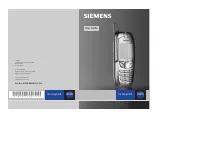
Siemens SL45i Smartphone – User Manual, read for free online in PDF format. We hope this helps you resolve any issues you may have. If you have further questions, please contact us through the contact form.
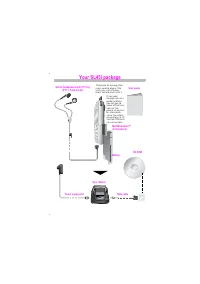
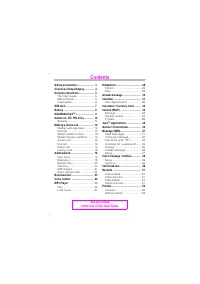
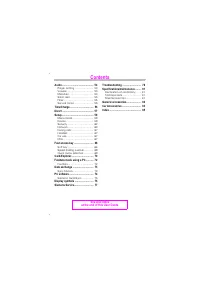
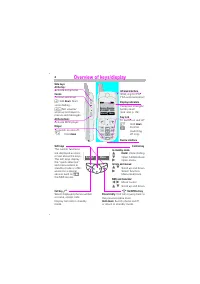
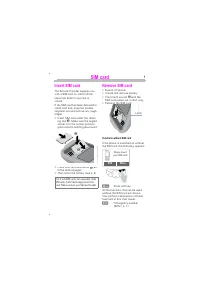
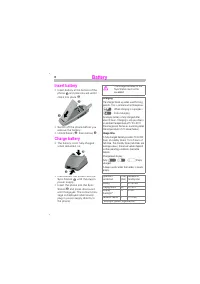
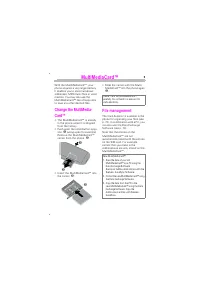
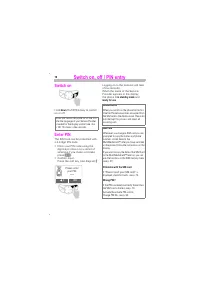
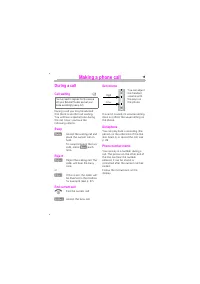
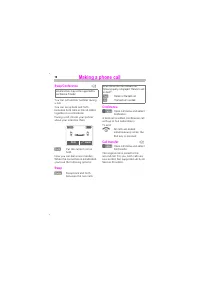

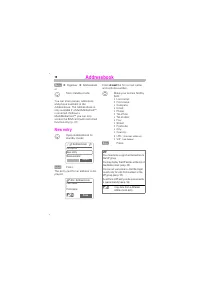
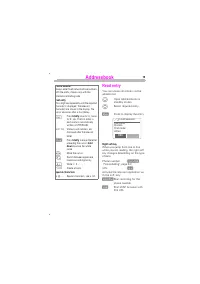
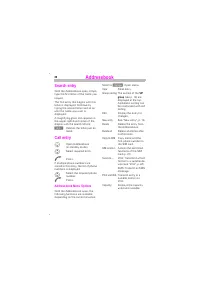
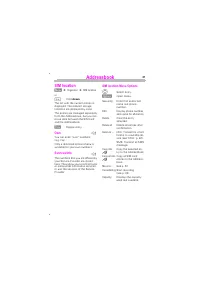
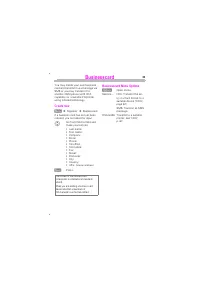
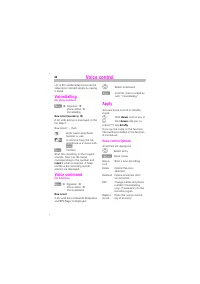
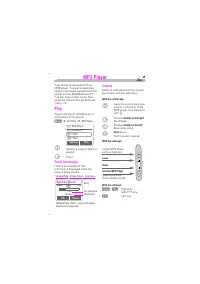
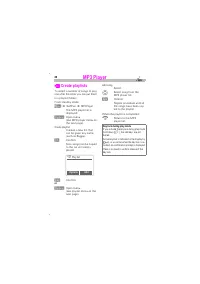
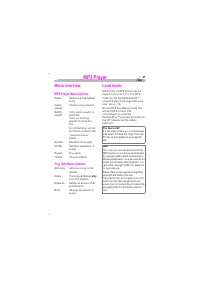
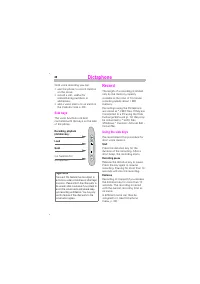
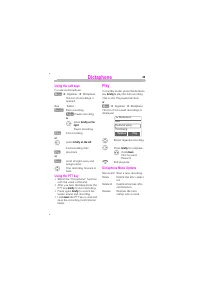
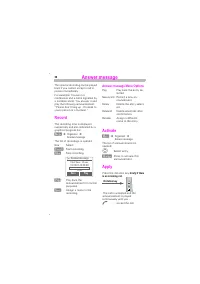
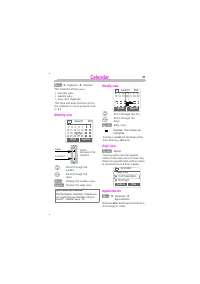
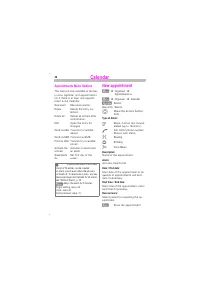
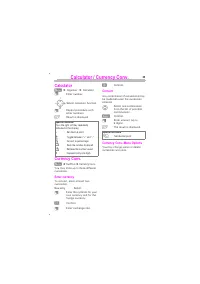
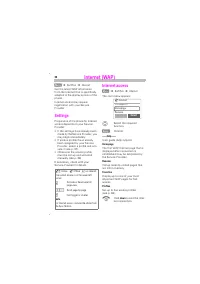
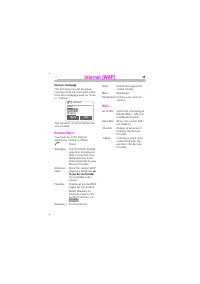
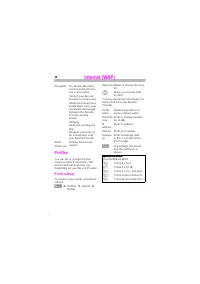
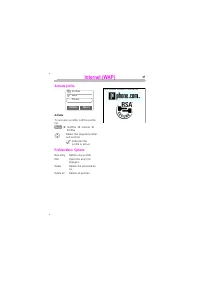
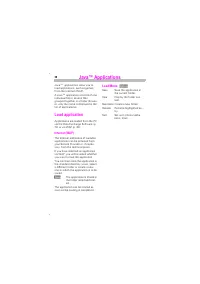
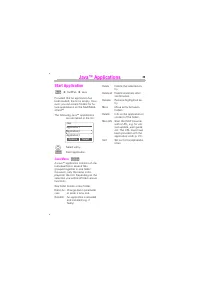
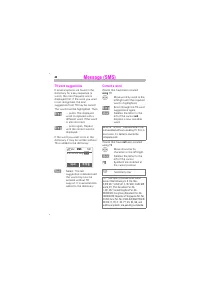
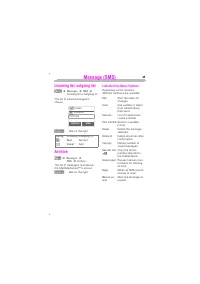
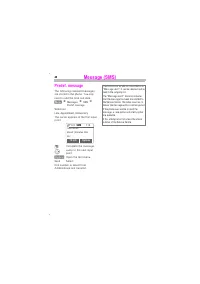
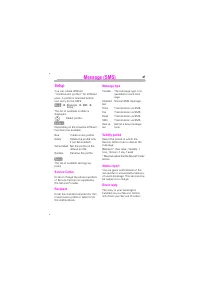
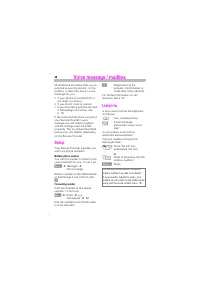

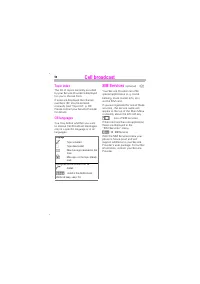
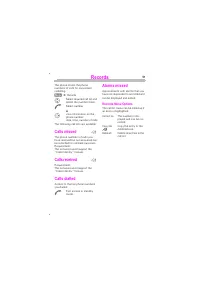
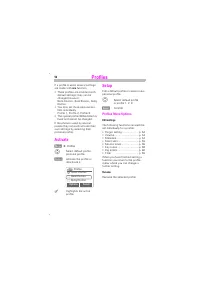
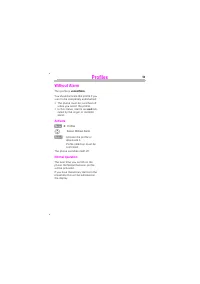
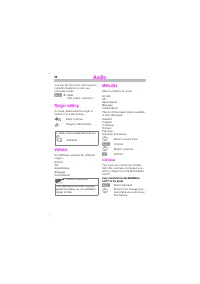
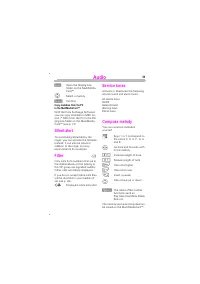
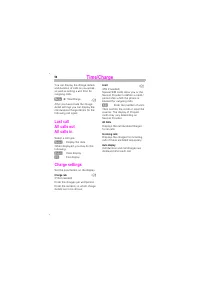
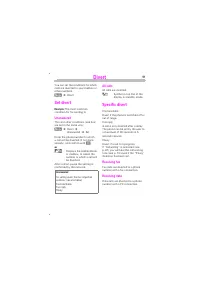
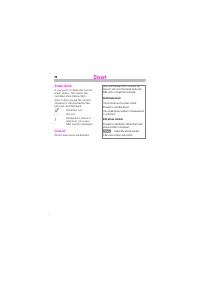
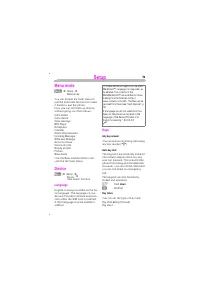
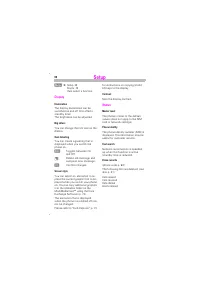
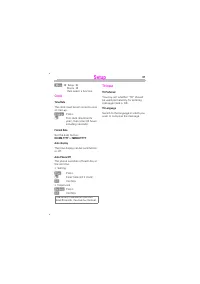
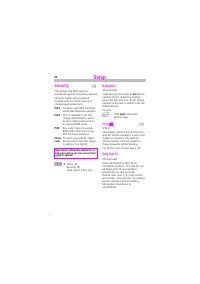
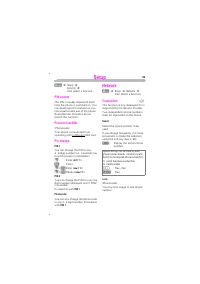
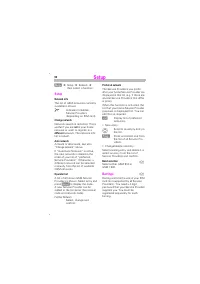
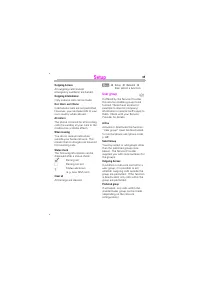
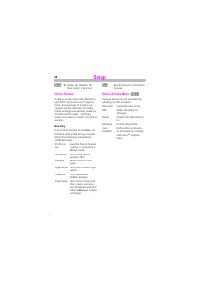

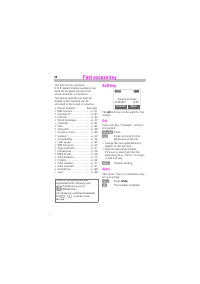
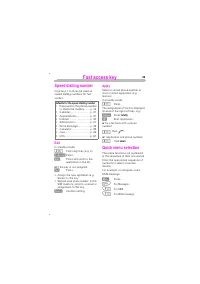
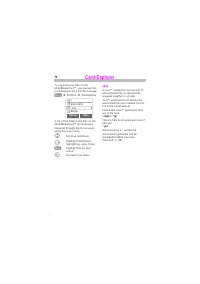
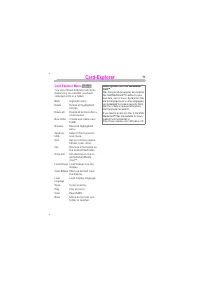
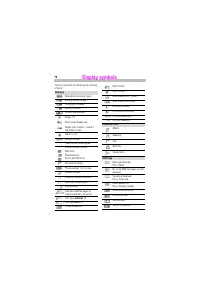
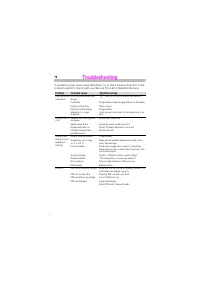
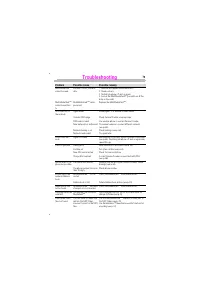

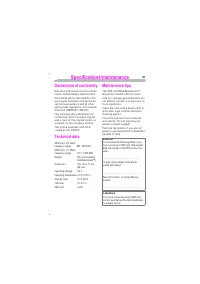
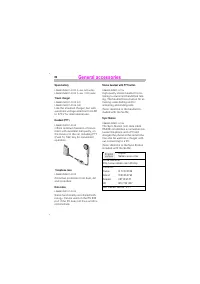
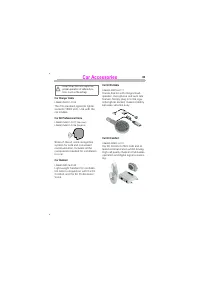

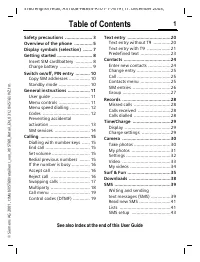
Table of Contents:
- Page 6 – Hold
- Page 23 – down; You can enter
- Page 39 – Your Internet browser is licensed by:
- Page 40 – Java; applications allow you to; application consists of one; Load Menu
- Page 45 – Γ ∆ Θ Λ Ξ
- Page 55 – not
- Page 59 – or; All calls are diverted.
- Page 60 – All set diversions are deleted.
- Page 68 – no; input or data
- Page 70 – to access a new
- Page 73 – Load display language.
- Page 76 – ignored; Service Provider logo.
- Page 79 – Original Siemens accessories
- Page 83 – Volt
- Page 88 – DTMF tones
- Page 90 – Voice
Issued by
Information and Communication mobile
Haidenauplatz 1
D-81667 München
© Siemens AG, 20 01.
All rights reserved. Subject to availability.
Rights of modification reserved.
Siemens Aktiengesellschaft
http: //www.my-siemens.com
Ref.-No.: A310 08-H4860-A1-1-7619
User Guide
s
be inspired
be inspired
SL45i
SL45i
*A5B00025601496*
"Loading the manual" means you need to wait until the file loads and becomes available for online reading. Some manuals are very large, and the time they take to appear depends on your internet speed.
Was this manual helpful?
About this manual
- Brand
- Siemens
- Model
- SL45i
- Document type
- User Manual
- Category
- Smartphone
- Language(s)
- English
- Pages
- 90
- File size
- 1.1 MB
- Format
Summary
$% % (IrDA, e.g. for PC/PDA communication) Reception strength/battery level (see also p. 76). & To switch on and off: Hold . Confirm (switching off only). '% () Activate dictaphone. (context-sensitive) Hold : Start voice dialling. :Set volume/ scroll up and down in menus and messages. (*) Activa...
+( &' Î Î $! or Hold down The list with the current entries is displayed. The relevant storage locations are displayed by icons. The entries are managed separately from the Addressbook, but you can move data between the SIM card and the Addressbook. # Display entry. ! You can enter “ own “ numbe...
-.&$/ # (' To activate a profile, call the profile list. Î %-0 Î $ Î % Select the required profile and confirm. Indicates the profile is active. &) 1 Define new profile. + Open the entry for changes. Delete the selected en-try. Delete all profiles. % 4 ' Your Internet browser is licensed by:
Ask a question
Related manuals
Popular Siemens Smartphones
More Siemens Smartphones models
 Siemens CX75 User Manual
 Siemens M50 User Manual
 Siemens M75 User Manual
 Siemens ME75 User Manual
 Siemens S55 User Manual
 Siemens S75 User Manual
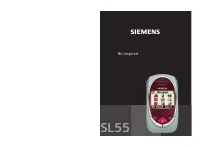 Siemens SL55 User Manual
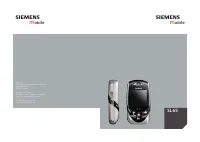 Siemens SL65 User Manual
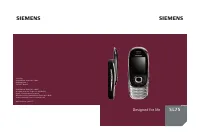 Siemens SL75 User Manual
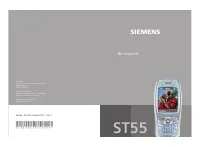 Siemens ST55 User Manual
 Siemens ST60 User Manual
 Siemens SX1 User Manual
 Siemens U15 User Manual
 Siemens Xelibri 1 User Manual
 Siemens Xelibri 2 User Manual
 Siemens Xelibri 3 User Manual
 Siemens Xelibri 4 User Manual
 Siemens Xelibri 5 User Manual