Page 2 - Contents; See also Index at the end of this User Guide
Contents 1 See also Index at the end of this User Guide Safety precautions ..................... 3Overview of the phone .............. 5Display symbols (selection) ....... 7Getting started ........................... 8 Insert SIM card/battery ............. 8Charge battery ......................... 9...
Page 4 - Safety precautions
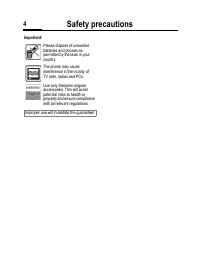
Safety precautions 3 ty cautions Information for parents Please read the operating instructions and safety precautions carefully before use. Explain the content and the hazards associated with using the phone to your children. Remember to comply with legal requirements and local restrictions when us...
Page 6 - Overview of the phone
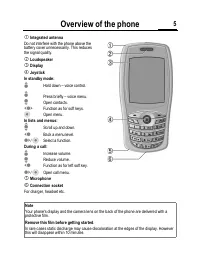
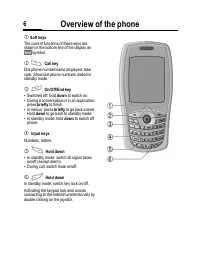
Overview of the phone 5 erview of phone | Integrated antenna Do not interfere with the phone above the battery cover unnecessarily. This reduces the signal quality. ~ Loudspeaker ¡ Display ¢ Joystick In standby mode: G Hold down – voice control. G Press briefly – voice menu. H Open contacts. F Funct...
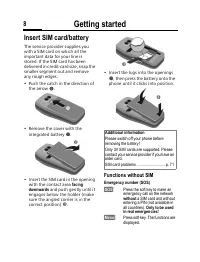
Page 9 - Getting started; Insert SIM card/battery; Functions without SIM
Getting started 8 ing ted Insert SIM card/battery The service provider supplies you with a SIM card on which all the important data for your line is stored. If the SIM card has been delivered in credit-card size, snap the smaller segment out and remove any rough edges.• Push the catch in the directi...
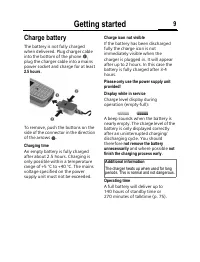
Page 10 - Charge battery
Getting started 9 Charge battery The battery is not fully charged when delivered. Plug charger cable into the bottom of the phone ‹ , plug the charger cable into a mains power socket and charge for at least 2.5 hours . To remove, push the buttons on the side of the connector in the direction of the ...
Page 11 - Enter PIN; Signal strength; Standby mode
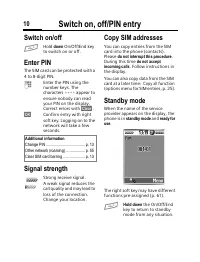
Switch on, off/PIN entry 10 ch on, f/PIN entry Switch on/off A Hold down On/Off/End key to switch on or off. Enter PIN The SIM card can be protected with a 4 to 8-digit PIN. J Enter the PIN using the number keys. The characters **** appear to ensure nobody can read your PIN on the display. Correct e...
Page 12 - General instructions; User guide; D F E
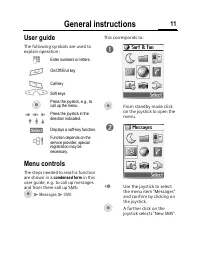
General instructions 11 neral ructions User guide The following symbols are used to explain operation: Menu controls The steps needed to reach a function are shown in a condensed form in this user guide, e.g. to call up messages and from there call up SMS: C M Messages M SMS This corresponds to: C F...
Page 13 - Menu speed dialling; Codes; PIN control
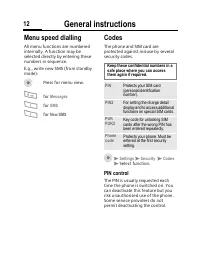
General instructions 12 Menu speed dialling All menu functions are numbered internally. A function may be selected directly by entering these numbers in sequence.E.g., write new SMS (from standby mode): C Press for menu view. 4 for Messages 1 for SMS 1 for New SMS Codes The phone and SIM card are pr...
Page 14 - Change PIN2; Clear SIM card barring
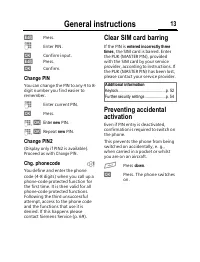
General instructions 13 §Edit§ Press. J Enter PIN. §OK§ Confirm input. §Edit§ Press. §OK§ Confirm. Change PIN You can change the PIN to any 4 to 8-digit number you find easier to remember. J Enter current PIN. §OK§ Press. J , §OK§ Enter new PIN. J , §OK§ Repeat new PIN. Change PIN2 (Display only if ...
Page 15 - SIM services
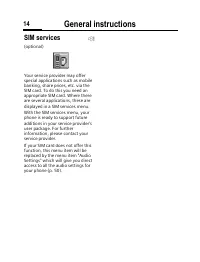
General instructions 14 SIM services (optional) Your service provider may offer special applications such as mobile banking, share prices, etc. via the SIM card. To do this you need an appropriate SIM card. Where there are several applications, these are displayed in a SIM services menu. With the SI...
Page 16 - Calling; End call
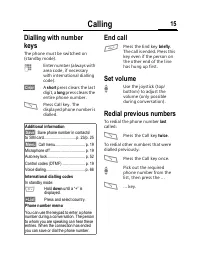
Calling 15 ling Dialling with number keys The phone must be switched on (standby mode). J Enter number (always with area code, if necessary with international dialling code). §Clear§ A short press clears the last digit, a long press clears the entire phone number. B Press Call key. The displayed pho...
Page 17 - If the number is busy; Auto redial; Reminder; Accept call; Reject call
Calling 16 If the number is busy If the called number is busy or cannot be reached because of network problems several options are available (depending on the service provider). An incoming call or any other use of the phone interrupts these functions. Either Auto redial §Auto§ Press. The phone numb...
Page 18 - Swapping calls; Establish a second connection; End current call; Incoming calls during a call
Calling 17 Swapping calls Establish a second connection You can call another number during a call. §Hold§ The current call is put on hold. J Now dial the new phone number. B Press. The number is dialled. (Swap) Swap back and forth between the calls. End current call A End the current call. §Return§ ...
Page 19 - Multiparty; Multiparty menu; End
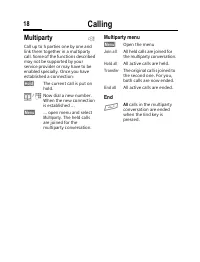
Calling 18 Multiparty Call up to 5 parties one by one and link them together in a multiparty call. Some of the functions described may not be supported by your service provider or may have to be enabled specially. Once you have established a connection: §Hold§ The current call is put on hold. / J No...
Page 20 - Call menu
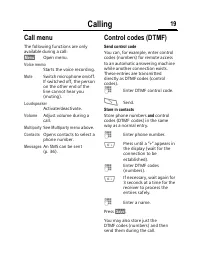
Calling 19 Call menu The following functions are only available during a call: §Menu§ Open menu. Voice memo Starts the voice recording. Mute Switch microphone on/off. If switched off, the person on the other end of the line cannot hear you (muting). Loudspeaker Activate/deactivate. Volume Adjust vol...
Page 21 - Text entry; Text entry without T9; Correct a word; Special characters
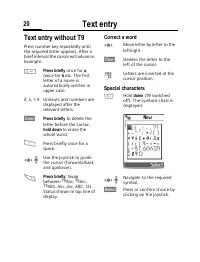
Text entry 20 ext entry Text entry without T9 Press number key repeatedly until the required letter appears. After a brief interval the cursor will advance. Example: 2 Press briefly once for a , twice for b etc. The first letter of a name is automatically written in upper case. Ä, ä , 1–9 Umlauts an...
Page 22 - Text entry with T9; T9 menu; Briefly activate, deactivate T9
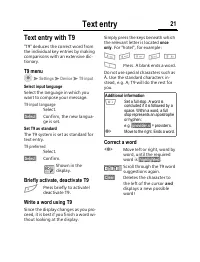
Text entry 21 Text entry with T9 "T9" deduces the correct word from the individual key entries by making comparisons with an extensive dic-tionary. T9 menu C M Settings M Device M T9 input Select input language Select the language in which you want to compose your message. T9 input language ...
Page 23 - T9 word suggestions; Predefined text; Write text modules; Use text modules
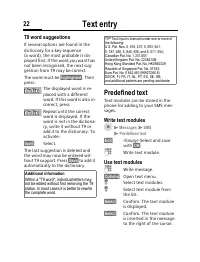
Text entry 22 T9 word suggestions If several options are found in the dictionary for a key sequence (a word), the most probable is dis-played first. If the word you want has not been recognised, the next sug-gestion from T9 may be correct.The word must be §highlighted§ . Then press: The displayed wo...
Page 24 - Create new entry
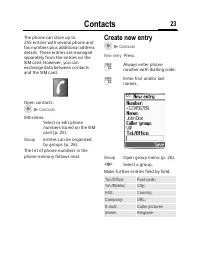
Contacts 23 ontacts The phone can store up to 255 entries with several phone and fax numbers plus additional address details. These entries are managed separately from the entries on the SIM card. However, you can exchange data between contacts and the SIM card. Open contacts: C M Contacts SIM entri...
Page 25 - Change entry; Call; Contacts menu
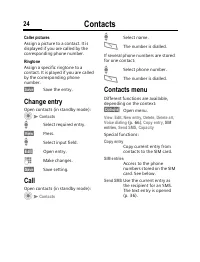
Contacts 24 Caller pictures Assign a picture to a contact. It is displayed if you are called by the corresponding phone number. Ringtone Assign a specific ringtone to a contact. It is played if you are called by the corresponding phone number. )Save) Save the entry. Change entry Open contacts (in st...
Page 26 - SIM entries; SIM card options
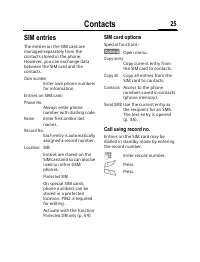
Contacts 25 SIM entries The entries on the SIM card are managed separately from the contacts stored in the phone. However, you can exchange data between the SIM card and the contacts. Own number Enter own phone numbers for information. Entries on SIM card: Phone No. Always enter phone number with di...
Page 27 - Group; Display groups; Add group member; Group options
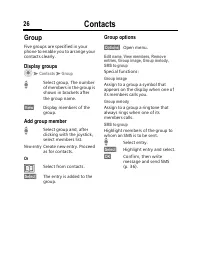
Contacts 26 Group Five groups are specified in your phone to enable you to arrange your contacts clearly. Display groups C M Contacts M Group I Select group. The number of members in the group is shown in brackets after the group name. §View§ Display members of the group. Add group member I Select g...
Page 28 - Records; Missed calls; Calls dialled; Records menu
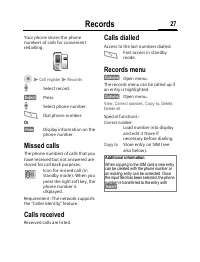
Records 27 ecords Your phone stores the phone numbers of calls for convenient redialling. C M Call register M Records I Select record. §Select§ Press. I Select phone number. B Dial phone number. Or (View) Display information on the phone number. Missed calls The phone numbers of calls that you have ...
Page 29 - Display; Charge settings; Currency; Auto display
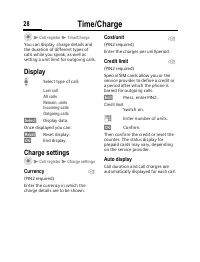
Time/Charge 28 me/Charge C M Call register M Time/Charge You can display charge details and the duration of different types of calls while you speak, as well as setting a unit limit for outgoing calls. Display I Select type of call: Last callAll callsRemain. unitsIncoming callsOutgoing calls §Select...
Page 30 - Take photos
Camera 29 mera Use the integrated digital camera to take photos and send them via the M ultimedia M essaging S ervice or as an attachment to an e-mail. The photos are stored in JPEG format in the phone and can be displayed using most picture viewing programs. Take photos First the camera must be act...
Page 31 - My photos; My photos options
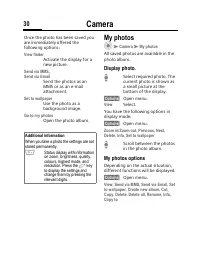
Camera 30 Once the photo has been saved you are immediately offered the following options: View finder Activate the display for a new picture. Send via MMS , Send via Email Send the photos as an MMS or as an e-mail attachment. Set to wallpaper Use the photo as a background image. Go to my photos Ope...
Page 32 - Resolution; Special effects; Nightshot
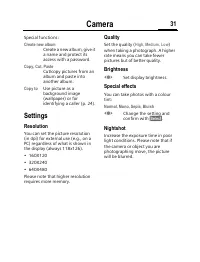
Camera 31 Special functions: Create new album Create a new album, give it a name and protect its access with a password. Copy, Cut, Paste Cut/copy pictures from an album and paste into another album. Copy to Use picture as a background image (wallpaper) or for identifying a caller (p. 24). Settings ...
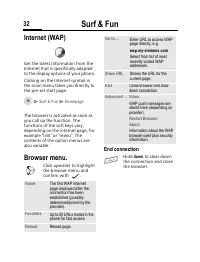
Page 33 - End connection
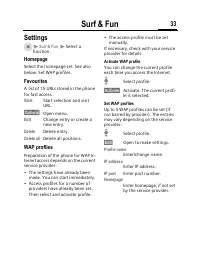
Surf & Fun 32 & Fun Internet (WAP) Get the latest information from the Internet that is specifically adapted to the display options of your phone. Clicking on the Internet symbol in the main menu takes you directly to the pre-set start page. C M Surf & Fun M Homepage The browser is activ...
Page 35 - WAP Push Setting
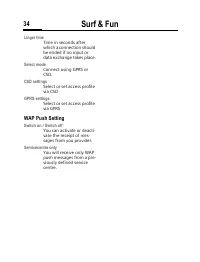
Surf & Fun 34 Linger time Time in seconds after which a connection should be ended if no input or data exchange takes place. Select mode Connect using GPRS or CSD. CSD settings Select or set access profile via CSD GPRS settings Select or set access profile via GPRS WAP Push Setting Switch on / S...
Page 36 - Downloads; Download more
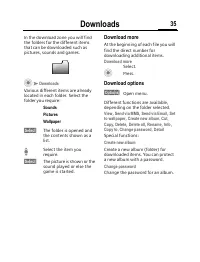
Downloads 35 nloads In the download zone you will find the folders for the different items that can be downloaded such as pictures, sounds and games. C M Downloads Various different items are already located in each folder. Select the folder you require: Sounds Pictures Wallpaper §Select§ The folder...
Page 38 - Text menu
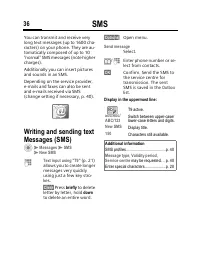
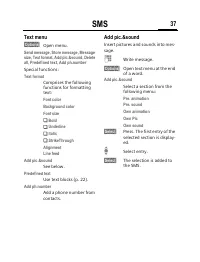
SMS 37 Text menu §Options) Open menu. Send message, Store message, Message size, Text format, Add pic.&sound, Delete all, Predefined text, Add ph.number Special functions: Text format Comprises the following functions for formatting text: Font color Background color Font size ̌ Bold ̌ Underline ...
Page 39 - Read new SMS; Inbox
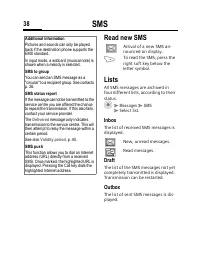
SMS 38 Read new SMS Arrival of a new SMS an-nounced on display. > To read the SMS, press the right soft key below the letter symbol. Lists All SMS messages are archived in four different lists, according to their status. C M Messages M SMS M Select list. Inbox The list of received SMS messages is...
Page 40 - SMS archive; Read options
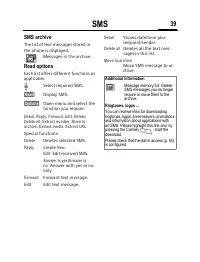
SMS 39 SMS archive The list of text messages stored in the phone is displayed. Messages in the archive. Read options Each list offers different functions as applicable. I Select required SMS. (Read) Display SMS. (Options) Open menu and select the function you require: Detail, Reply, Forward, Edit, D...
Page 41 - SMS setup; Activate the preselected profile
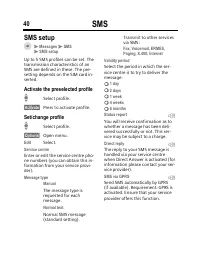
SMS 40 SMS setup C M Messages M SMS M SMS setup Up to 5 SMS profiles can be set. The transmission characteristics of an SMS are defined in these. The pre-setting depends on the SIM card in-serted. Activate the preselected profile I Select profile. §Activate§ Press to activate profile. Set/change pro...
Page 42 - MMS
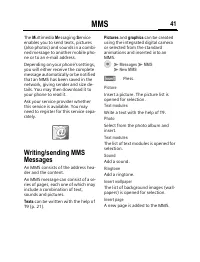
MMS 41 The M ultimedia M essaging S ervice enables you to send texts, pictures (also photos) and sounds in a combi-ned message to another mobile pho-ne or to an e-mail address. Depending on your phone's settings, you will either receive the complete message automatically or be notified that an MMS h...
Page 43 - Receive MMS; Lists
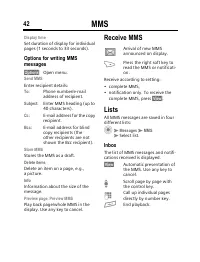
MMS 42 Display time Set duration of display for individual pages (1 seconds to 33 seconds). Options for writing MMS messages (Options) Open menu. Send MMS Enter recipient details: To: Phone number/e-mail address of recipient. Subject: Enter MMS heading (up to 40 characters). Cc: E-mail address for t...
Page 44 - Draft; MMS setup
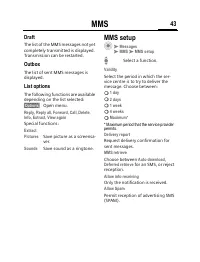
MMS 43 Draft The list of the MMS messages not yet completely transmitted is displayed. Transmission can be restarted. Outbox The list of sent MMS messages is displayed. List options The following functions are available depending on the list selected: §Options§ Open menu. Reply, Reply all, Forward, ...
Page 45 - Memory status
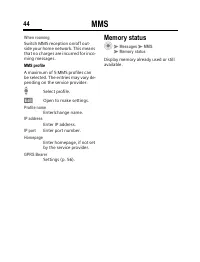
MMS 44 When roaming Switch MMS reception on/off out-side your home network. This means that no charges are incurred for inco-ming messages. MMS profile A maximum of 5 MMS profiles can be selected. The entries may vary de-pending on the service provider: I Select profile. §Edit§ Open to make settings...
Page 46 - Options; Add attachment
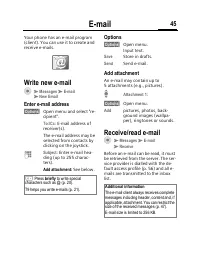
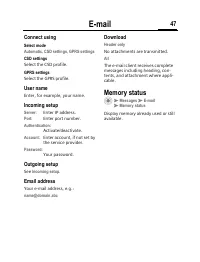
E-mail 45 ail Your phone has an e-mail program (client). You can use it to create and receive e-mails. Write new e-mail C M Messages M E-mail M New Email Enter e-mail address §Options§ Open menu and select "re-cipient". To: / Cc: E-mail address of receiver(s).The e-mail address may be select...
Page 47 - Email setup; Set profile
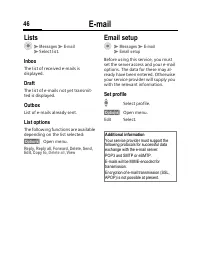
E-mail 46 Lists C M Messages M E-mail M Select list. Inbox The list of received e-mails is displayed. Draft The list of e-mails not yet transmit-ted is displayed. Outbox List of e-mails already sent. List options The following functions are available depending on the list selected: §Options§ Open me...
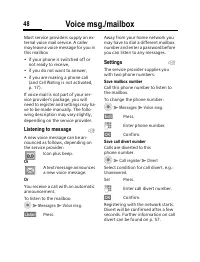
Page 49 - Listening to message
Voice msg./mailbox 48 ce msg./ ilbox Most service providers supply an ex-ternal voice mail service. A caller may leave a voice message for you in this mailbox• if your phone is switched off or not ready to receive, • if you do not want to answer,• if you are making a phone call (and Call Waiting is ...
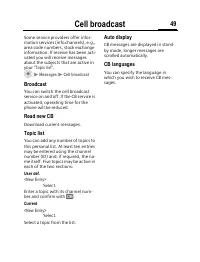
Page 50 - Cell broadcast; Broadcast; Topic list
Cell broadcast 49 dcast Some service providers offer infor-mation services (info channels), e.g., area code numbers, stock exchange information. If receive has been acti-vated you will receive messages about the subjects that are active in your " Topic list ". C M Messages M Cell broadcast B...
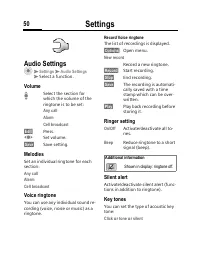
Page 51 - Audio Settings
Settings 50 ings Audio Settings C M Settings M Audio Settings M Select a function. Volume I Select the section for which the volume of the ringtone is to be set: Any call Alarm Cell broadcast §Edit§ Press. F Set volume. §Save§ Save setting. Melodies Set an individual ringtone for each section: Any c...
Page 52 - Composer; Device; Language
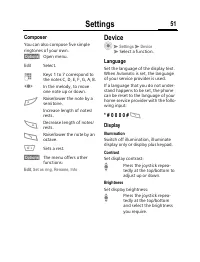
Settings 51 Composer You can also compose five simple ringtones of your own. §Options) Open menu. Edit Select. J Keys 1 to 7 correspond to the notes C, D, E, F, G, A, B. F In the melody, to move one note up or down. # Raise/lower the note by a semitone.Increase length of notes/rests. * Decrease leng...
Page 53 - Screen saver; Checking status
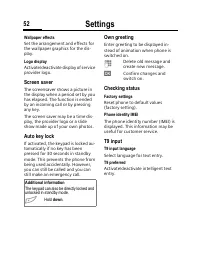
Settings 52 Wallpaper effects Set the arrangement and effects for the wallpaper graphics for the dis-play. Logo display Activate/deactivate display of service provider logo. Screen saver The screensaver shows a picture in the display when a period set by you has elapsed. The function is ended by an ...
Page 54 - During calls; Call screening; Hide ID
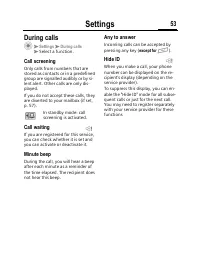
Settings 53 During calls C M Settings M During calls M Select a function. Call screening Only calls from numbers that are stored as contacts or in a predefined group are signalled audibly or by si-lent alert. Other calls are only dis-played. If you do not accept these calls, they are diverted to you...
Page 55 - Security; Network; Line
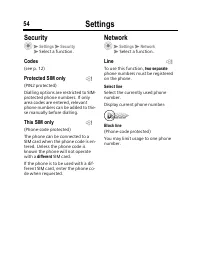
Settings 54 Security C M Settings M Security M Select a function. Codes (see p. 12) Protected SIM only (PIN2 protected)Dialling options are restricted to SIM-protected phone numbers. If only area codes are entered, relevant phone numbers can be added to the-se manually before dialling. This SIM only...
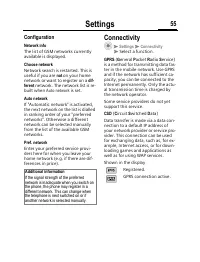
Page 56 - Configuration; Connectivity
Settings 55 Configuration Network info The list of GSM networks currently available is displayed. Choose network Network search is restarted. This is useful if you are not on your home network or want to register on a dif- ferent network. The network list is re- built when Auto network is set. Auto ...
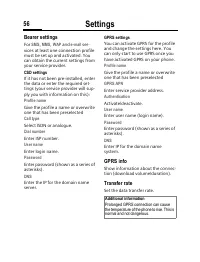
Page 57 - Bearer settings; GPRS info
Settings 56 Bearer settings For SMS , MMS , WAP and e-mail ser- vices at least one connection profile must be set up and activated. You can obtain the current settings from your service provider. CSD settings If it has not been pre-installed, enter the data or enter the required set-tings (your serv...
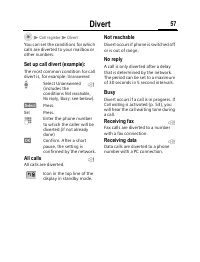
Page 58 - Divert
Divert 57 rt C M Call register M Divert You can set the conditions for which calls are diverted to your mailbox or other numbers. Set up call divert (example): The most common condition for call divert is, for example: Unanswered I Select Unanswered (includes the conditions Not reachable , No reply ...
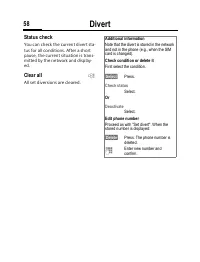
Page 59 - Status check
Divert 58 Status check You can check the current divert sta-tus for all conditions. After a short pause, the current situation is trans-mitted by the network and display-ed. Clear all All set diversions are cleared. L Additional information Note that the divert is stored in the network and not in th...
Page 60 - Barrings; All outgoing; Clear all
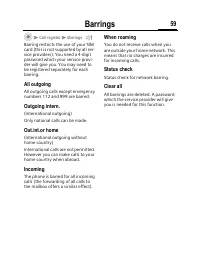
Barrings 59 ings C M Call register M Barrings Barring restricts the use of your SIM card (this is not supported by all ser-vice providers). You need a 4-digit password which your service provi-der will give you. You may need to be registered separately for each barring. All outgoing All outgoing cal...
Page 61 - Closed user group; Select group
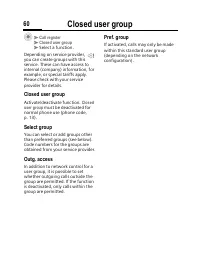
Closed user group 60 ed user p C M Call register M Closed user group M Select a function. Depending on service provider, you can create groups with this service. These can have access to internal (company) information, for example, or special tariffs apply. Please check with your service provider fo...
Page 62 - Fast access key; Left soft key; Apply; Change; Apply
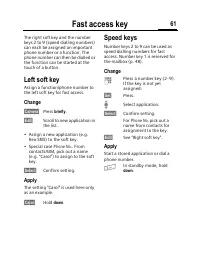
Fast access key 61 ast access The right soft key and the number keys 2 to 9 (speed dialling numbers) can each be assigned an important phone number or a function. The phone number can then be dialled or the function can be started at the touch of a button. Left soft key Assign a function/phone numbe...
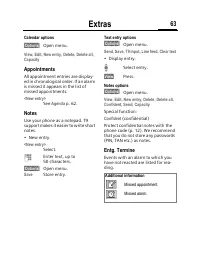
Page 63 - General; Organiser; Calendar
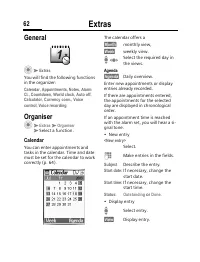
Extras 62 as General C M Extras You will find the following functions in the organizer: Calendar, Appointments, Notes, Alarm Cl., Countdown, World clock, Auto off, Calculator, Currency conv., Voice control, Voice recording Organiser C M Extras M Organiser M Select a function. Calendar You can enter ...
Page 64 - Appointments; Notes
Extras 63 Calendar options §Options) Open menu. View, Edit, New entry, Delete, Delete all, Capacity Appointments All appointment entries are display-ed in chronological order. If an alarm is missed it appears in the list of missed appointments. <New entry> See Agenda p. 62. Notes Use your phon...
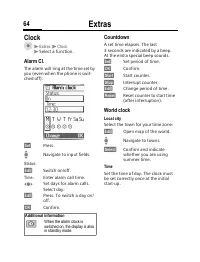
Page 65 - Clock; Countdown; World clock
Extras 64 Clock C M Extras M Clock M Select a function. Alarm Cl. The alarm will ring at the time set by you (even when the phone is swit-ched off). )Set) Press. I Navigate to input fields. Status : )Edit) Switch on/off. Time : Enter alarm call time. F Set days for alarm calls.Select day: )Edit) Pre...
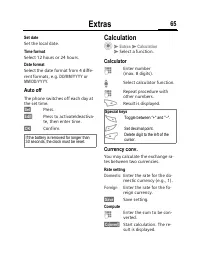
Page 66 - Auto off; Calculation; Calculator
Extras 65 Set date Set the local date. Time format Select 12 hours or 24 hours. Date format Select the date format from 4 diffe-rent formats, e.g. DD/MM/YYYY or MM/DD/YYYY . Auto off The phone switches off each day at the set time. )Set) Press. )Edit) Press to activate/deactiva-te, then enter time. ...
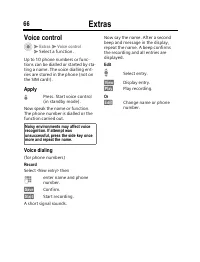
Page 67 - Voice control
Extras 66 Voice control C M Extras M Voice control M Select a function. Up to 10 phone numbers or func-tions can be dialled or started by sta-ting a name. The voice dialling ent-ries are stored in the phone (not on the SIM card!). Apply G Press. Start voice control (in standby mode). Now speak the n...
Page 68 - Voice command; Voice recording
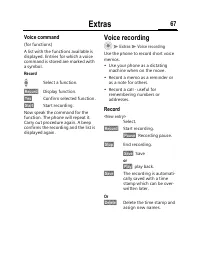
Extras 67 Voice command (for functions)A list with the functions available is displayed. Entries for which a voice command is stored are marked with a symbol. Record I Select a function. §Record§ Display function. §Yes§ Confirm selected function. §Start§ Start recording. Now speak the command for th...
Page 69 - Play back; Voice recording options
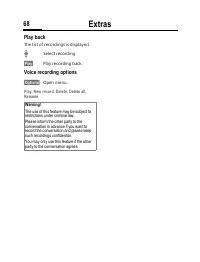
Extras 68 Play back The list of recordings is displayed. I Select recording. §Play§ Play recording back. Voice recording options §Options) Open menu. Play, New record, Delete, Delete all, Rename Warning! The use of this feature may be subject to restrictions under criminal law. Please inform the oth...
Page 70 - Customer Care
Customer Care 69 Customer Care You can also get personal advice about our range of products on our Premium Hotline: United Kingdom .................. 0906 9597500 (£0.75 per minute) Qualified Siemens employees are waiting to offer you expert information about our products and installation.In some co...
Page 75 - Care and maintenance
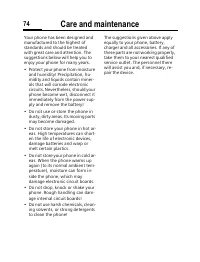
Care and maintenance 74 and tenance Your phone has been designed and manufactured to the highest of standards and should be treated with great care and attention. The suggestions below will help you to enjoy your phone for many years.• Protect your phone from moisture and humidity! Precipitation, hu...
Page 76 - Product data; Declaration of conformity
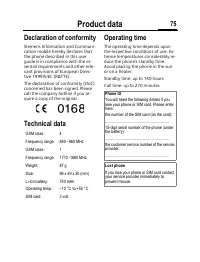
Product data 75 uct data Declaration of conformity Siemens Information and Communi-cation mobile hereby declares that the phone described in this user guide is in compliance with the es-sential requirements and other rele-vant provisions of European Direc-tive 1999/5/EC (R&TTE).The declaration o...
Page 77 - Accessories; Basics
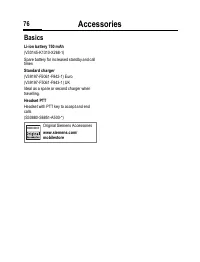
Accessories 76 essories Basics Li-ion battery 750 mAh (V30145-K1310-X268-1)Spare battery for increased standby and call times Standard charger (V39197-F5061-F842-1) Euro(V39197-F5061-F843-1) UKIdeal as a spare or second charger when travelling. Headset PTT Headset with PTT key to accept and end call...
Page 78 - Battery quality statement
Battery quality statement 77 ery lity ement The capacity of your mobile phone battery will reduce each time it is charged/emptied. Storage at too high or low temperatures will also result in a gradual capacity loss. As a result the operating time of your mobile phone may be considerably reduced, eve...
Page 85 - Index
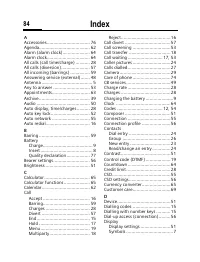
Index 84 x A Accessories ................................. 76Agenda....................................... 62Alarm (alarm clock)..................... 64Alarm clock................................. 64All calls (call time/charge) ........... 28All calls (diversion)...................... 57All incoming...



 Siemens S55 User Manual
 Siemens S75 User Manual
 Siemens SL45i User Manual
 Siemens SL55 User Manual
 Siemens SL65 User Manual
 Siemens SL75 User Manual
 Siemens ST60 User Manual
 Siemens SX1 User Manual
 Siemens U15 User Manual
 Siemens Xelibri 1 User Manual
 Siemens Xelibri 2 User Manual
 Siemens Xelibri 3 User Manual
 Siemens Xelibri 4 User Manual
 Siemens Xelibri 5 User Manual
 Siemens Xelibri 6 User Manual
 Siemens Xelibri 7 User Manual
 Siemens Xelibri 8 User Manual
 Siemens A57 User Manual