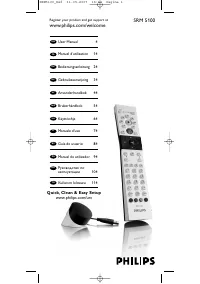
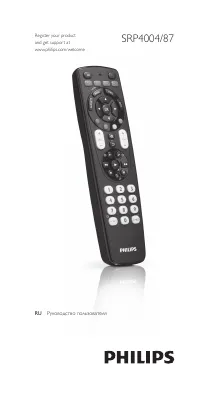
Philips SRU5110 - Manual

Philips SRU5110 Remote Control – Manual, read for free online in PDF format. We hope this helps you resolve any issues you may have. If you have further questions, please contact us through the contact form.


Table of Contents:
- Page 2 – Table of contents; Getting started
- Page 3 – Setting up the universal remote control
- Page 4 – Buttons and functions
- Page 5 – Service and support; Frequently asked questions
- Page 6 – Helpline
SRU5110/86
EN
User Manual
Register your product
and get suppor t at
www.philips.com/welcome
"Loading the manual" means you need to wait until the file loads and becomes available for online reading. Some manuals are very large, and the time they take to appear depends on your internet speed.
Other Manuals for Philips SRU5110
Summary
2 3 EN Table of contents 1 Your SRU5110 ...................................................................... 32 Getting started ................................................................. 3-6 2.1 Inser ting the batteries ............................................................... 3 2.2 S...
4 EN 5 EN 2.2 Setting up the universal remote control This is only necessar y if your TV does not respond to the SRU5110. If that is the case, the SRU5110 does not recognize the brand and/or model of your TV and you need to program the remote control to do so. 1 Switch ON the TV manually or use the ...
6 EN 7 EN After initial setup 1 Make sure the TV is switched on. 2 Keep buttons and SRU 5110 pressed simultaneously for 5 seconds . • The green Setup light lights up. The remote control is now in setup mode. 3 Press and hold the button that does not function and immediately release it when the TV re...