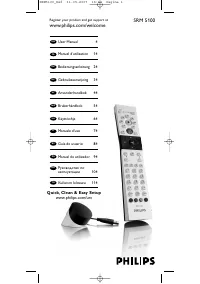
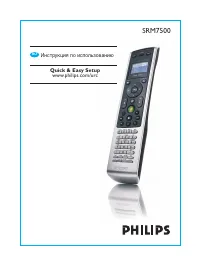
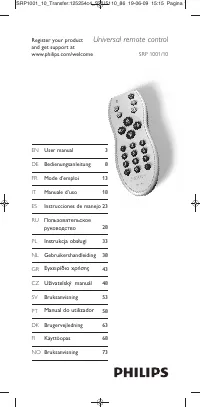
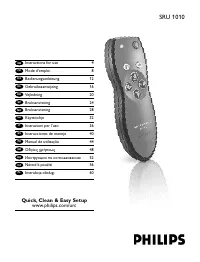
Philips SRP4004 - Manual

Philips SRP4004 Remote Control – Manual, read for free online in PDF format. We hope this helps you resolve any issues you may have. If you have further questions, please contact us through the contact form.


Table of Contents:
- Page 3 – Table of contents; Simple Setup
- Page 4 – Getting started; Note; Testing the universal remote; Example: testing the universal remote control; Setting up the universal remote; Device name
- Page 8 – Using the universal; Keys and functions; Notes
- Page 10 – Resetting a key to its original; pressed
- Page 11 – GUIDE
- Page 12 – Service and support; Frequently asked questions; Operation
- Page 15 – Helpline
- Page 17 – California Audio Labs
- Page 18 – General Instrument
- Page 21 – Media Center PC
- Page 23 – Philips Magnavox
- Page 26 – White Westinghouse
SRP4004/27
EN
User Manual
3
ES
Instrucciones de manejo
15
FR
Mode d’emploi
29
Register your product
and get suppor t at
www.philips.com/welcome
SRP4004_27__Manual_80_210.indd 1
25-09-09 13:19
"Loading the manual" means you need to wait until the file loads and becomes available for online reading. Some manuals are very large, and the time they take to appear depends on your internet speed.
Summary
3 EN Table of contents 1 Your SRP4004 ................................................. 3 2 Getting started ........................................... 4-9 2.1 Inser ting the batteries ....................................4 2.2 Testing the universal remote control .......................................
4 EN 2 Getting started 2.1 Inserting the batteries• Inser t 2 AAA type batteries, noting the + and - configuration in the batter y compar tment. Note When replacing the batteries, all user settings will be retained in the remote control memor y for an unlimited period of time. 2.2 Testing the univer...
8 EN 2.3.2 Improving keys When correctly set up, the remote control should be able to operate all your devices. However, when using the remote control for the first time it might occur that some keys do not yet function as expected. In this case you can have the remote control search for alternative...