Edifier K800 - User Manual

A user manual for the Edifier USB K800 headset outlines its core functionality, emphasizing how to use it as a USB audio device. The guide covers basic operation–such as powering on/off via USB connection, controlling volume, and managing microphone mute status–using built-in LED indicators (red for muted mic, blue for power state). Maintenance instructions highlight essential care practices, including protecting against humidity, extreme temperatures, physical damage, and chemical exposure to preserve both performance and appearance.

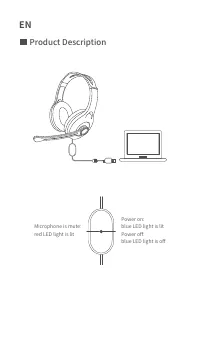
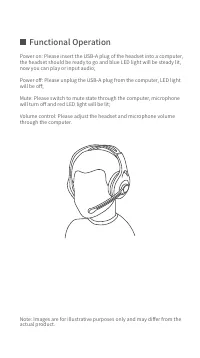


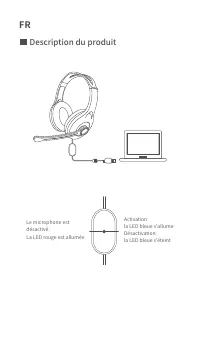
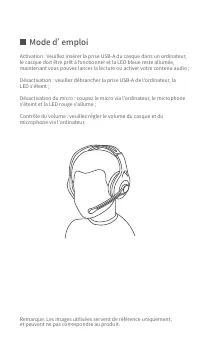

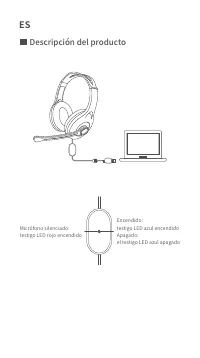
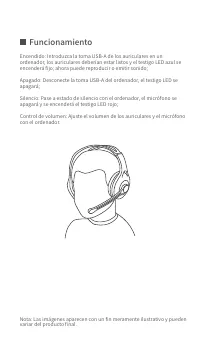

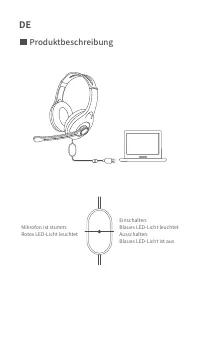
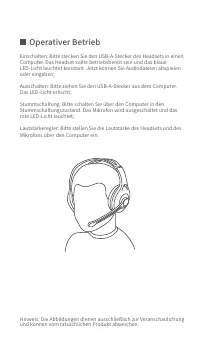
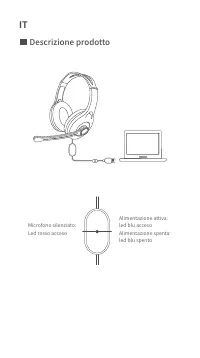
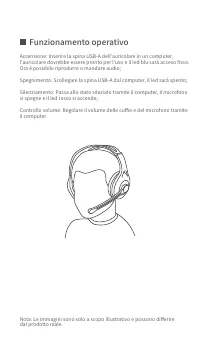

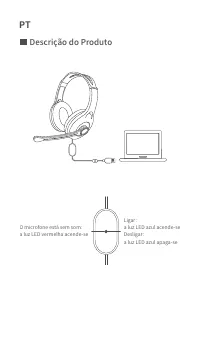
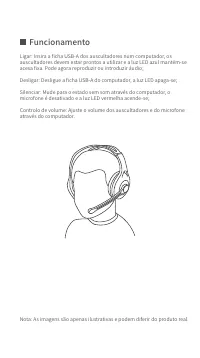

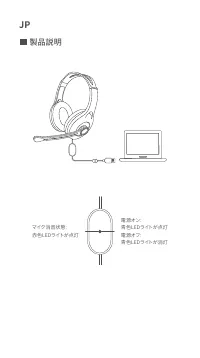
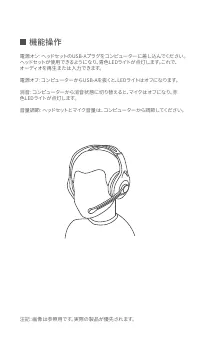
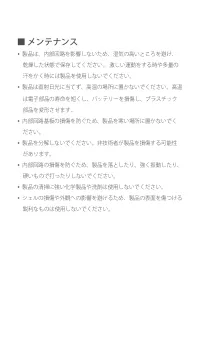

Table of Contents:
- Page 1 – Product Identification
- Page 2 – Headset Product Diagram and Status Indicators
- Page 3 – Basic Headset Operation
- Page 4 – Product Maintenance Precautions
- Page 5 – Copyright and Legal Information
- Page 6 – Microphone and Power Status Indicators
- Page 7 – USB Headset Usage Guide
- Page 8 – Damage Prevention Guidelines
- Page 9 – Copyright and Technical Disclaimer
- Page 10 – Headset Appearance and Status Indicators
- Page 11 – Advanced Headset Control
- Page 12 – Cleaning and Handling Instructions
- Page 13 – Copyright and Reference Information
- Page 14 – LED Indicator Explanation
- Page 15 – Operational Functions and Controls
- Page 16 – Component Protection Instructions
- Page 17 – Copyright and Technical Disclaimer
- Page 18 – USB Connection Status Indicators
- Page 19 – Full Operational Procedures
- Page 20 – Environmental and Physical Protection
- Page 21 – Copyright and Technical Disclaimer
- Page 22 – Headset Status Indicators
- Page 23 – Detailed Headset Operation Guide
- Page 24 – Comprehensive Damage Prevention
- Page 25 – Copyright and Contact Information
- Page 26 – Product Description in Japanese
- Page 27 – USB Headset Functionality
- Page 28 – Storage and Usage Guidelines
- Page 29 – Copyright and System Update Notice
USB K800
USB Computer Headset
"Loading the manual" means you need to wait until the file loads and becomes available for online reading. Some manuals are very large, and the time they take to appear depends on your internet speed.
Was this manual helpful?
About this manual
- Brand
- Edifier
- Model
- K800
- Document type
- User Manual
- Category
- Headphones
- Language(s)
- German, English, Spanish, French, Italian
- Pages
- 29
- File size
- 861.3 KB
- Format
Summary
Display of the brand logo and product name for the USB K800 headset.
Diagram showing the headset connection to a laptop and explanations of microphone mute and power status indicated by LED lights.
Instructions for powering on/off, muting the microphone, and adjusting volume using the computer, including a reference diagram.
Ask a question
Related manuals
More Edifier Headphones models
 Edifier G2II User Manual
 Edifier G4 TE User Manual
 Edifier G33 User Manual
 Edifier GM5 User Manual
 Edifier GT4 S User Manual
 Edifier P180 User Manual
 Edifier P180 Plus User Manual
 Edifier P205 User Manual
 Edifier Stax Spirit S3 User Manual
 Edifier TWS6 User Manual
 Edifier TWS NB2 User Manual
 Edifier W600BT User Manual
 Edifier W820NB User Manual
 Edifier W820NB Plus User Manual
 Edifier X3 User Manual
 Edifier X3s User Manual
 Edifier X5 User Manual
 Edifier X6 User Manual