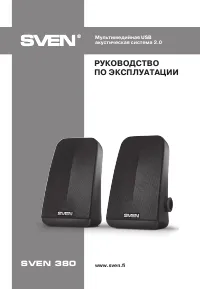
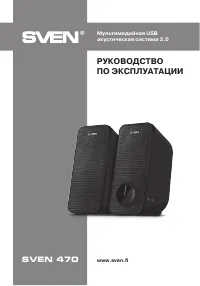
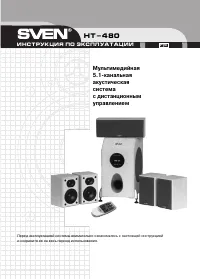
Sven 450 - User Manual

A user manual for the SVEN 450 USB 2.0 gaming speaker system with Bluetooth covers its core functionality as a wireless audio device designed for immersive gaming experiences. The guide highlights key features like front-panel controls–including volume adjustment, AUX/Bluetooth mode switching, and RGB backlight customization–to help users configure the system easily. It also addresses setup requirements, such as connecting via USB power or 3.5mm cables to PCs/mobile devices while ensuring proper placement for optimal sound quality. Technical details like specifications (power output, frequency response) and troubleshooting common issues–such as connectivity failures or audio distortions–are included to support maintenance and reliability.
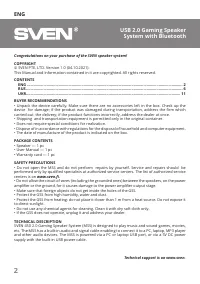
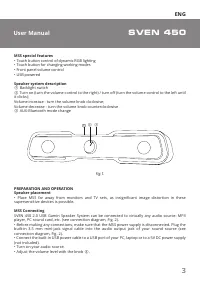
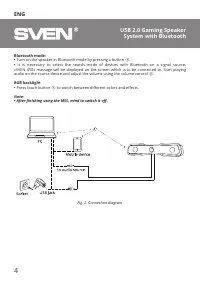
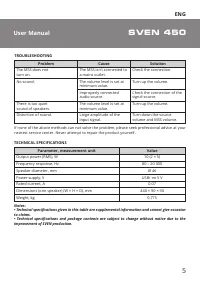

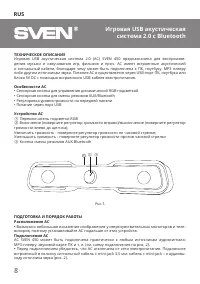
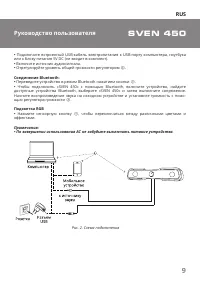
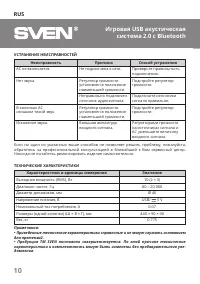
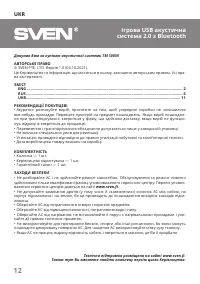

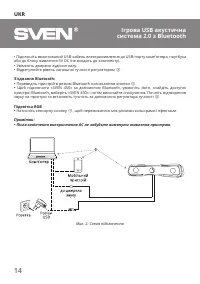
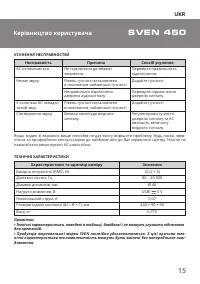

Table of Contents:
- Page 2 – Product Identification and Support Information
- Page 3 – Introduction, Contents, and Safety Precautions
- Page 4 – Feature Operation and Connection Guide
- Page 5 – Troubleshooting and Technical Specifications
- Page 6 – Product Identification Cover
- Page 7 – Multilingual Introduction and Safety Information
- Page 8 – System Features and Physical Controls
- Page 9 – Power Setup and Connectivity
- Page 10 – Troubleshooting and Specifications Disclaimer
- Page 11 – User Manual Cover
- Page 12 – Multilingual Introduction and Safety Information
- Page 13 – Setup and Physical Connection Details
- Page 14 – Connection Methods Overview
- Page 15 – Troubleshooting and Detailed Specifications
- Page 16 – Warranty and Certification Information
www.sven.fi
USB 2.0 Gaming Speaker
System with Bluetooth
SVEN 450
USER MANUAL
"Loading the manual" means you need to wait until the file loads and becomes available for online reading. Some manuals are very large, and the time they take to appear depends on your internet speed.
Was this manual helpful?
About this manual
- Brand
- Sven
- Model
- 450
- Document type
- User Manual
- Category
- Sound System
- Language(s)
- English, Russian
- Pages
- 16
- File size
- 271.2 KB
- Format
Summary
Cover page displaying the product image, model number, brand logo, and support website details.
Introductory section including copyright, table of contents for multiple languages, package contents, safety precautions, and technical description of system features and power options.
Instructions for using Bluetooth mode and RGB backlight features, including pairing procedures, volume adjustment, and connection diagrams for USB and Bluetooth devices.