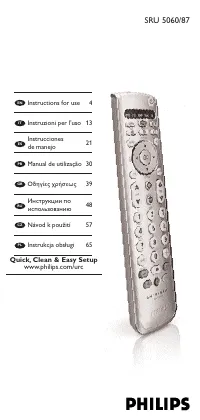
Philips SRU8008 - Manuals
Philips SRU8008 Remote Control – User Manual, Manual in PDF format online.
Manuals:
User Manual Philips SRU8008
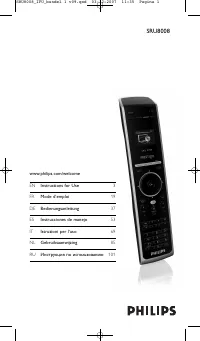
Summary
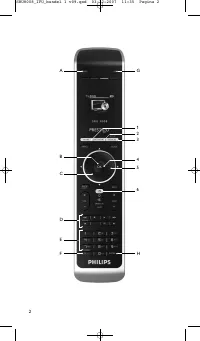
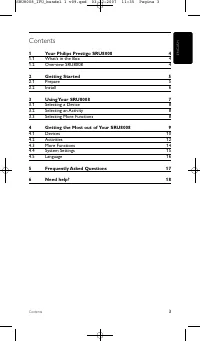
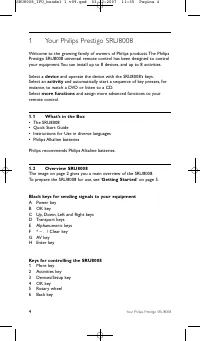
Contents 1 Your Philips Prestigo SRU8008 4 1.1 What’s in the Box 4 1.2 Overview SRU8008 4 2 Getting Started 5 2.1 Prepare 5 2.2 Install 6 3 Using Your SRU8008 7 3.1 Selecting a Device 8 3.2 Selecting an Activity 8 3.3 Selecting More Functions 8 4 Getting the Most out of Your SRU8008 9 4.1 Devices 10...
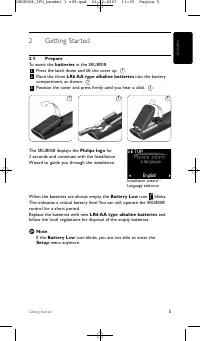
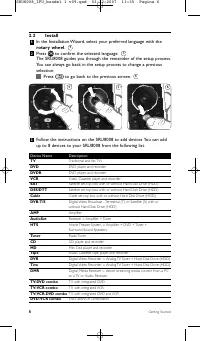
4 5 6 2.2 Install 1 In the Installation Wizard, select your preferred language with the rotary wheel . 2 Press to confirm the selected language. The SRU8008 guides you through the remainder of the setup process.You can always go back in the setup process to change a previousselection: Press to go ba...
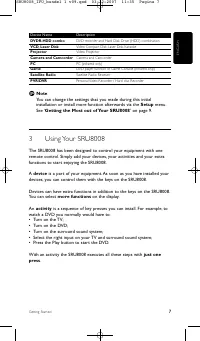
ENGLISH Device Name Description DVDR-HDD combo DVD recorder and Hard Disk Drive (HDD) combination VCD, Laser Disk Video Compact Disk, Laser Disk, Karaoke Projector Video Projector Camera and Camcorder Camera and Camcorder PC PC (infrared only) Game DVD player function of Game Console (Infrared only)...
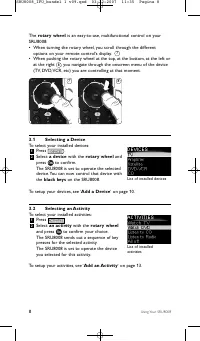
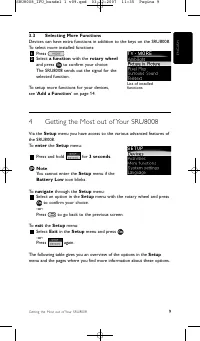
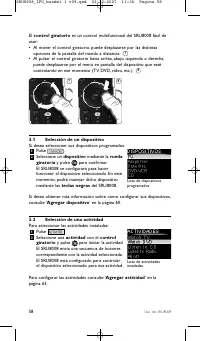
List of installed devices List of installedactivities 8 7 The rotary wheel is an easy-to-use, multifunctional control on your SRU8008: • When turning the rotary wheel, you scroll through the different options on your remote control’s display. • When pushing the rotary wheel at the top, at the bottom...
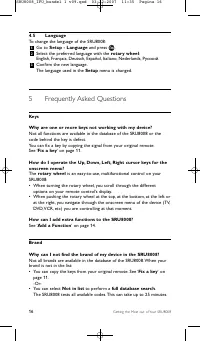
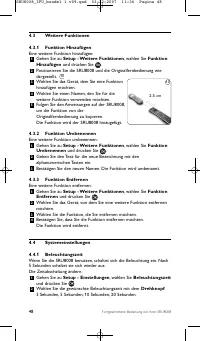
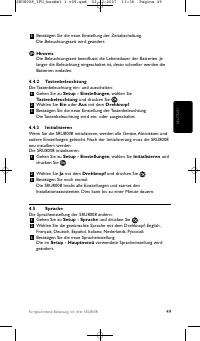
16 Getting the Most out of Your SRU8008 4.5 Language To change the language of the SRU8008: 1 Go to Setup - Language and press . 2 Select the preferred language with the rotary wheel : English, Français, Deutsch, Español, Italiano, Nederlands, Русский. 3 Confirm the new language.The language used in...
18 Need help? 6 Need help? First of all, read this Instruction for Use carefully. When you have additional questions about the usage, setup or warrantyof the SRU8008, see www.philips.com/support. For contact details, see www.philips.com/support.Make sure the SRU8008 is at hand when you call our help...
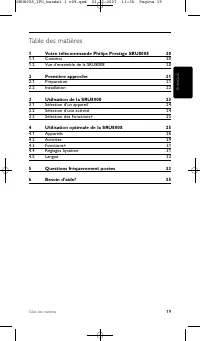
19 Table des matières FRANÇAIS Table des matières 1 Votre télécommande Philips Prestigo SRU8008 20 1.1 Contenu 20 1.2 Vue d’ensemble de la SRU8008 20 2 Première approche 21 2.1 Préparation 21 2.2 Installation 22 3 Utilisation de la SRU8008 23 3.1 Sélection d’un appareil 24 3.2 Sélection d’une activi...
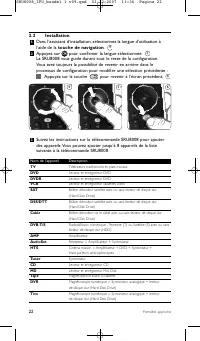
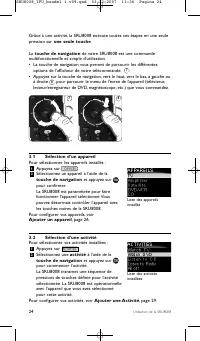
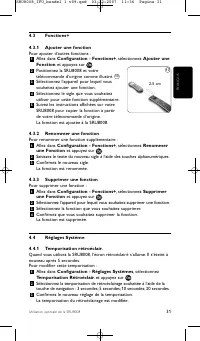
2.2 Installation 1 Dans l’assistant d’installation, sélectionnez la langue d’utilisation àl’aide de la touche de navigation . 2 Appuyez sur pour confirmer la langue sélectionnée. La SRU8008 vous guide durant tout le reste de la configuration.Vous avez toujours la possibilité de revenir en arrière da...
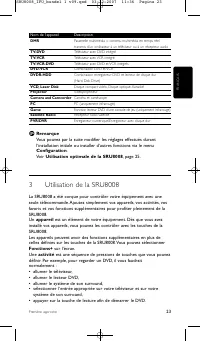
Nom de l’appareil Description DMR Passerelle multimédia = contenu multimédia en temps réel transmis d’un ordinateur à un téléviseur ou à un récepteur audio TV-DVD Téléviseur avec DVD intégré TV-VCR Téléviseur avec VCR intégré TV-VCR-DVD Téléviseur avec DVD et VCR intégrés DVD-VCR Combinaison DVD et ...
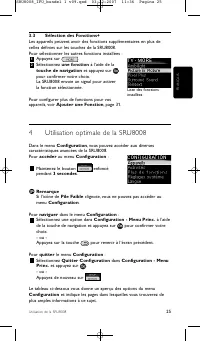
3.3 Sélection des Fonctions+ Les appareils peuvent avoir des fonctions supplémentaires en plus decelles définies sur les touches de la SRU8008.Pour sélectionner les autres fonctions installées : 1 Appuyez sur . 2 Sélectionnez une fonction à l’aide de la touche de navigation et appuyez sur pour confi...
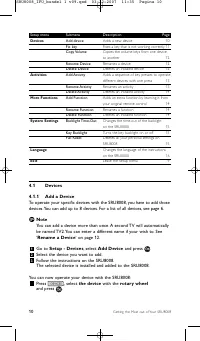
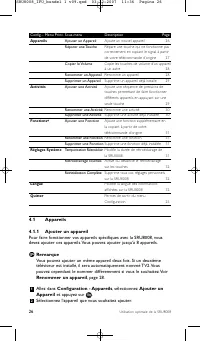
Config. - Menu Princ. Sous-menu Description Page Appareils Ajouter un Appareil Ajoute un nouvel appareil 26 Réparer une Touche Répare une touche qui ne fonctionne pas correctement en copiant le signal à par tir de votre télécommande d’origine 27 Copier le Volume Copie les touches de volume d’un appa...
Puis-je utiliser des piles rechargeables avec ma SRU8008 ? Bien sûr ! Cependant, n’oubliez pas que les piles rechargeables onttendance à se décharger plus vite que les piles alcalines. Besoin d’aide? Commencez par lire attentivement les instructions d’utilisation. Pour toute autre question concernan...
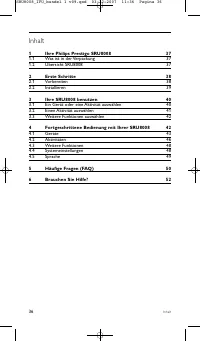
Inhalt 1 Ihre Philips Prestigo SRU8008 37 1.1 Was ist in der Verpackung 37 1.2 Übersicht SRU8008 37 2 Erste Schritte 38 2.1 Vorbereiten 38 2.2 Installieren 39 3 Ihre SRU8008 benutzen 40 3.1 Ein Gerät oder eine Aktivität auswählen 40 3.2 Einen Aktivität auswählen 41 3.3 Weitere Funktionen auswählen 4...
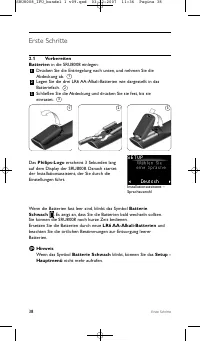
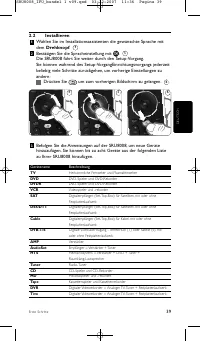
2.2 Installieren 1 Wählen Sie im Installationsassistenten die gewünschte Sprache mitdem Drehknopf . 2 Bestätigen Sie die Spracheinstellung mit . Die SRU8008 führt Sie weiter durch den Setup-Vorgang.Sie können während des Setup-VorgangEinrichtungsvorgangs jederzeitbeliebig viele Schritte zurückgehen,...
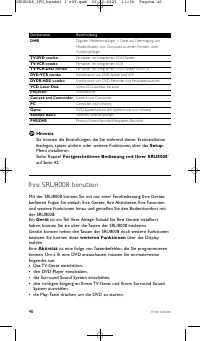
Gerätename Beschreibung DMR Digitaler Medienempfänger = Gerät zur Über tragung von Medieninhalten vom Computer zu einem Fernseh- oder Audioempfänger TV-DVD combo Fernseher mit integrier tem DVD-Spieler TV-VCR combo Fernseher mit integrier tem VCR TV-VCR-DVD combo Fernseher mit integrier tem DVD-Spie...
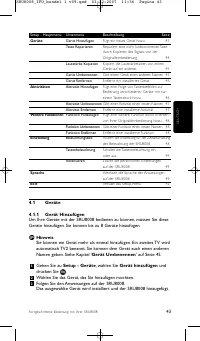
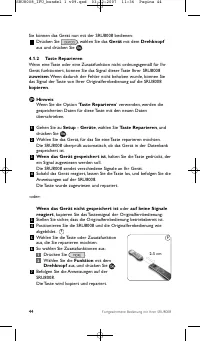
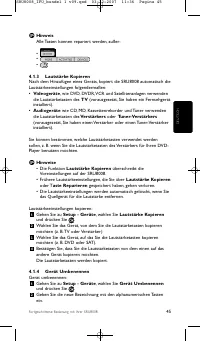
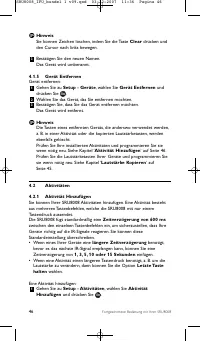
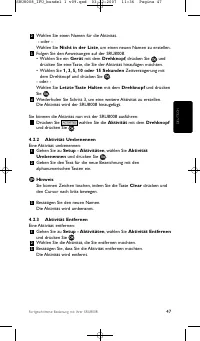
Setup - Hauptmenü Untermenü Beschreibung Seite Geräte Gerät Hinzufügen Fügt ein neues Gerät hinzu 43 Taste Reparieren Reparier t eine nicht funktionierende Taste durch Kopieren des Signals von der Originalfernbedienung 44 Lautstärke Kopieren Kopier t die Lautstärketasten von einem Gerät auf ein ande...
DEUTSCH Häufige Fragen (FAQ) 51 Aktivität Kann ich von einer Aktivität in eine andere wechseln? Nein, sobald eine Aktivität ausgewählt ist, kann diese Aktivität oder eineandere Aktivität nicht noch einmal ausgewählt werden. Sie müssen zuerstalle Geräte ausschalten, bevor Sie eine neue Aktivität aus ...
6 Brauchen Sie Hilfe? Lesen Sie bitte diese Bedienungsanleitung sorgfältig durch. Weitere Informationen zur Verwendung, Einrichtung oder Garantie IhrerSRU8008 finden Sie unter www.philips.com/support. Kontaktdetails finden Sie unter www.philips.com/support.Halten Sie die SRU8008 bereit, wenn Sie uns...
Índice 1 Acerca de su Philips Prestigo SRU8008 54 1.1 Contenido del paquete 54 1.2 Descripción general del SRU8008 54 2 Primeros pasos 55 2.1 Preparación del equipo 55 2.2 Instalación 56 3 Uso del SRU8008 57 3.1 Selección de un dispositivo 58 3.2 Selección de una actividad 58 3.3 Selección de funcio...
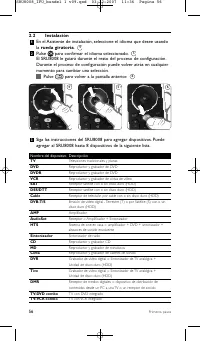
2.2 Instalación 1 En el Asistente de instalación, seleccione el idioma que desee usandola rueda giratoria . 2 Pulse para confirmar el idioma seleccionado. El SRU8008 le guiará durante el resto del proceso de configuración.Durante el proceso de configuración puede volver atrás en cualquiermomento par...
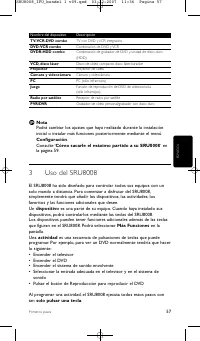
Nombre del dispositivo Descripción TV-VCR-DVD combo TV con DVD y VCR integrados DVD-VCR combo Combinación de DVD y VCR DVDR-HDD combo Combinación de grabador de DVD y unidad de disco duro (HDD) VCD, disco láser Disco de vídeo compacto, disco láser, karaoke Proyector Proyector de vídeo Cámara y video...
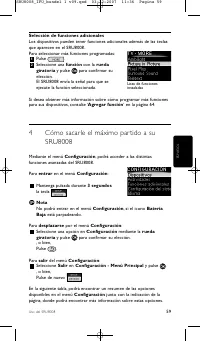
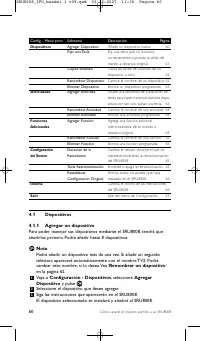
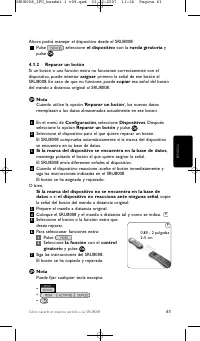
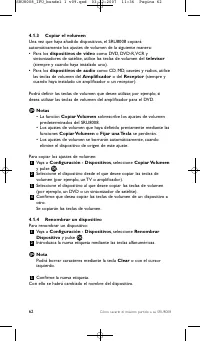
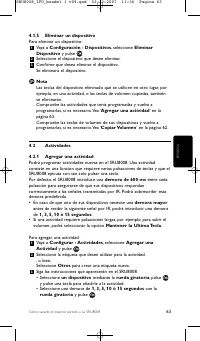
Config. - Menú princ. Submenú Descripción Página Dispositivos Agregar Dispositivo Añade un dispositivo nuevo. 60 Fijar una Tecla Fija una tecla que no funciona correctamente copiando la señal del mando a distancia original. 61 Copiar Volumen Copia las teclas de volumen de un dispositivo a otro. 62 R...
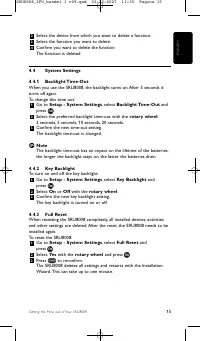
4.4.3 Restablecer configuración original Cuando restablezca completamente la configuración original delSRU8008, se borrarán los dispositivos, las actividades y cualquier otroajuste que haya realizado. Tras el restablecimiento deberá volver aprogramar el SRU8008. Para restablecer el SRU8008: 1 Vaya a...
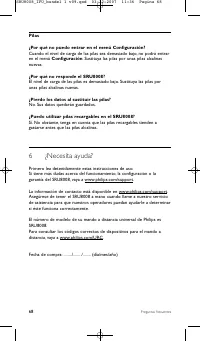
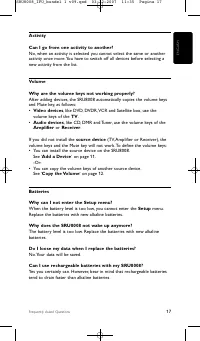
Pilas ¿Por qué no puedo entrar en el menú Configuración? Cuando el nivel de carga de las pilas sea demasiado bajo, no podrá entraren el menú Configuración . Sustituya las pilas por unas pilas alcalinas nuevas. ¿Por qué no responde el SRU8008? El nivel de carga de las pilas es demasiado bajo. Sustitu...
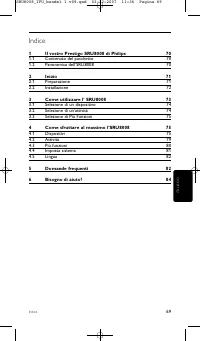
Indice Indice 1 Il vostro Prestigo SRU8008 di Philips 70 1.1 Contenuto del pacchetto 70 1.2 Panoramica dell’SRU8008 70 2 Inizio 71 2.1 Preparazione 71 2.2 Installazione 72 3 Come utilizzare l’ SRU8008 73 3.1 Selezione di un dispositivo 74 3.2 Selezione di un’attività 74 3.3 Selezione di Più Funzioni...
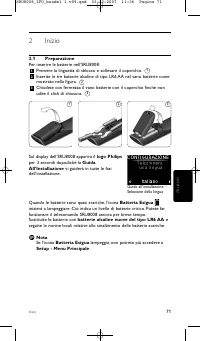
Inizio 2 Inizio 2.1 Preparazione Per inserire le batterie nell’SRU8008: 1 Premere la linguetta di sblocco e sollevare il coperchio. 2 Inserite le tre batterie alcaline di tipo LR6 AA nel vano batterie comemostrato nella figura. 3 Chiudete con fermezza il vano batterie con il coperchio finché nonudit...
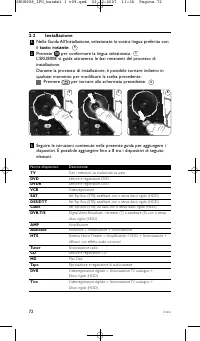
Inizio 2.2 Installazione 1 Nella Guida All’Installazione, selezionate la vostra lingua preferita conil tasto rotante . 2 Premete per confermare la lingua selezionata. L’SRU8008 vi guida attraverso le fasi rimanenti del processo diinstallazione.Durante la processo di installazione, è possibile tornar...
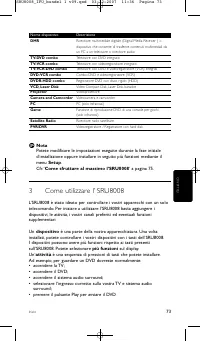
Inizio Nome dispositivo Descrizione DMR Ricevitore multimediale digitale (Digital Media Receiver ) = dispositivo che consente di trasferire contenuti multimediali da un PC a un televisore o ricevitore audio TV-DVD combo Televisore con DVD integrato TV-VCR combo Televisore con videoregistratore integ...
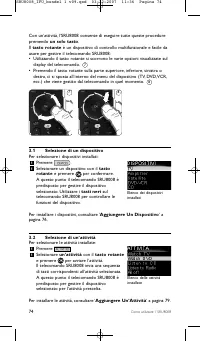
Come utilizzare l’ SRU8008 3.3 Selezione di Più Funzioni I dispositivi possono avere più funzioni rispetto ai tasti presentisull’SRU8008.Per selezionare più funzioni installate: 1 Premete . 2 Selezionate una funzione con il tasto rotante e premete per confermare la vostra scelta.L’SRU8008 invia il s...
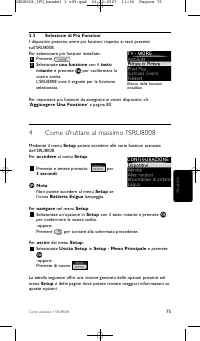
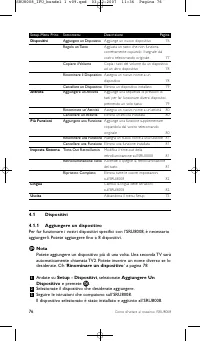
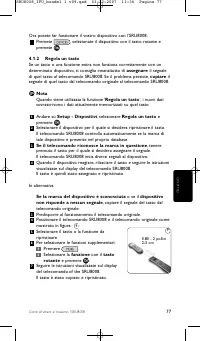
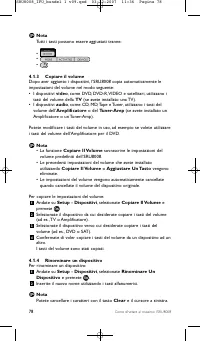
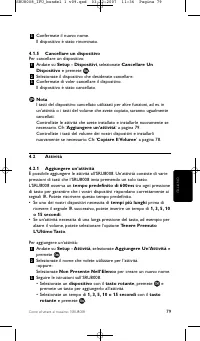
Come sfruttare al massimo l’SRU8008 Setup-Menu Princ. Sottomenu Descrizione Pagina Dispositivi Aggiungere un Dispositivo Aggiunge un nuovo dispositivo 76 Regola un Tasto Aggiusta un tasto che non funziona correttamente copiando il segnale dal vostro telecomando originale 77 Copiare il Volume Copia i...
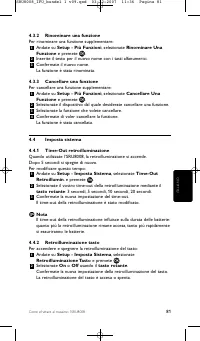
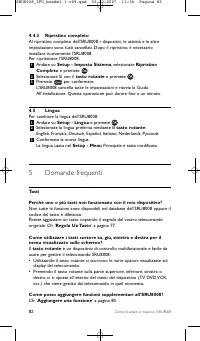
Come sfruttare al massimo l’SRU8008 4.4.3 Ripristino completo Al ripristino completo dell'SRU8008, i dispositivi, le attività e le altreimpostazioni sono tutti cancellati. Dopo il ripristino, è necessarioinstallare nuovamente l'SRU8008.Per ripristinare l’SRU8008: 1 Andate su Setup - Imposta Sistema ...
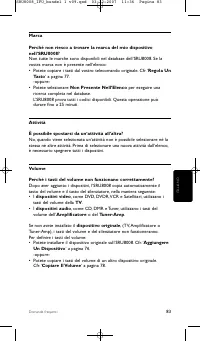
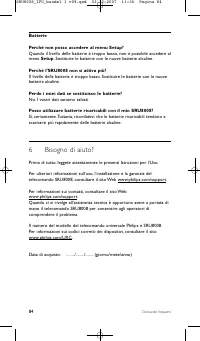
Domande frequenti Batterie Perché non posso accedere al menu Setup? Quando il livello delle batterie è troppo basso, non è possibile accedere almenu Setup . Sostituire le batterie con le nuove batterie alcaline. Perché l’SRU8008 non si attiva più? Il livello della batteria è troppo basso. Sostituire...
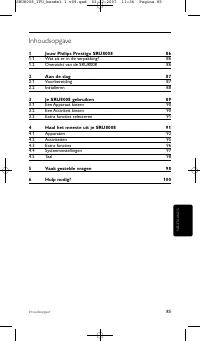
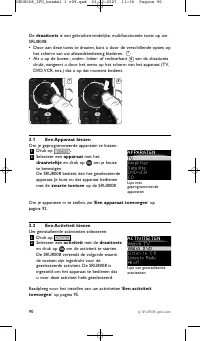
Inhoudsopgave 1 Jouw Philips Prestigo SRU8008 86 1.1 Wat zit er in de verpakking? 86 1.2 Overzicht van de SRU8008 86 2 Aan de slag 87 2.1 Voorbereiding 87 2.2 Installeren 88 3 Je SRU8008 gebruiken 89 3.1 Een Apparaat kiezen 90 3.2 Een Activiteit kiezen 90 3.3 Extra functies selecteren 91 4 Haal het ...
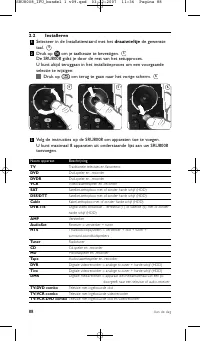
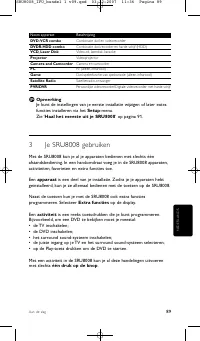
Naam apparaat Beschrijving DVD-VCR combo Combinatie dvd en videorecorder DVDR-HDD combo Combinatie dvd-recorder en harde schijf (HDD) VCD, Laser Disk Video-cd, laserdisk, karaoke Projector Videoprojector Camera and Camcorder Camera en camcorder PC Pc (alleen infrarood) Game Dvd-spelerfunctie van spe...
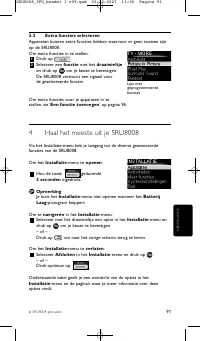
3.3 Extra functies selecteren Apparaten kunnen extra functies hebben waarvoor er geen toetsen zijnop de SRU8008.Om extra functies in te stellen: 1 Druk op . 2 Selecteer een functie met het draaiwieltje en druk op om je keuze te bevestigen. De SRU8008 verstuurt een signaal voor de geselecteerde funct...
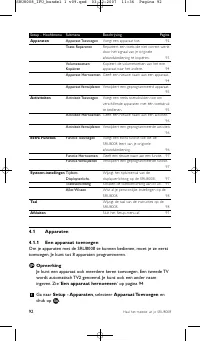
Setup - Hoofdmenu Submenu Beschrijving Pagina Apparaten Apparaat Toevoegen Voegt een apparaat toe. 92 Toets Repareren Repareer t een toets die niet correct werkt door het signaal van je originele afstandsbediening te kopiëren. 93 Volumetoetsen Kopieer t de volumetoetsen van het ene Kopiëren apparaat...
4.4.3 Alles wissen Wanneer je de optie Alles Wissen van de SRU8008 selecteert, wordenalle geprogrammeerde apparaten, activiteiten en andere instellingengewist. Nadat je alles hebt gewist, moet je de SRU8008 opnieuwprogrammeren.Om alles op de SRU8008 te wissen: 1 Ga naar Setup - Syst.-instellingen , ...
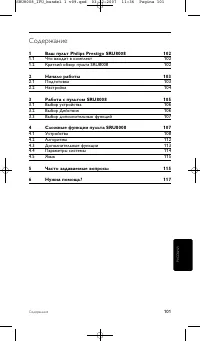
Содержание 1 Ваш пульт Philips Prestigo SRU8008 102 1.1 Что входит в комплект 102 1.2 Краткий обзор пульта SRU8008 102 2 Начало работы 103 2.1 Подготовка 103 2.2 Настройка 104 3 Работа с пультом SRU8008 105 3.1 Выбор устройства 106 3.2 Выбор Действия 106 3.3 Выбор дополнительных функций 107 4 Сложны...
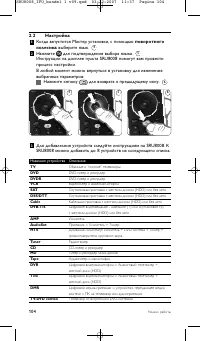
2.2 Настройка 1 Когда запустится Мастер установки, с помощью поворотного колесика выберите язык. 2 Нажмите для подтверждения выбора языка. Инструкции на дисплее пульта SRU8008 помогут вам провестипроцесс настройки.В любой момент можно вернуться в установку для изменениявыбранных параметров: Нажмите ...
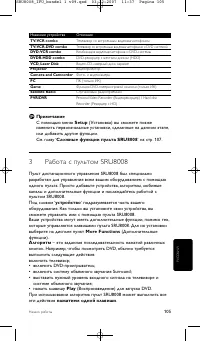
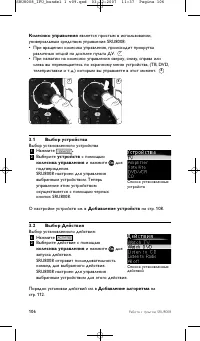
Начало работы Название устройства Описание TV-VCR combo Телевизор со встроенным видеомагнитофоном TV-VCR-DVD combo Телевизор со встроенным видеомагнитофоном и DVD системой DVD-VCR combo Комбинация видеомагнитофона и DVD-системы DVDR-HDD combo DVD-рекордер с жестким диском (HDD) VCD, Laser Disk Видео...
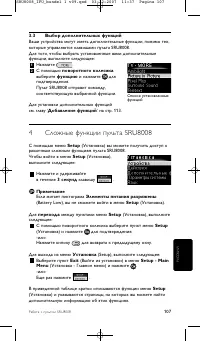
3.3 Выбор дополнительных функций Ваши устройства могут иметь дополнительные функции, помимо тех,которые управляются клавишами пульта SRU8008.Для того, чтобы выбрать установленные вами дополнительныефункции, выполните следующее: 1 Нажмите . 2 С помощью поворотного колесика выберите функцию и нажмите ...
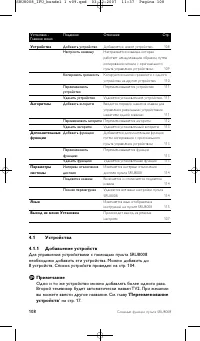
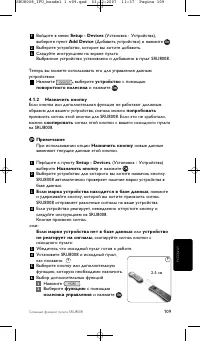
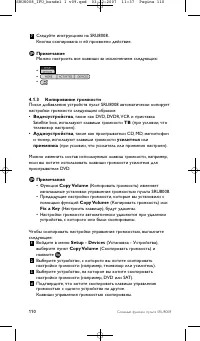
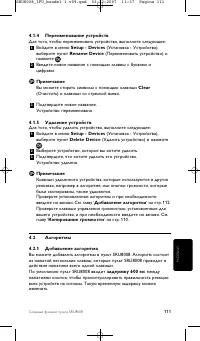
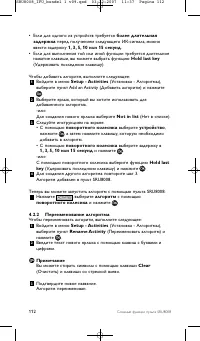
Установка - Подменю Описание Стр. Главное меню Устройства Добавить устройство Добавляется новое устройство. 108 Настроить клавишу Настраивается клавиша, которая работает ненадлежащим образом, путем копирования сигнала с оригинального пульта управления устройством. 109 Копировать громкость Копируются...
2 С помощью поворотного колесика выберите Yes (Да) и нажмите . 3 Для повторного подтверждения нажмите . Пульт SRU8008 удалит все настройки и запустит Мастерустановки. Это может занять до 1 минуты. 4.5 Язык Чтобы изменить язык меню пульта SRU8008, выполните следующее: 1 Войдите в меню Setup - Languag...
117 Часто задаваемые вопросы РУССКИЙ Элементы питания Почему я не могу войти в меню Setup (Установка)? При низком уровне заряда элементов питания зайти в меню Setup(Установка) нельзя. Замените элементы питания на новые щелочныебатареи. Почему пульт SRU8008 не работает? Слишком большая разрядка элеме...
118 Only for US - FCC Compliancy Only for US - FCC Compliancy This device complies with Part 15 of the FCC Rules. Operation is subjectto the following two conditions:• This device may not cause harmful interference.• This device must accept any interference received, including interference that may ...
119 Only for US - One Year Limited Warranty Only for US - One Year Limited Warranty Philips warrants that this product shall be free from defects in material,workmanship and assembly, under normal use, in accordance with thespecifications and warnings, for a period of one year from the date ofpurcha...
120 Only for Europe - WEEE Regulation Only for Europe - WEEE Regulation Dutch Verwijdering van uw oude product Uw product is vervaardigd van kwalitatief hoogwaardige materialen enonderdelen, welke gerecycled en opnieuw gebruikt kunnen worden. Als u op uw product een doorstreepte afvalcontainer op wi...
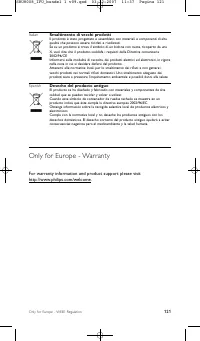
121 Italian Smaltimento di vecchi prodotti Il prodotto è stato progettato e assemblato con materiali e componenti di altaqualità che possono essere riciclati e riutilizzati. Se su un prodotto si trova il simbolo di un bidone con ruote, ricoperto da unaX, vuol dire che il prodotto soddisfa i requisit...
Manual Philips SRU8008
Philips Remote Controls Manuals
-
Philips SRM5100
User Manual
-
Philips SRM7500
Manual
-
Philips SRP1001
User Manual
-
Philips SRP2024A/27
User Manual
-
Philips SRP3004
Manual
-
Philips SRP4004
Manual
-
Philips SRU1010
User Manual
-
Philips SRU1018
User Manual
-
Philips SRU1020
User Manual
-
Philips SRU4002B (X)
User Manual
-
Philips SRU4010
User Manual
-
Philips SRU4010
Manual
-
Philips SRU5010
User Manual
-
Philips SRU5020
User Manual
-
Philips SRU5020
Manual
-
Philips SRU5030
User Manual
-
Philips SRU5060
User Manual
-
Philips SRU5060
Manual
-
Philips SRU510
User Manual
-
Philips SRU510
Manual