Kyocera User Manuals

Free user manuals for Kyocera - official PDFs you can read online page by page or download. Select your model below or use the search.
Popular Categories
Multifunction Printers
-
 Kyocera FS-1128MFP
 -
 Kyocera FS-1028MFP
 -
 Kyocera FS-1120MFP
 -
 Kyocera FS-6025MFP
 -
 Kyocera TASKalfa 3500i
 -
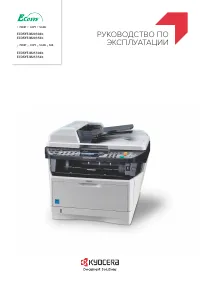 Kyocera ECOSYS M2030dn
 -
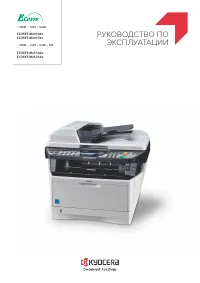 Kyocera ECOSYS M2035dn
 -
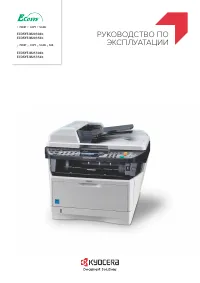 Kyocera ECOSYS M2530dn
 -
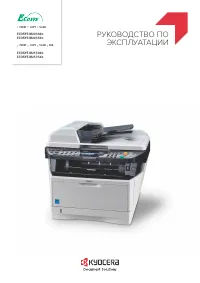 Kyocera ECOSYS M2535dn
 -
 Kyocera FS-1020MFP
 -
 Kyocera FS-3040MFP+
 -
 Kyocera FS-3540MFP
Printers
-
 Kyocera FS-9130DN
 -
 Kyocera FS-1120D
 -
 Kyocera FS-1320D
 -
 Kyocera FS-1370DN
 -
 Kyocera FS-2020D
 -
 Kyocera FS-3920DN
 -
 Kyocera FS-4020DN
 -
 Kyocera FS-4100DN
 -
 Kyocera FS-4200DN
 -
 Kyocera FS-4300DN
 -
 Kyocera FS-6970DN
 -
 Kyocera FS-9530DN
Other
-
 Kyocera FS-C5015N
 -
 Kyocera 2325
 -
 Kyocera SE47
 -
 Kyocera 1155
 -
 Kyocera 4200
 -
 Kyocera K325
 -
 Kyocera KX12
 -
 Kyocera 7100 Series
 -
 Kyocera FS-C5300DN
 -
 Kyocera KD250GX-LFB2
 -
 Kyocera S2300
 -
 Kyocera S2410
Kyocera user manuals divide between strings that say something and strings that do not: FS-C5015N and FS-1128MFP open on the same pair of letters and a hyphen, while 400 and 2325 are figures with nothing attached and SE47 is barely longer.
FS-C5015N and FS-1128MFP part at the character straight after the hyphen, one going to a letter and the other to a figure, so that character is where the search settles. The Japanese name is kept here under Printers, Multifunction Printers and a heading recorded as Other, so the same search may need to be made in more than one place. Files come as a Manual or a User Manual.
A bare number like 400 is the entry most likely to be swallowed by a longer string, which is a reason to start from the full code where one exists.