SilverStone SG13B - User Manual
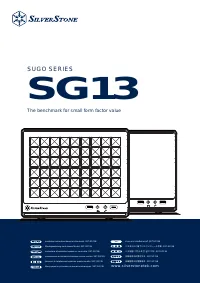
This installation manual covers the SilverStone SUGO Series SG13 small form factor computer case, detailing its assembly process from removing panels to securing components like drives, expansion cards, and cooling systems. Key topics include structural assembly steps–such as mounting motherboards, installing fans, and connecting front I/O connectors–and practical constraints like height limits for CPU coolers (up to 61mm) and graphics card lengths (270mm). The guide also addresses power supply compatibility, airflow design, and maintenance procedures, including fan filter cleaning. Multilingual support ensures clarity across global users.
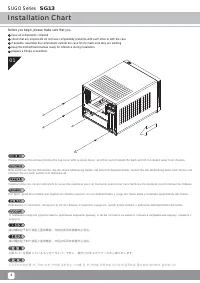
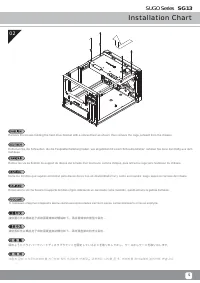
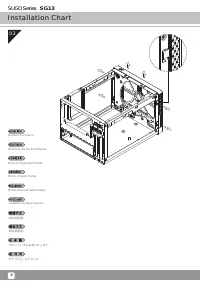
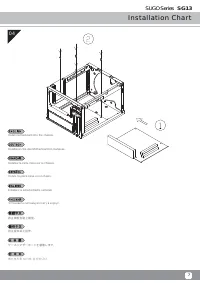
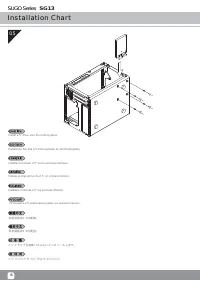
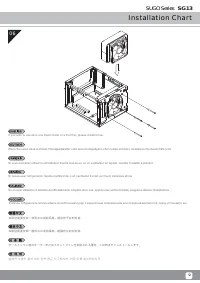
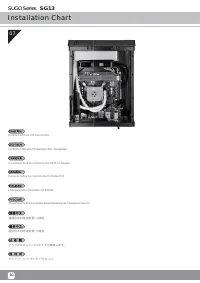
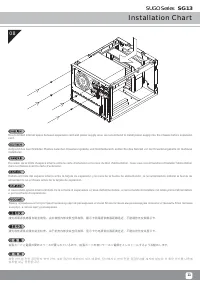
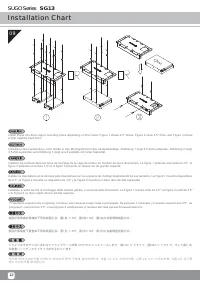
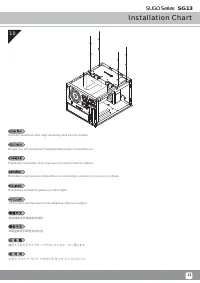
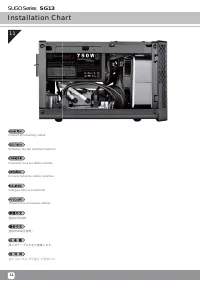
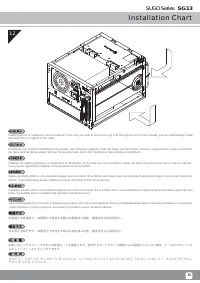
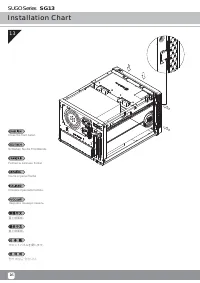
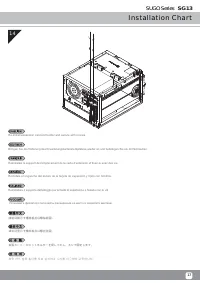
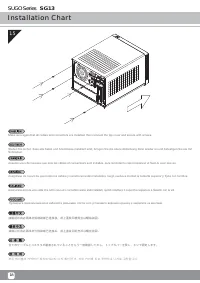
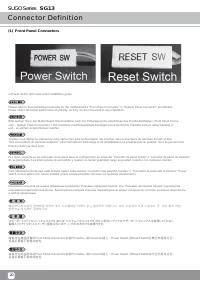
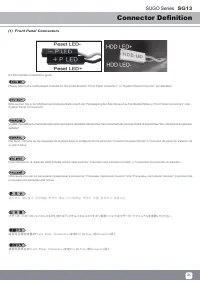
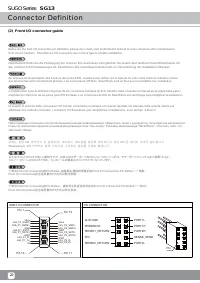
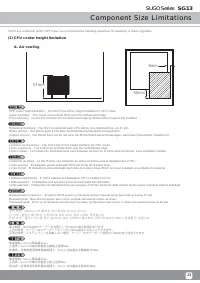
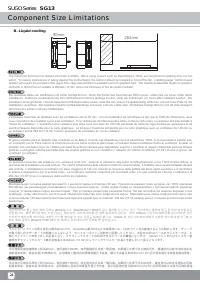

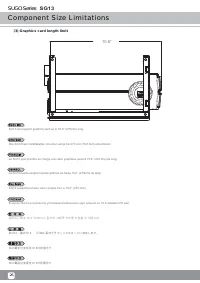
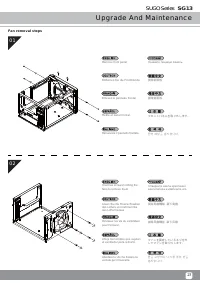
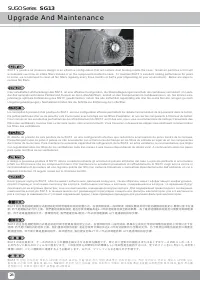
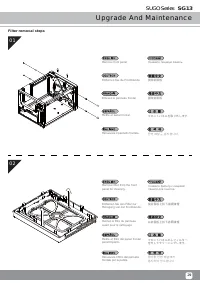

Table of Contents:
- Page 2 – Installation Guide for the SUGO Series SG13 Case
- Page 3 – Removing Drive Bracket and Cage
- Page 4 – Removing the Front Panel
- Page 5 – Motherboard Installation
- Page 6 – Installing 2.5-inch Drive
- Page 7 – Installing Cooling Components
- Page 8 – Connecting Front I/O Connectors
- Page 9 – Recommended Installation Order
- Page 10 – Mounting Hard Drives in Drive Cage
- Page 11 – Reinstalling Drive Cage Assembly
- Page 12 – Final Cable Connection
- Page 13 – Installing Graphics and Expansion Cards
- Page 14 – Closing the Front Panel
- Page 15 – Reinstalling Expansion Card Slot Holder
- Page 16 – Airflow Confirmation and Final Securing
- Page 17 – Installation Completion
- Page 18 – Front Panel Switch Definitions
- Page 19 – Front Panel LED Connector Definitions
- Page 20 – Front I/O Connector Pin Assignments
- Page 21 – CPU Cooler Height Limitations
- Page 22 – Liquid Cooling Component Size Constraints
- Page 23 – PSU Compatibility and Depth Limits
- Page 24 – Graphics Card Length Limit
- Page 25 – Removing Front Panel and Fans
- Page 26 – Maintenance and Airflow Management
- Page 27 – Cleaning Procedure Steps
- Page 28 – FAQ on Liquid Coolers and Compatibility
- Page 29 – Liquid Cooling and Accessory Compatibility Q&A
SG13
The benchmark for small form factor value
SUGO SERIES
w w w. s i l v e r s t o n e t e k . c o m
ไทย
,QVWDOODWLRQLQVWUXFWLRQVEDVHGRQWKLVPRGHO6676*%
0RQWDJHDQOHLWXQJQDFKGLHVHP0RGHOO6676*%
,QVWUXFWLRQVGLQVWDOODWLRQEDV«HVVXUFHPRGªOH6676*%
,QVWUXFFLRQHVGHLQVWDODFLµQEDVDGDVHQHVWHPRGHOR6676*%
,VWUX]LRQLGLLQVWDOOD]LRQHEDVDWHVXTXHVWRPRGHOOR6676*%
̯͔͙͚͗͑͘͝͏͖͕͚͙͇͔͕͉͔͇͕͔͕͉͙͕͓͕ͦ͑͌͌ͤ͐͋͌͒͘͘͏ 6676*%
࠻ࡪࡴࡐࡧࡐࡪ࠸ࡩ࡚ࡌࡋࡌࡨࡼ࠾ࡌࡩࡘ࡚ࡻࡐࡐࡼ6676*%
ሶቑኤወ⪉ቈሧቂኁዐኖእዙወ㓚檕 6676*%
넩ꑝ鴭냹韥ꗍ냱ꈑ뼑렍덵렝 6676*%
⸘孔広㢝ⅴ㷳⨚⚆ 6676*%
⸘孬崹㢝ⅴ㷳⨚壮䍉 6676*%
"Loading the manual" means you need to wait until the file loads and becomes available for online reading. Some manuals are very large, and the time they take to appear depends on your internet speed.
Was this manual helpful?
About this manual
- Brand
- SilverStone
- Model
- SG13B
- Document type
- User Manual
- Category
- PC Case
- Language(s)
- German, English, Spanish, French, Italian, Russian
- Pages
- 30
- File size
- 3.5 MB
- Format
Summary
Step-by-step instructions for removing the top cover and a checklist of preparatory steps before installation.
Instructions on using a screwdriver to remove the hard drive bracket and cage from the chassis.
Instructions and diagrams for removing the front panel of the computer case.