SilverStone PCIe - User Manual
SilverStone PCIe Heat Sink – User Manual, read for free online in PDF format. We hope this helps you resolve any issues you may have. If you have further questions, please contact us through the contact form.
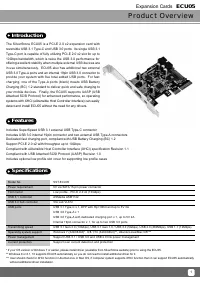
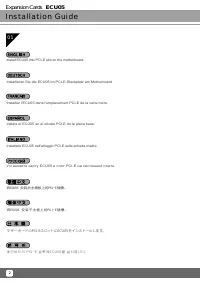
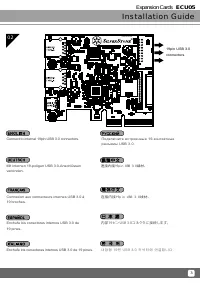
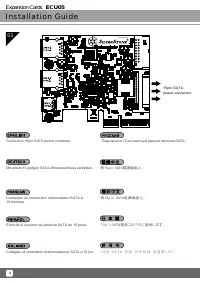
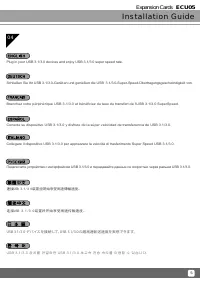
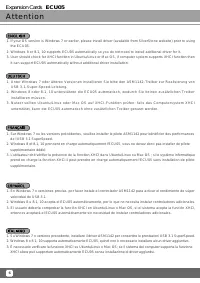
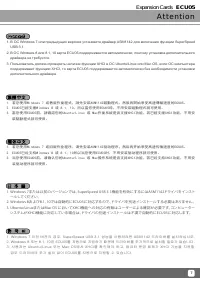
Table of Contents:
- Page 2 – Installation and system optimization guide:; Product Overview
- Page 3 – Specifications
- Page 4 – Installation Guide; Expansion Cards
- Page 8 – Attention
- Page 10 – Warranty Information; Additional info & contacts
Expansion Cards
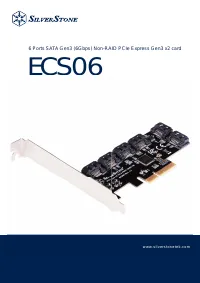
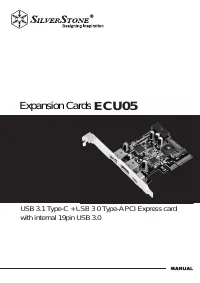
USB 3.1 Type-C + USB 3.0 Type-A PCI Express card
with internal 19pin USB 3.0
ECU05
rds
SB 3 0 Type-A PCI Express card
ECU05
"Loading the manual" means you need to wait until the file loads and becomes available for online reading. Some manuals are very large, and the time they take to appear depends on your internet speed.
Was this manual helpful?
Helpful for 3 of 3 readers
About this manual
- Brand
- SilverStone
- Model
- PCIe
- Document type
- User Manual
- Category
- Heat Sink
- Language(s)
- German, English, Spanish, French, Italian, Russian
- Pages
- 12
- File size
- 1.2 MB
- Format
Summary
The following manual and guides were carefully prepared by the SilverStone engineering team to help you maximize the potential of your SilverStone product. Please keep this manual for futurereference when upgrading or performing maintenance on your system. A copy of this manual can also be downloade...
Product Overview Specifications The SilverStone ECU05 is a PCI-E 2.0 x2 expansion card with reversible USB 3.1 Type-C and USB 3.0 ports. Its single USB 3.1 Type-C port is capable of fully utilizing PCI-E 2.0 x2 slot for up to 10Gbps bandwidth, which is twice the USB 3.0 performance for offering exce...
Installation Guide 2 Installieren Sie die ECU05 im PCI-E-Steckplatz am Motherboard. Instale el ECU05 en el zócalo PCI-E de la placa base. Installare ECU05 nell’alloggio PCI-E sulla scheda madre. Install ECU05 into PCI-E slot on the motherboard. マザーボードのPCI-EスロットにECU05をインストールします。 Установите карту ECU0...