SilverStone GD08B - User Manual
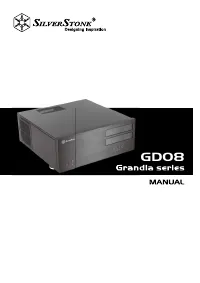
SilverStone GD08B PC Case – User Manual, read for free online in PDF format. We hope this helps you resolve any issues you may have. If you have further questions, please contact us through the contact form.


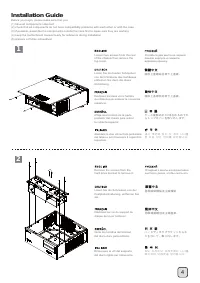
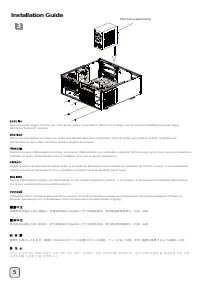
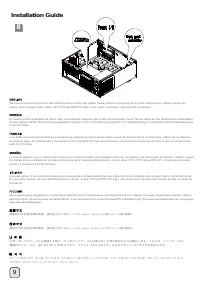
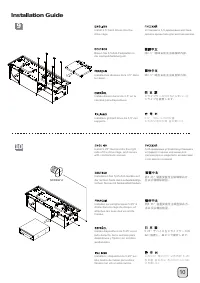
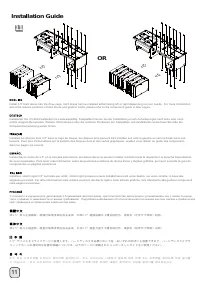
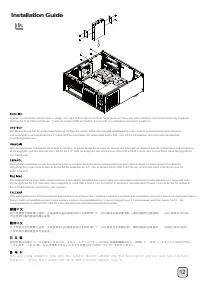
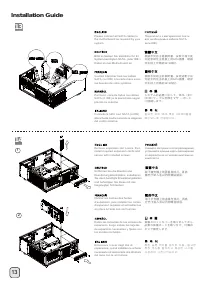
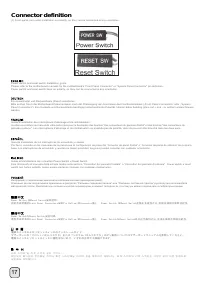
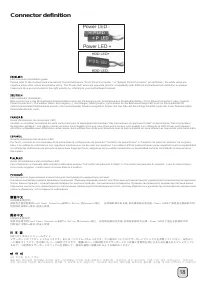
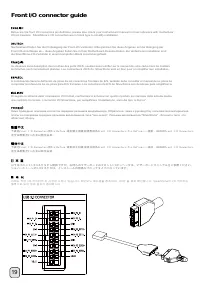
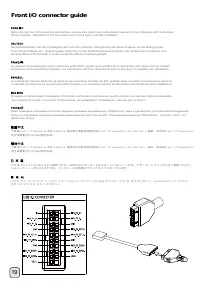
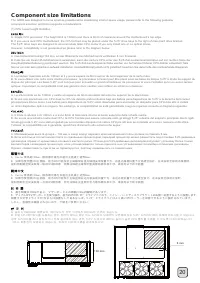
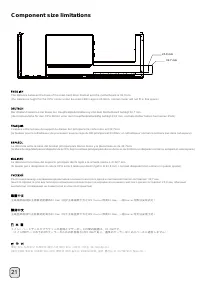
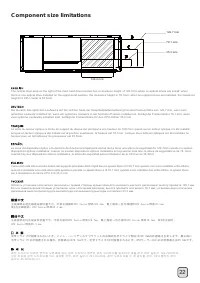
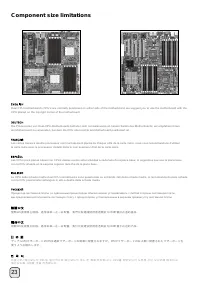
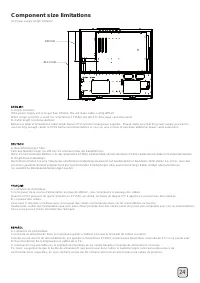
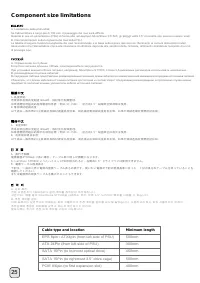
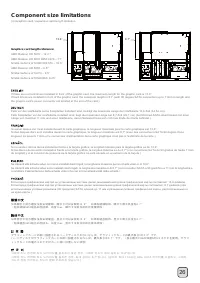
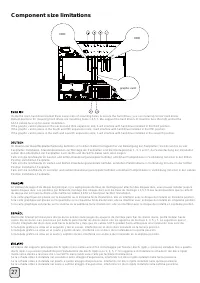
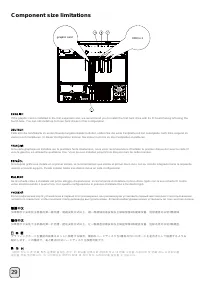
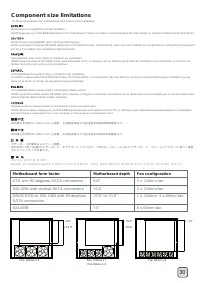
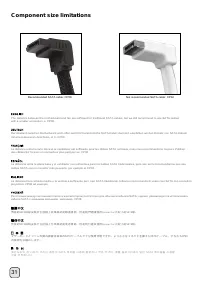
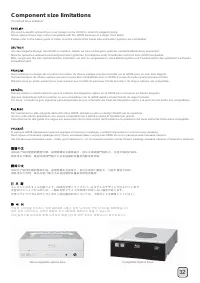
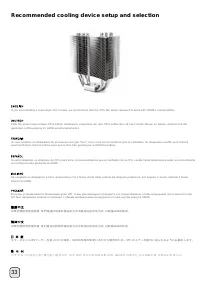
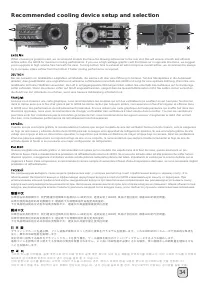
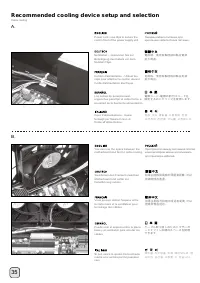
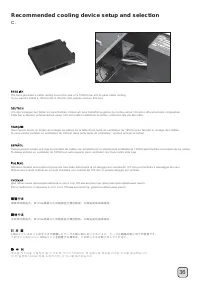
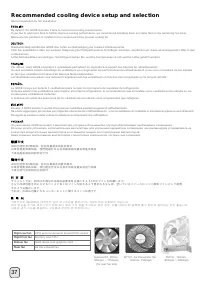
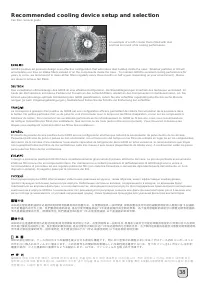
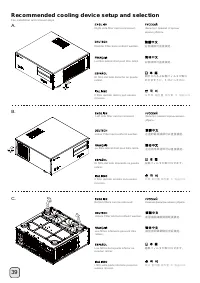
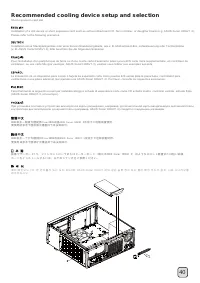
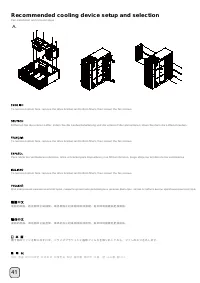
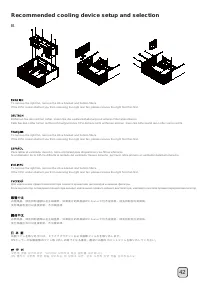
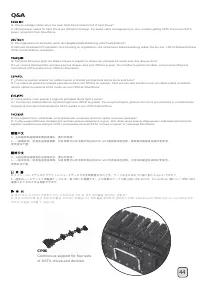

Table of Contents:
- Page 2 – Installation and system optimization guide:; downloaded from our website at:
- Page 3 – GD; Please refer to manual for details.
- Page 5 – 移除磁架螺絲及主磁碟架; 移除磁架螺丝及主磁盘架; lnstallation Guide
- Page 12 – OR
- Page 18 – Connector definition
- Page 20 – Front I/O connector guide
- Page 22 – Component size limitations
- Page 27 – Cable type and location
- Page 32 – Motherboard form factor; ATX with 90 degrees SATA connectors; Motherboard depth
- Page 35 – Recommended cooling device setup and selection
- Page 41 – 左邊的電源濾網可以直接拔起; 左边的电源滤网可以直接拔起; 底層濾網請翻倒機殼後拔起
- Page 45 – Protect your computer
GD08
"Loading the manual" means you need to wait until the file loads and becomes available for online reading. Some manuals are very large, and the time they take to appear depends on your internet speed.
Was this manual helpful?
About this manual
- Brand
- SilverStone
- Model
- GD08B
- Document type
- User Manual
- Category
- PC Case
- Language(s)
- German, English, Spanish, French, Italian, Russian
- Pages
- 49
- File size
- 5.4 MB
- Format
Summary
1 Installation and system optimization guide: The following manual and guides were carefully prepared by the SilverStone engineering team to help you maximize the potential of your SilverStone product. Please keep this manual for future reference when upgrading or performing maintenance on your syst...
GD 08 Amazing home theater server case with incredible storage and cooling capacity 2 Material Model Motherboard Drive Bay Cooling System Expansion Slot Front I/O Port Power Supply Expansion Card Limitation of CPU cooler Dimension *1: Motherboard size will affect the size and amount of fans that can...
4 1 2 Loosen two screws from the rear of the chassis then remove the top cover. Ослабьте два винта на задней панели корпуса и снимите верхнюю крышку . Lösen Sie die beiden Schrauben von der Rückseite des Gehäuses, entfernen Sie dann die obere Abdeckung. Dévissez les deux vis à l'arrière du châssis p...