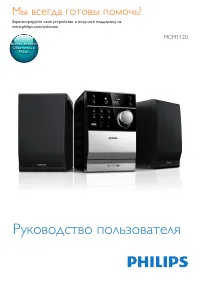
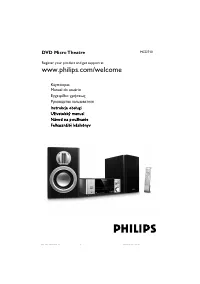
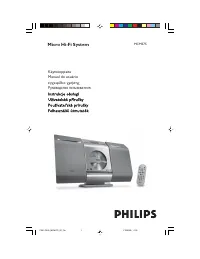
Philips MCD2160 - Manual
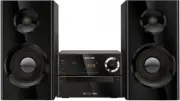
A user manual for the Philips MCD2160 stereo system covers essential topics like safety, setup, playback features, connectivity, and troubleshooting. The guide emphasizes critical precautions–such as avoiding electrical hazards, proper battery handling, and ventilation–to ensure safe operation. It also details media compatibility (DVD, CD, MP3) alongside controls for audio/video sources, karaoke, radio tuning, and advanced settings like parental locks and picture modes. Compatibility with TVs via composite or component video cables is addressed, along with remote control functionality and troubleshooting common issues.


Table of Contents:
- Page 1 – Product Identification and Support Information
- Page 2 – Table of Contents
- Page 3 – Operating Safety Precautions
- Page 4 – Electrical Device Handling Warnings
- Page 5 – Media Compatibility and Package Contents
- Page 6 – Main Unit Controls and Features
- Page 7 – Remote Control Functions
- Page 8 – Connecting to Television
- Page 9 – Component Video and Audio Cable Connections
- Page 10 – Initial Setup Procedures
- Page 11 – Display and System Configuration
- Page 12 – Media Playback from Discs and USB
- Page 13 – Playing Media Files
- Page 14 – Audio Channel and Play Options Adjustment
- Page 15 – Karaoke Feature Setup
- Page 16 – Radio Operation
- Page 17 – Additional Functionalities
- Page 18 – System Settings Adjustment
- Page 19 – DVD Player Preferences
- Page 20 – Product Performance Specifications
- Page 21 – Multimedia Compatibility and Physical Details
- Page 22 – Troubleshooting Common Issues
- Page 23 – System Troubleshooting Solutions
- Page 24 – Legal and Environmental Notices
- Page 25 – DivX Certification and Labeling
www.philips.com/welcome
MCD2160
Always there to help you
User Manual
Question?
Contact
Philips
Register your product and get support at
"Loading the manual" means you need to wait until the file loads and becomes available for online reading. Some manuals are very large, and the time they take to appear depends on your internet speed.
Was this manual helpful?
About this manual
- Brand
- Philips
- Model
- MCD2160
- Document type
- Manual
- Category
- Sound System
- Language(s)
- English
- Pages
- 26
- File size
- 642.2 KB
- Format
Summary
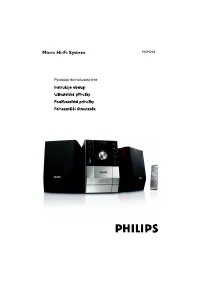
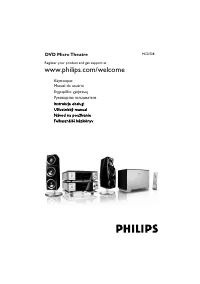
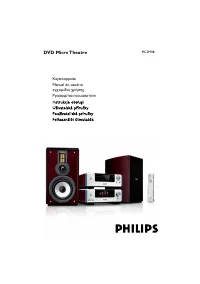
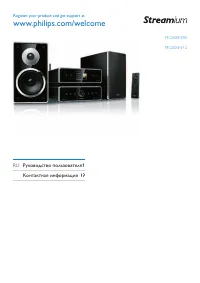
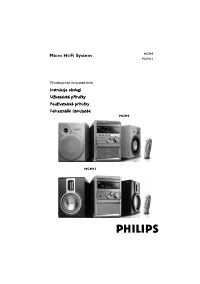
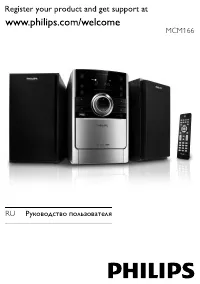
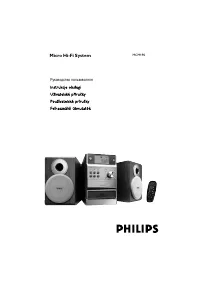
Cover page featuring the product image, model reference, and contact information for product registration and assistance.
Outline of user manual sections covering safety, system overview, setup, playback, karaoke, radio, settings, specifications, troubleshooting, and notices.
Critical warnings regarding electrical shock, fire hazards, proper handling of batteries, avoiding water exposure, ventilation requirements, and safe battery installation.