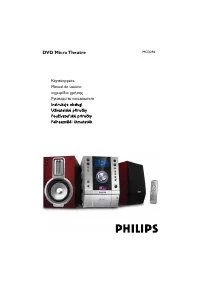
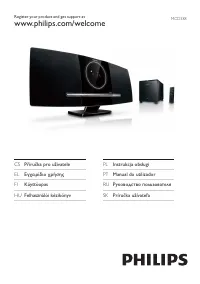
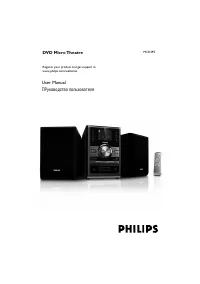
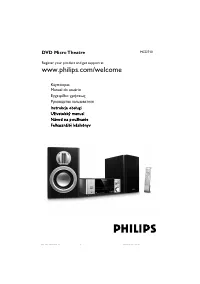
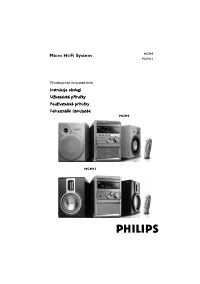
Philips MCD716 - Manual

Philips MCD716 Sound System – Manual, read for free online in PDF format. We hope this helps you resolve any issues you may have. If you have further questions, please contact us through the contact form.


Table of Contents:
- Page 2 – Tips; Setting up the TV; SOURCE; Speaker
- Page 3 – Setting the clock; CLOCK; Setting DVD menu options; Tip
- Page 4 – OPEN •CLOSE; Playing a USB mass storage device
Composite Video Cable
(yellow)
MCD716
Quick Start Guide
What’s in the Box?
You should find these items upon opening the box.
1
Quick Start Guide
Quick start guide
2
User Manual
Remote control with two
AAA batteries
FM antenna
User manual
Control Cable
MCD716 QUG_98_Eng
2008.1.30, 12:53
1
"Loading the manual" means you need to wait until the file loads and becomes available for online reading. Some manuals are very large, and the time they take to appear depends on your internet speed.
Was this manual helpful?
About this manual
- Brand
- Philips
- Model
- MCD716
- Document type
- Manual
- Category
- Sound System
- Language(s)
- English
- Pages
- 4
- File size
- 906.9 KB
- Format
Summary
Tips – See the User Manual for other TVconnection options.– For connecting to a Progressive ScanTV, refer to the user manual for properconnections and detailed setup. 1 2 4 3 Setting up the TV 1 2 Press SOURCE ( DISC on the remote) to select disc source. Turn on the TV and set it to the correct Vide...
Setting the clock 1 2 3 4 In standby mode, press and hold CLOCK on the remote. When the hour digits flash, turn VOLUME-/+ on the system or press VOL +/- on the remote to set the hours. Press CLOCK again and the minute digits flash. Then turn VOLUME-/+ on the system or press VOL +/- on the remote to ...
Playing a disc Programming and tuning to radio stations 1 2 3 Press SOURCE ( TUNER on the remote) to select tuner source. Press PROGRAM on the remote for more than two seconds to program all available stations in order of waveband. Press PRESET+/- ( ¡ / ™ on the remote) until the desired preset stat...