Citizen CT-555 - User Manual
A user manual for the Citizen CT-555 electronic calculator covers its core functionalities, including battery/solar power operation, a 12-digit LCD display, algebraic mode, and specialized features like tax calculation and memory functions. The document highlights key operational principles such as automatic shut-off, error correction, and multi-step calculation limits (up to 120 steps), along with detailed explanations of button functions across multiple languages. Safety and maintenance aspects are implicitly addressed through battery replacement instructions and device longevity considerations.
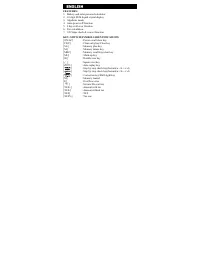
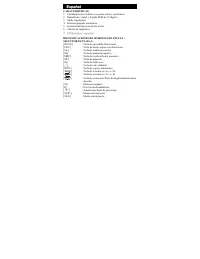
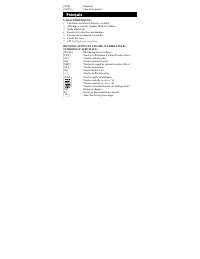
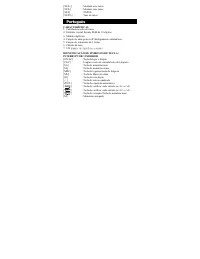
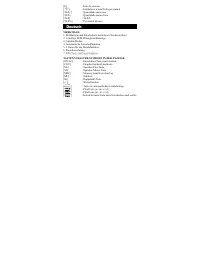
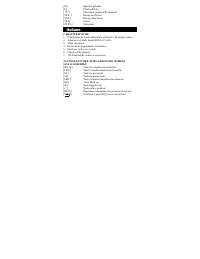
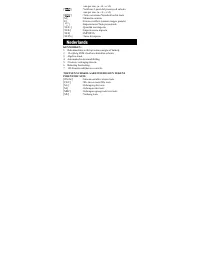
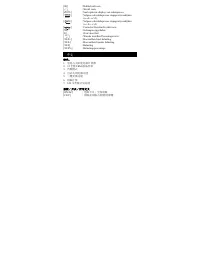
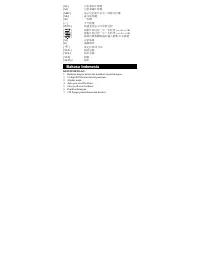
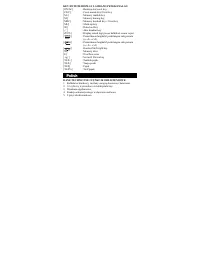
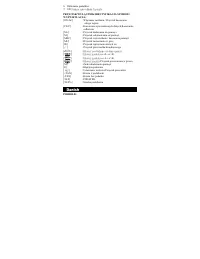
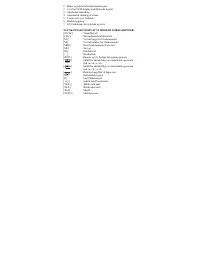
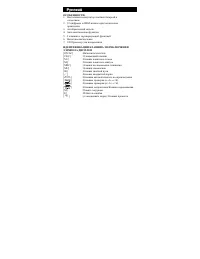
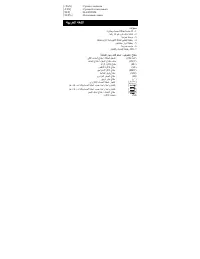
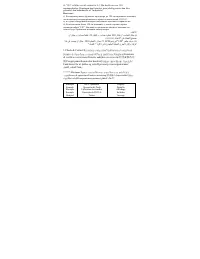
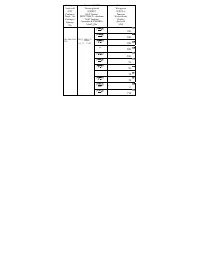
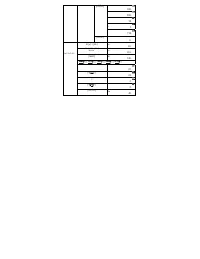
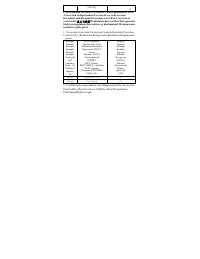
Table of Contents:
- Page 3 – Electronic Calculator Features and Key Identification Chart
- Page 4 – Desktop Calculator Operational Features and Symbols
- Page 5 – Desktop Calculator Specifications and Function Reference
- Page 6 – Solar Desktop Calculator Functions and Correction
- Page 7 – Calculator Functions in Multiple Languages
- Page 8 – Table Calculator Specifications and Key Functions
- Page 9 – Calculator Characteristics and Key Functions
- Page 10 – Advanced Calculation Modes and Memory Features
- Page 11 – Multilingual Feature Listing for Calculator Functions
- Page 12 – Key and Function Reference Guide
- Page 13 – Calculator Button Functions and Error Indicators
- Page 14 – Financial Calculator Features and Symbol Legend
- Page 15 – Desktop Calculator Features and Function Keys
- Page 16 – Tax Calculation Modes and Labels
- Page 17 – Battery Replacement Procedure
- Page 18 – Operational Examples and Memory Replay
- Page 19 – Memory Functionality and Limits
- Page 20 – Calculation Step Limitation and Memory Overflow
- Page 21 – Error Handling and Review Procedures
- Page 22 – Multi-step Calculation Demonstration
- Page 23 – Memory Operations Demonstration
- Page 24 – Error Correction and Overflow Handling
- Page 25 – Basic Arithmetic Operation Examples
- Page 26 – Advanced Mathematical Operations
- Page 27 – Memory Calculation and Tax Functions
- Page 28 – Calculating Tax Procedures
Operation Instructions/Instrucciones de Operación
Instructions d’Utilisation/Instruções de Operação
Bedienungsanleitung/Istruzioni sul funzionamento
Instructies voor gebruik/
操作说明
/Operasi Pengajaran/
Instrukcja obs
ł
ugi/Instruktion
Инструкции
операции
/
ﻠﻌﺗ
تﺎﻴﻠﻤﻌﻟا
تﺎﻤﻴ
"Loading the manual" means you need to wait until the file loads and becomes available for online reading. Some manuals are very large, and the time they take to appear depends on your internet speed.
Was this manual helpful?
About this manual
- Brand
- Citizen
- Model
- CT-555
- Document type
- User Manual
- Category
- Calculator
- Language(s)
- German, English, Spanish, French, Italian, Dutch, Polish, Russian
- Pages
- 28
- File size
- 415.1 KB
- Format
Summary
Features include battery/solar power, 12-digit display, algebraic mode, and tax calculation. A key identification chart explains the purpose of buttons for memory, correction, and tax functions.
Features include solar/battery power, 12-digit LCD display, algebraic mode, automatic shut-off, two-key transfer function, tax calculation, and 120-step revision and correction. Key symbols for functions like ON/AC, memory, and square root are explained.
Features include a 12-digit liquid crystal display, algebraic mode, automatic shutdown, two-touch roll-over function, tax calculation, and verification. A key reference details functions for buttons like ON/AC, memory operations, square root, and others.
Ask a question
Related manuals
Popular Citizen Calculators

More Citizen Calculators models
 Citizen SR-270X User Manual
 Citizen SR-281N Manual
 Citizen SRP-265N Manual
 Citizen CT-333 User Manual
 Citizen CT-555N Manual
 Citizen CT-666N User Manual
 Citizen CX-123II User Manual
 Citizen CX-123N User Manual
 Citizen SDC-368 Manual
 Citizen SDC-444S User Manual
 Citizen SDC-554S Manual
 Citizen SDC-805BN User Manual