Page 2 - Motherboard
Motherboard 8S661FXM-RZ Mar. 20 ,2004 Mother Board 8S661FXM-RZ Mar. 20, 2004

Page 3 - Preparing Your Computer; whenever the components are separated from the system.; Installing the motherboard to the chassis
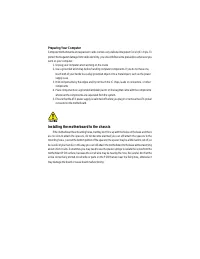
Preparing Your Computer Computer motherboards and expansion cards contain very delicate Integrated Circuit (IC) chips. Toprotect them against damage from static electricity, you should follow some precautions whenever youwork on your computer. 1. Unplug your computer when working on the inside.2. Us...
Page 4 - English; Table of Content
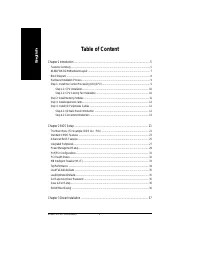
- 4 - 8S661FXM-RZ Motherboard English Table of Content Chapter 1 Introduction .................................................................................................... 5 Features Summary .........................................................................................................
Page 5 - Chapter 1 Introduction; Features Summary
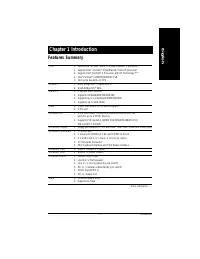
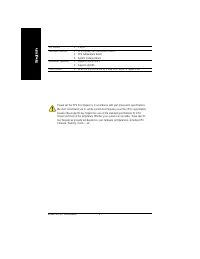
Introduction - 5 - English Chapter 1 Introduction Features Summary C P U y Socket 478 for Intel ® Micro FC-PGA2 Pentium ® 4 processor y Support Intel ® Pentium ® 4 (Northwood, Prescott) processor y Support Intel ® Pentium ® 4 Processor with HT Technology <Note > y Intel ® Pentium ® 4 800/533/4...
Page 7 - S661FXM-RZ Motherboard Layout
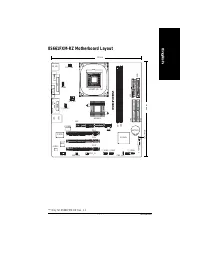
Introduction - 7 - English "*" Only for 8S661FXM-RZ Rev. 1.1 8S661FXM-RZ KB_MS COMA ATX_12V CD_IN F_AUDIO F_PANEL BATTERY SYS_FAN SiS 963L SiS 661FX SOCKET 478 CPU_FAN ATX FDD IDE2 PCI1 PCI2 PCI3 DDR1 CODEC IT8705 BIOS F_USB2 GAME IDE1 ICS1883 CLR_CMOS USB LAN DDR2 LPT AGP F_USB1 SUR_CEN COM...
Page 8 - Block Diagram
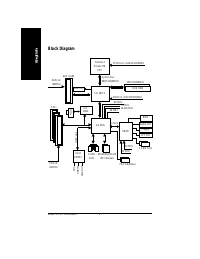
- 8 - 8S661FXM-RZ Motherboard English Block Diagram SiS 661FX SiS 963L CPUCLK+/- (100/133/200MHz) System Bus800/533/400MHz MCHCLK (100/133/200MHz) 66 MHz 33 MHz 14.318 MHz 48 MHz LPC BUS AGP 4X/8X AGPCLK (66MHz) 3 PCI PCICLK (33MHz) RJ45 AC97 Link 6 USB Ports ATA33/66/100/133 IDE Channels ICS 1883 I...
Page 9 - Hardware Installation Process; HT functionality requirement content :
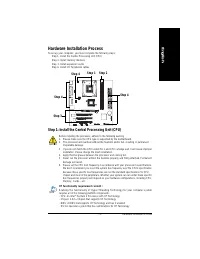
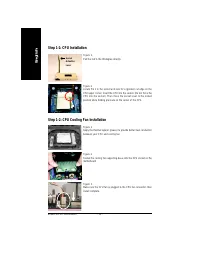
- 9 - Hardware Installation Process English To set up your computer, you must complete the following steps: Step 1- Install the Central Processing Unit (CPU)Step 2- Install memory modulesStep 3- Install expansion cardsStep 4- Install I/O Peripherals cables Hardware Installation Process Step 2 Step 4...
Page 11 - Step 2: Install memory modules; DDR
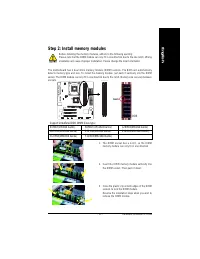
- 11 - Hardware Installation Process English Step 2: Install memory modules DDR Support Unbuffered DDR DIMM Sizes type:64 Mbit (2Mx8x4 banks) 64 Mbit (1Mx16x4 banks) 128 Mbit(4Mx8x4 banks) 128 Mbit(2Mx16x4 banks) 256 Mbit(8Mx8x4 banks) 256 Mbit(4Mx16x4 banks) 512 Mbit(16Mx8x4 banks) 512 Mbit(8Mx16x4...
Page 12 - Step 3: Install expansion cards; AGP Card; VGA port; Line Out jack; Line In jack
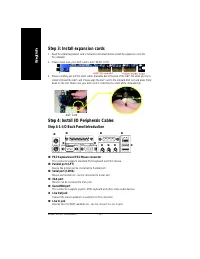
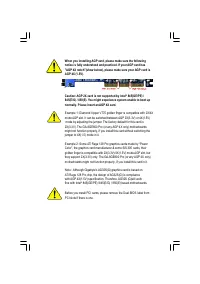
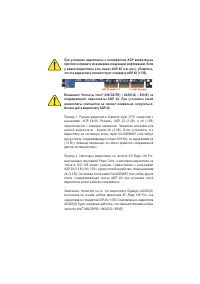
- 12 - 8S661FXM-RZ Motherboard English Step 3: Install expansion cards 1 . Read the related expansion card's instruction document before install the expansion card into the computer. 2 . Please make sure your AGP card is AGP 4X/8X (1.5V). 3 . Please carefully pull out the small white- drawable bar a...
Page 13 - MIC In jack; USB port
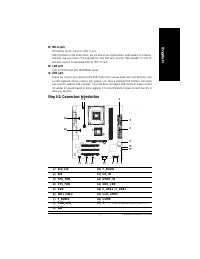
- 13 - Hardware Installation Process English _ MIC In jack Microphone can be connect to MIC In jack.After installation of the audio driver, you are able to use 2/4/6-channel audio feature by softwareselection. You can connect "Front speaker" to "Line Out" jack, Connect "Rear spea...
Page 17 - CAUTION
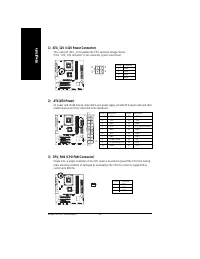
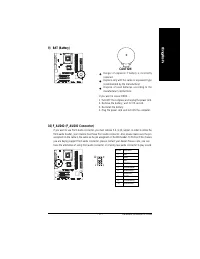
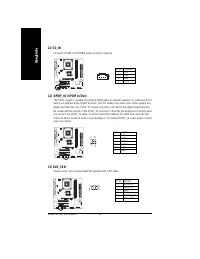
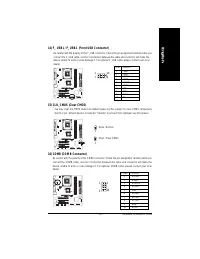
- 17 - Hardware Installation Process English 9) BAT (Battery) CAUTION Danger of explosion if battery is incorrectlyreplaced.Replace only with the same or equivalent typerecommended by the manufacturer.D i s p o s e o f u s e d b a t t e r i e s a c c o r d i n g t o t h emanufacturer's instructions....
Page 21 - Chapter 2 BIOS Setup; CONTROL KEYS; Main Menu
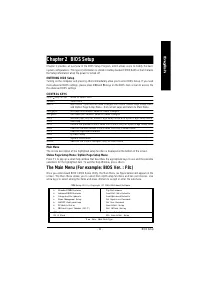
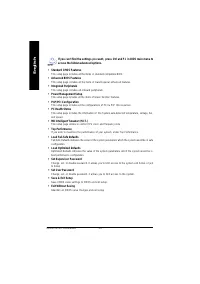
- 21 - BIOS Setup English Chapter 2 BIOS Setup CONTROL KEYS < > < >< >< > Move to select item <Enter> Select Item <Esc> Main Menu - Quit and not save changes into CMOS Status Page Setup Menuand Option Page Setup Menu - Exit current page and return to Main Menu <...
Page 23 - Date
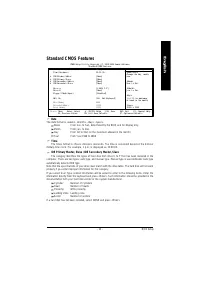
- 23 - BIOS Setup English Standard CMOS Features Date The date format is <week>, <month>, <day>, <year>. Week From Sun. to Sat., determined by the BIOS and for display only. Month From Jan. to Dec. Da y From 1st to 31st (or the maximum allowed in the month) Year From Year 199...
Page 24 - Halt on
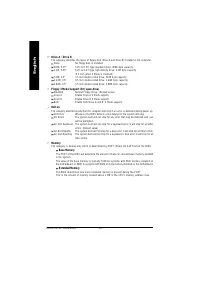
- 24 - 8S661FXM-RZ Motherboard English Drive A / Drive B The category identifies the types of floppy disk (drive A and drive B) installed in the computer. None No floppy disk is installed 360K, 5.25" 5.25 inch PC-type stand ard dri ve; 36 0K byte capac ity. 1.2 M, 5. 25" 5.25 inch A T-type h...
Page 25 - Boot Up Floppy Seek
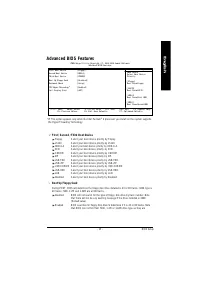
- 25 - BIOS Setup English Advanced BIOS Features "#" This option appears only when the Intel Pentium ® 4 processor you install on the system supports the Hyper-Threading Technology. First / Second / Third Boot Device Fl op py Select your boot device priority by Floppy. LS120 Select your boot...
Page 26 - Password Check; Setup; Init Display First
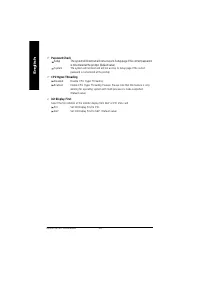
- 26 - 8S661FXM-RZ Motherboard English Password Check Setup The system will boot but will not access to Setup page if the correct password is not entered at the prompt. (Default value) Sys tem The system will not boot and will not access to Setup page if the correctpassword is not entered at the pro...
Page 27 - IDE1 Conductor Cable
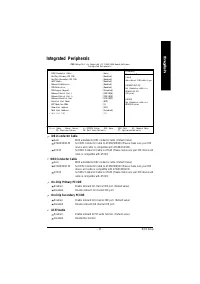
- 27 - BIOS Setup English Integrated Peripherals IDE1 Conductor Cable Auto BIOS autodetects IDE1 conductor cable .(Default Value) ATA66/100/133 Set IDE1 Conductor Cable to ATA66/100/133 (Please make sure your IDEdevice and cable is compatible with ATA66/100/133). ATA33 Set IDE1 Conductor Cable to AT...
Page 29 - Game Port Address; Power Management Setup; ACPI Suspend Type
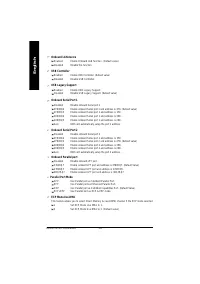
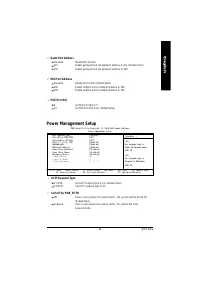
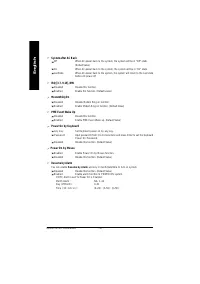
- 29 - BIOS Setup English Game Port Address Disabled Disable this function. 201 Enable gameport and set gameport address to 201. (Default Value) 8 209 Enable gameport and set gameport address to 209. Midi Port Address Disabled Disable this function.(Default Value) 300 Enable midiport and set midipor...
Page 31 - PCI 1 IRQ Assignment
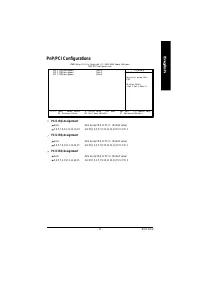
- 31 - BIOS Setup English PnP/PCI Configurations PCI 1 IRQ Assignment Auto Auto assign IRQ to PCI 1. (Default value) 3,4,5,7,9,10,11,12,14,15 Set IRQ 3,4,5,7,9,10,11,12,14,15 to PCI 1. PCI 2 IRQ Assignment Auto Auto assign IRQ to PCI 2. (Default value) 3,4,5,7,9,10,11,12,14,15 Set IRQ 3,4,5,7,9,10,1...
Page 32 - Reset Case Open Status; Current CPU Temperature
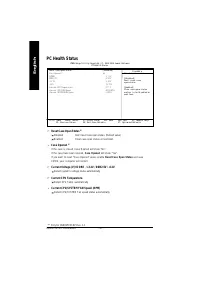
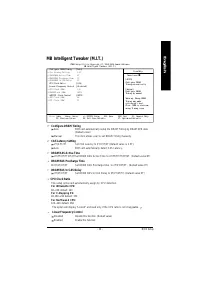
- 32 - 8S661FXM-RZ Motherboard English PC Health Status Reset Case Open Status * Disabled Don’t reset case open status. (Default value) Enab led Clear case open status at next boot. Case Opened * If the case is closed, Case Opened will show "No".If the c ase have been o pened, Case O pened w...
Page 34 - AGP/PCI Clock Control; Top Performance
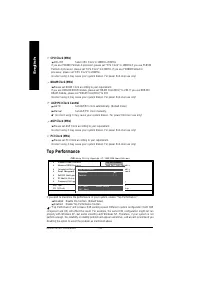
- 34 - 8S661FXM-RZ Motherboard English CPU Clock (MHz) 100~355 Select CPU Clock to 100MHz~355MHz. If you use FSB400 Pentium 4 processor, please set "CPU Clock" to 100MHz.If you use FSB533Pentium 4 processor, please set "CPU Clock" to 133MHz. If you use FSB800 Pentium 4processor, plea...
Page 35 - Set Supervisor/User Password
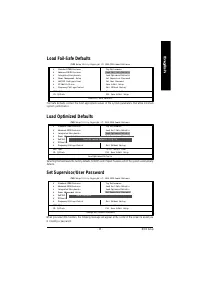
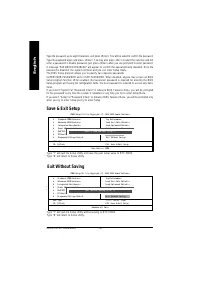
- 35 - BIOS Setup English Load Fail-Safe Defaults Load Fai l-Safe Defaults (Y/N)? N Load Fail-Safe Defaults CMOS Setup Util ity-Copyright (C) 1984-2004 Award Software } Standa rd CMOS Fe atures } Advanc ed BIOS Fe atures } Integrated Peripherals } Power Management Setup } PnP/PCI Con figurations } P...
Page 37 - Chapter 3 Install Drivers; Pictures below are shown in Windows XP; Install Drivers
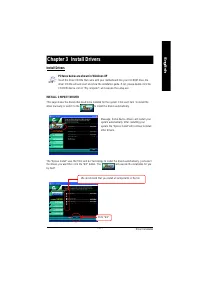
Driver Installation - 37 - English Revision History Chapter 3 Install Drivers Pictures below are shown in Windows XP Insert the driver CD-title that came with your motherboard into your CD-ROM drive, thedriver CD-title will auto start and show the installation guide. If not, please double click theC...
Page 38 - If your CD doesn't have SiS; Item Description
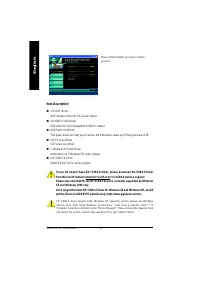
- 38 - 8S661FXM-RZ Motherboard English If your CD doesn't have SiS ® USB2.0 driver, please download the USB2.0 driver from Microsoft ® website (www.microsoft.com) for USB2.0 devices support. Please also note that Microsoft ® USB2.0 driver is currently supported by Windows XP and Windows 2000 only.On...
Page 40 - Contact us via the information in this page all over the world.; CONTACT US
- 40 - 8S661FXM-RZ Motherboard English — Taiwan Gigabyte Technolog y Co., Ltd.Add ress: No.6, Bau Chiang Road, Hsin-Tien, Taipei Hsien,Taiwan, R.O.C.Tel: 886 (2) 8912-4888Fax: 886 (2) 8912-4003Tech. Support:http://tw.giga-byte.com/TechSupport/ServiceCenter.htmNon-Tech. Support (Sales/Marketing issue...