TCL 40S615 - User Manual
This user manual covers the TCL Android TV models in the S6800/S615 series, focusing on essential topics like safety precautions–such as proper placement, ventilation, and power handling–to ensure safe operation. The guide also details setup procedures, including remote control functionality (battery installation, button functions), wired/wireless network connectivity, and basic TV operations like channel navigation, volume control, and Smart TV app access. Advanced features such as teletext, HbbTV, Google Cast integration, and parental controls are addressed alongside troubleshooting common issues like network failures or playback errors.
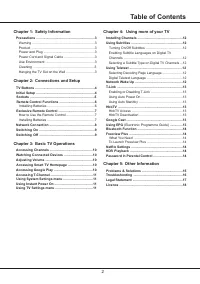
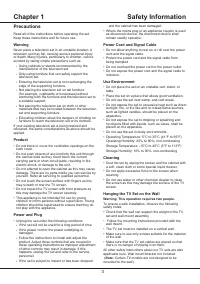
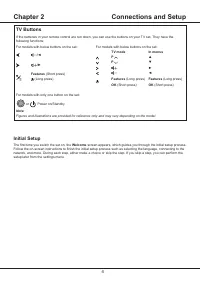
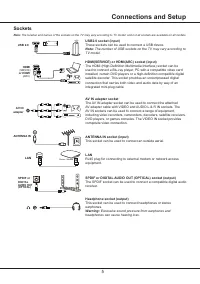
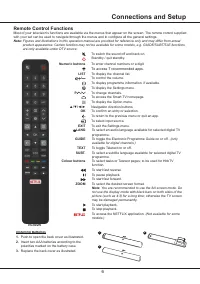
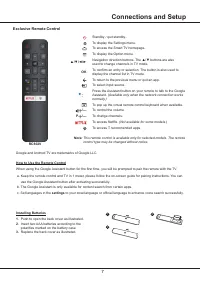
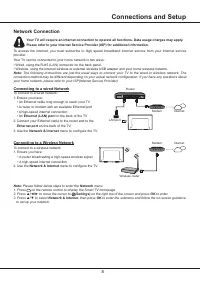
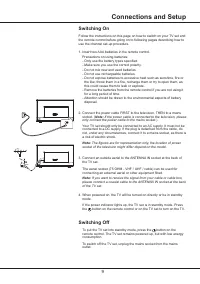
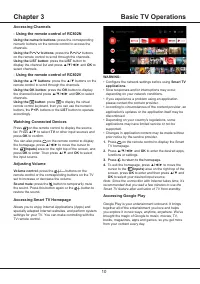
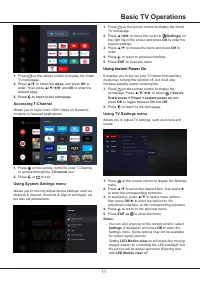
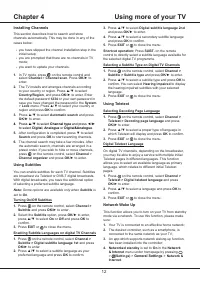
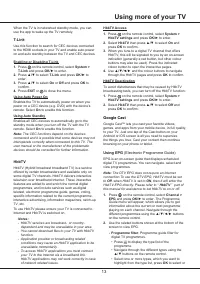
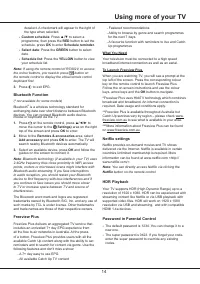
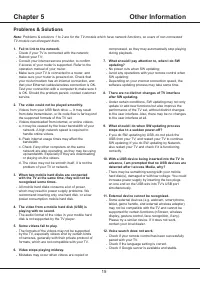
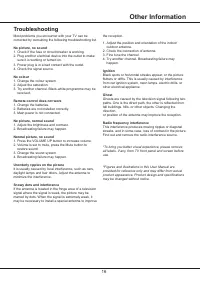
Table of Contents:
- Page 1 – Product Identification and Support Information
- Page 2 – Table of Contents
- Page 3 – Safety Information
- Page 4 – Initial Setup Procedures
- Page 5 – Input and Output Connections
- Page 6 – Remote Control Functions and Battery Installation
- Page 7 – Exclusive Remote Features and Assistant
- Page 8 – Network Connectivity Setup
- Page 9 – Powering On/Off and Power Safety
- Page 10 – Basic TV Operations
- Page 11 – Smart TV Configuration
- Page 12 – Channel and Network Features
- Page 13 – Advanced TV Features
- Page 14 – Streaming and Parental Controls
- Page 15 – Network Troubleshooting
- Page 16 – General Troubleshooting Guide
- Page 17 – Legal Statement and Warranty Disclaimer
- Page 18 – Technology Licensing Information
- Page 19 – Contact Information
S6800/S615 SERIES
"Loading the manual" means you need to wait until the file loads and becomes available for online reading. Some manuals are very large, and the time they take to appear depends on your internet speed.
Was this manual helpful?
About this manual
- Brand
- TCL
- Model
- 40S615
- Document type
- User Manual
- Category
- TV
- Language(s)
- English
- Pages
- 19
- File size
- 3.1 MB
- Format
Summary
Reference information for the product, noting that specifications may change without notice.
Outline of the instruction manual structure covering safety, connections, basic operations, advanced features, and other information.
Precautions for safely operating and maintaining the television set, including placement, handling, ventilation, power usage, cable care, environmental limits, cleaning, and wall mounting safety.