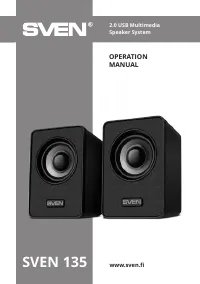
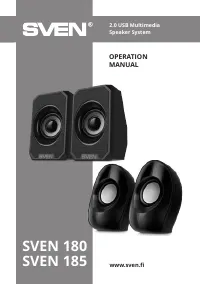
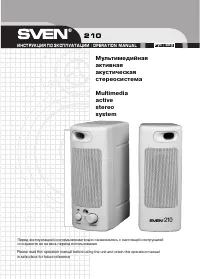
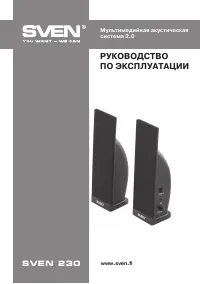
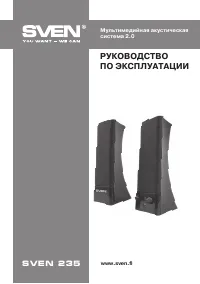
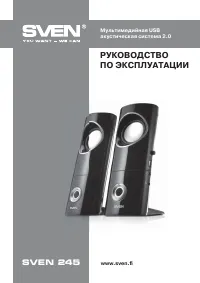
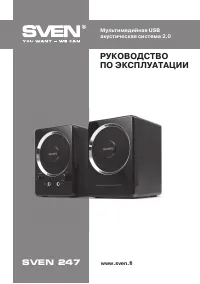
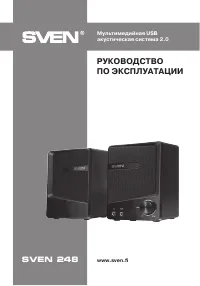
Sven SPS-576 - User Manual

Sven SPS-576 Sound System – User Manual, read for free online in PDF format. We hope this helps you resolve any issues you may have. If you have further questions, please contact us through the contact form.


Table of Contents:
- Page 2 – ENG; USB Multimedia Speaker; Congratulations on your purchase of the Sven speaker system!; COPYRIGHT; All trademarks are the property of their legal holders.; NOTICE OF RESPONSIBILITY RESTRICTION; from the information contained in this Manual.; CONTENTS; in conditions of room temperature for at least 4 hours.
- Page 3 – User Manual
- Page 4 – AUX Mode
- Page 5 – TECHNICAL SPECIFICATIONS; without notice due to the improvement of SVEN production.
- Page 6 – RUS; Мультимедийная USB акустическая; Благодарим Вас за покупку акустической системы ТМ SVEN!
- Page 7 – Руководство по эксплуатации; ТЕХНИЧЕСКОЕ ОПИСАНИЕ
- Page 8 – Подключение АС; против
- Page 9 – Режим AUX
- Page 10 – ТЕХНИЧЕСКИЕ ХАРАКТЕРИСТИКИ; Характеристики и единицы измерения
- Page 12 – ® Registered Trademark of Oy SVEN
www.sven.fi
USER manUal
2.0 USB multimedia Speaker
System with Bluetooth
SPS-576
"Loading the manual" means you need to wait until the file loads and becomes available for online reading. Some manuals are very large, and the time they take to appear depends on your internet speed.
Summary
ENG 2 2.0 USB Multimedia Speaker System with Bluetooth Congratulations on your purchase of the Sven speaker system! COPYRIGHT © SVEN PTE. LTD. Version 2.0 (22.08.2022). This Manual and information contained in it are copyrighted. All rights reserved. TRADEMARKS All trademarks are the property of the...
ENG 3 SPS-576 User Manual 2. PACKAGE CONTENTS • Speaker System — 1 pc • User manual — 1 pc • Warranty card — 1 pc 3. SAFETY PRECAUTIONS • Do not open the MSS and do not perform repairs by yourself. Service and repairs should be performed only by qualified specialists at authorized service centers. T...
ENG 4 2.0 USB Multimedia Speaker System with Bluetooth • Plug the USB cable to the USB port of your PC or laptop, or your 5V DC power supply. • Adjust the master volume level with the volume control knob b . To increase the volume, turn the knob clockwise; to reduce the volume, turn it counterclockw...