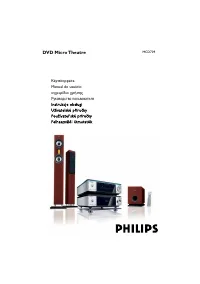
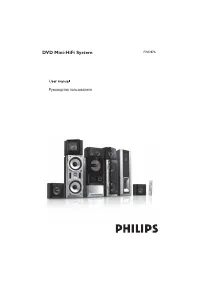
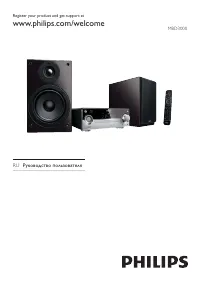
Philips FWD796 - Manual

Philips FWD796 Sound System – Manual, read for free online in PDF format. We hope this helps you resolve any issues you may have. If you have further questions, please contact us through the contact form.

Game console
(example only)
DEMO•STOP
Use this simple and quick way to
watch your favourite DVD movie
and enjoy your Home Cinema
experience!
Helpful Hints
You only need to make one video connection to your TV in
order to view the DVD playback.
If your TV has S-Video or Component
(Pr Pb Y) video jacks
, use one of these
video connections instead for higher
picture quality.
If your TV has only a single Antenna In jack
,
you will need an accessory RF modulator. The RF
modulator converts the video from the DVD system
so it can play through the TV’s Antenna connector.
Refer to your owner’s manual for proper
connection.
When listening to TV programs
, press
AUX/GAME
button on the remote to set the DVD system to AUX mode
in order for the sound to be heard.
FWD796
Y
Rear of TV
(example only)
Speaker
(right)
Y
Speaker
(left
)
SPEAKER 8
A C M A I N
N S
D I N
I N P U T
S P E A K E R S
11 --
0 1 2 7 V
2 2 0 2 4 0 V
S L
6
C
3
S R
6
Center speaker
Left speaker
Right speaker
Surround
Surround
FWD796-21 QUG_Eng
3/25/05, 13:19
1
"Loading the manual" means you need to wait until the file loads and becomes available for online reading. Some manuals are very large, and the time they take to appear depends on your internet speed.
Was this manual helpful?
About this manual
- Brand
- Philips
- Model
- FWD796
- Document type
- Manual
- Category
- Sound System
- Language(s)
- English
- Pages
- 2
- File size
- 1000.7 KB
- Format