Hama TC-300 - User Manual
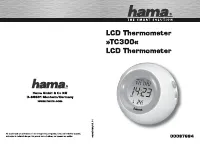
A user manual for the Hama LCD Thermometer TC300, this guide covers its core functionalities as a digital clock-alarm device. The document highlights essential features like time/date settings, alarm customization, temperature display adjustments, and night-light activation–all supported by visual aids and cross-language instructions across multiple languages. Safety considerations are also addressed in some regional versions.
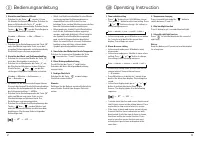
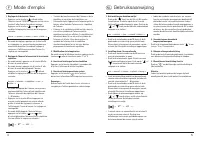
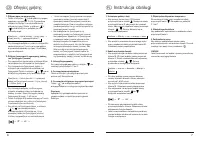
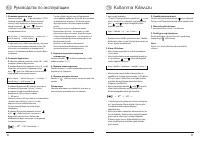
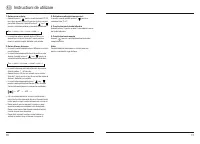
Table of Contents:
- Page 2 – Operating Instructions in English and German
- Page 3 – Alarm Clock Operation in French and Dutch
- Page 4 – Time, Temperature, and Timer Functions with Safety Warnings
- Page 5 – Setup Instructions in Russian and Turkish
- Page 6 – Device Settings and Visual Indicators
hama®
THE SMART SOLUTION
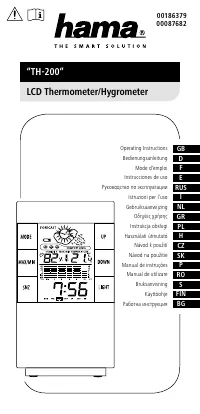
LCD Thermometer
»TC300«
LCD Thermometer
hama®
Hama GmbH & Co KG
D-86651 Monheim/Germany
www.hama.com
11/1 THU
14:23
24°
hama.
All listed brands are trademarks of the corresponding companies. Errors and omissions excepted, and subject to technical changes. Our general terms of delivery and payment are applied.
00087684
"Loading the manual" means you need to wait until the file loads and becomes available for online reading. Some manuals are very large, and the time they take to appear depends on your internet speed.
Was this manual helpful?
About this manual
- Brand
- Hama
- Model
- TC-300
- Document type
- User Manual
- Category
- Ambient Weather Station
- Language(s)
- English
- Pages
- 6
- File size
- 257.7 KB
- Format
Summary
Instructions for setting time, date, alarm, snooze, temperature display, and activating backlight/night light features in English and German.
Instructions for setting date and time, adjusting alarms, modifying temperature display, and using backlight and snooze functions, presented in French and Dutch with diagrams.
Instructions for setting time, adjusting temperature, using the timer function, specific key presses for Alarm and Snooze modes, and safety warnings related to device usage.
Tips
- Remove the battery from the device if it will not be used for an extended period to ensure battery longevity.
- When setting the alarm, make sure both the alarm and snooze indicators are visible on the display to activate the snooze function.