Comica VS09 TC - User Manual
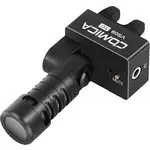
Comica VS09 TC Microphone – User Manual, read for free online in PDF format. We hope this helps you resolve any issues you may have. If you have further questions, please contact us through the contact form.
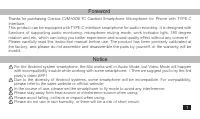
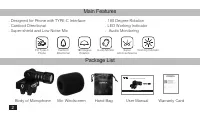
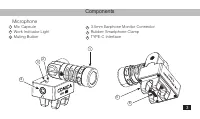
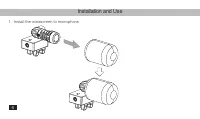
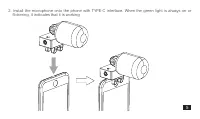
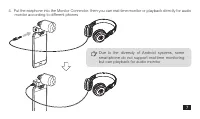
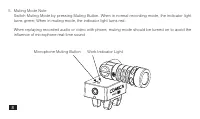
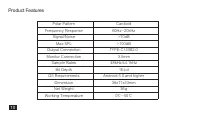

Table of Contents:
- Page 2 – Then we suggest you to try the 3rd
- Page 3 – Body of Microphone
- Page 4 – Components; Microphone
- Page 5 – Installation and Use; Install the windscreen to microphone
- Page 6 – flickering, it indicates that it is working
- Page 10 – Specification
- Page 11 – Product Features
User Manual
TYPE-C SMARTPHONE MICROPHONE
"Loading the manual" means you need to wait until the file loads and becomes available for online reading. Some manuals are very large, and the time they take to appear depends on your internet speed.
Summary
Foreword Thanks for purchasing Comica CVM-VS09 TC Cardioid Smartphone Microphone for Phone with TYPE-C Interface. This product can be equipped with TYPE-C interface smartphone for audio recording. It is designed with functions of supporting audio monitoring, microphone muting mode, work indicator li...
Main Features . Designed for Phone with TYPE-C Interface. Cardioid Directional. Super-shield and Low Noise Mic . 180 Degree Rotation. LED Working Indicator. Audio Monitoring Package List Body of Microphone Mic Windscreen Hand Bag User Manual Warranty Card For Type-C Phone 180 Degree Rotation Audio M...
Components Microphone Mic CapsuleWork Indicator LightMuting Button 1 2 3 3.5mm Earphone Monitor ConnectorRubber Smartphone ClampTYPE-C Interface 4 5 6 3 2 4 6 5 1 3


