Lockly PGD 628W SN - Manuals
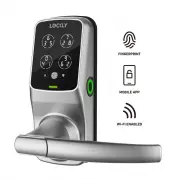
User Manual Lockly PGD 628W SN


Summary
1 2 3 4 5 5 6 7 8 9 10 10 11 12 13 14 15 16 16 17 18 Table of Contents TABLE OF CONTENTS For additional support, visit http://Lockly.com/help or email [email protected] Section 1 - Product Highlights 1.1 Product Features Section 2 - Product Overview 2.1 Product Overview - Exterior 2.2 Product Overvi...
2.3 Understanding Your New Lock After the installation of your new Lockly, understanding some key functions of operating your smart lock is important. The following guides will walk you through resetting a lock, adding/ deleting Access Codes, adding/deleting fingerprints, adding/deleting RFID cards,...
SECTION 2.4~2.5 5 2.4 Reset Button If you need to reset, you must have your Activation Code available. The Activation Code can be found on the Activation Code Card that came with your smart lock. Once the smart lock has been reset, all the data previously stored will be deleted. See below which Rese...
Lockly Electronic Deadbolts Manuals
-
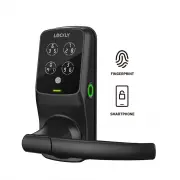 Lockly PGD 628F MB
User Manual
Lockly PGD 628F MB
User Manual
-
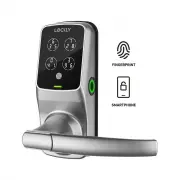 Lockly PGD 628F SN
User Manual
Lockly PGD 628F SN
User Manual
-
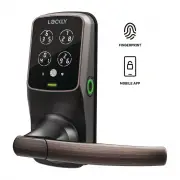 Lockly PGD 628F VB
User Manual
Lockly PGD 628F VB
User Manual
-
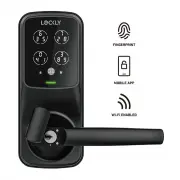 Lockly PGD 628W MB
User Manual
Lockly PGD 628W MB
User Manual
-
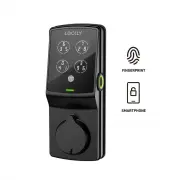 Lockly PGD 728F MB
User Manual
Lockly PGD 728F MB
User Manual
-
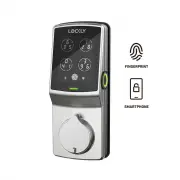 Lockly PGD 728F SN
User Manual
Lockly PGD 728F SN
User Manual
-
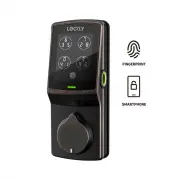 Lockly PGD 728F VB
User Manual
Lockly PGD 728F VB
User Manual
-
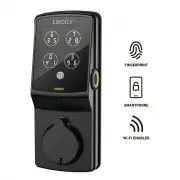 Lockly PGD 728W MB
User Manual
Lockly PGD 728W MB
User Manual
-
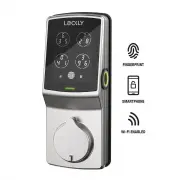 Lockly PGD 728W SN
User Manual
Lockly PGD 728W SN
User Manual
-
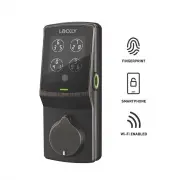 Lockly PGD 728W VB
User Manual
Lockly PGD 728W VB
User Manual
-
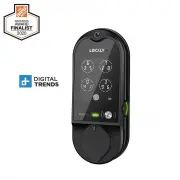 Lockly PGD798MB
User Manual
Lockly PGD798MB
User Manual
-
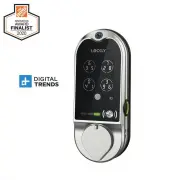 Lockly PGD798SN
User Manual
Lockly PGD798SN
User Manual
-
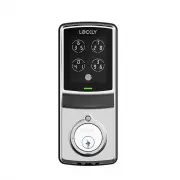 Lockly PGD7SSN
User Manual
Lockly PGD7SSN
User Manual