Asrock B650 - User Manual

Asrock B650 Motherboard – User Manual, read for free online in PDF format. We hope this helps you resolve any issues you may have. If you have further questions, please contact us through the contact form.
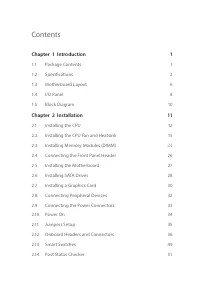
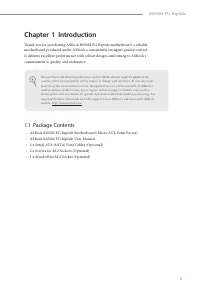
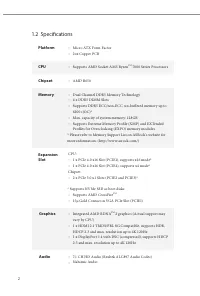
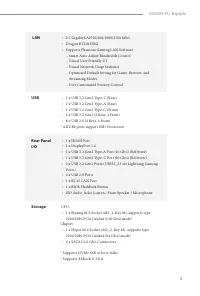
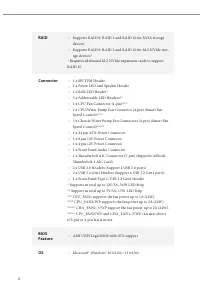
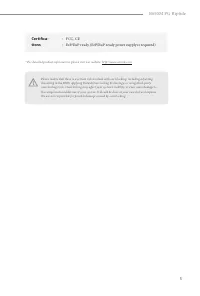
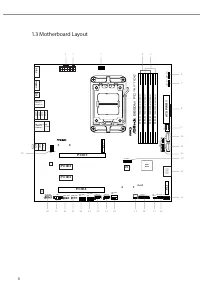
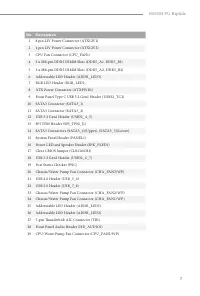
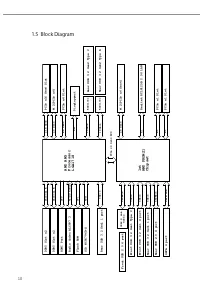
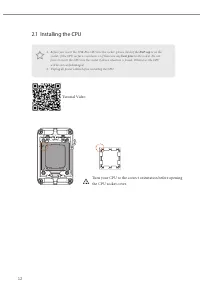
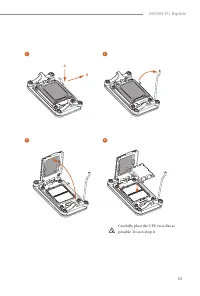
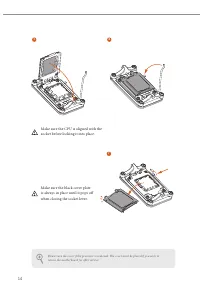
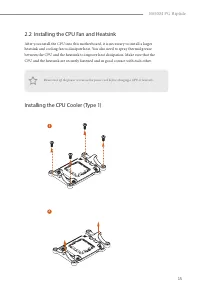
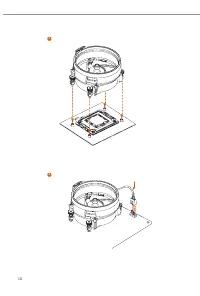
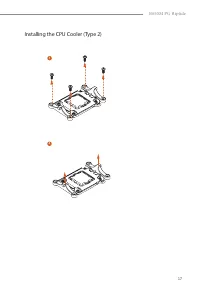
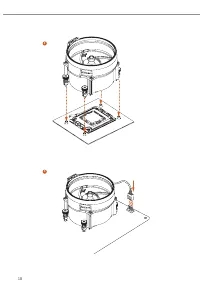
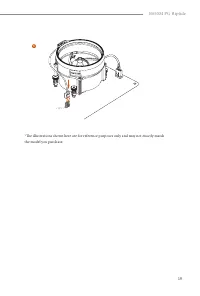
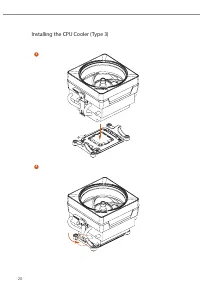
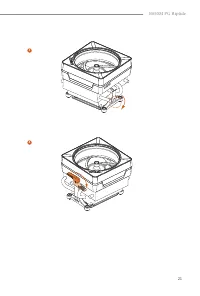
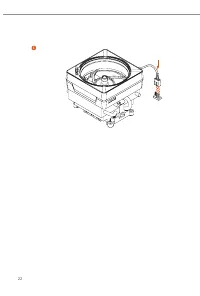
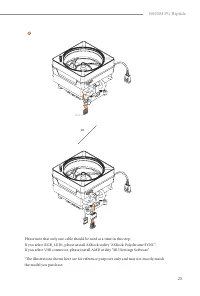
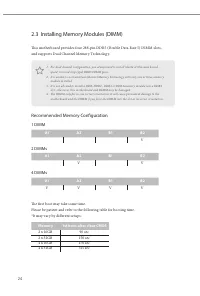
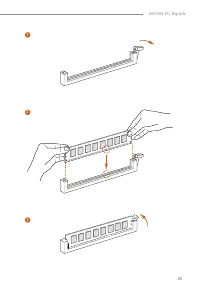
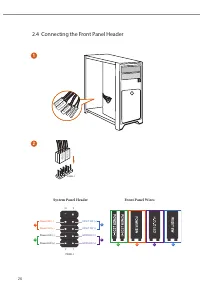
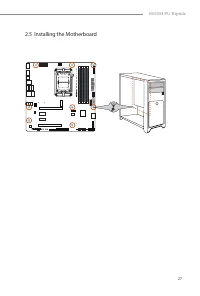
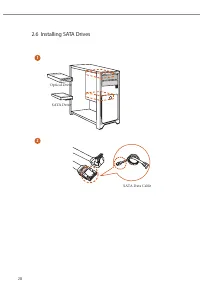
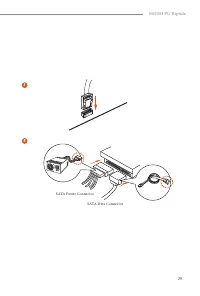
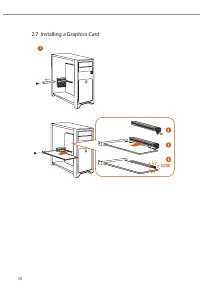
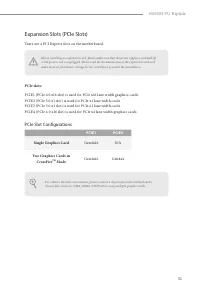
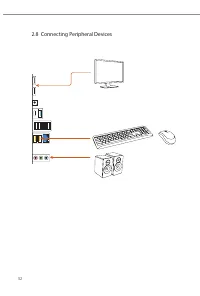
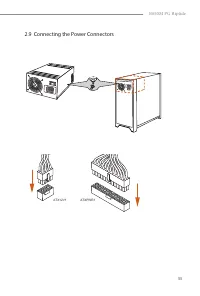
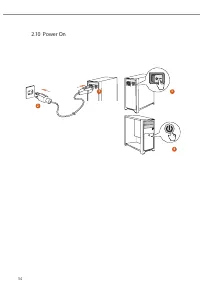

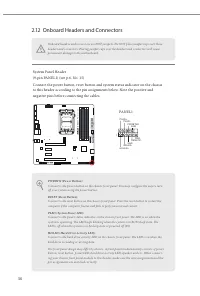
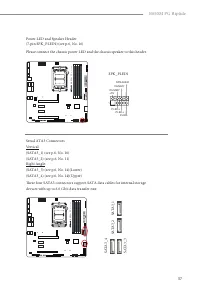
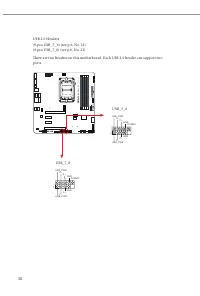
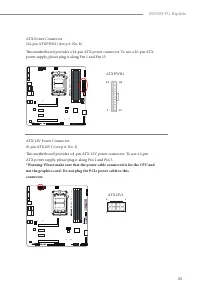
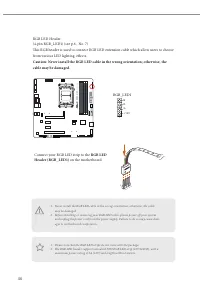
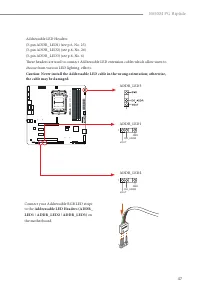
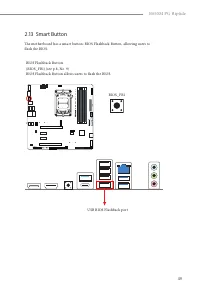
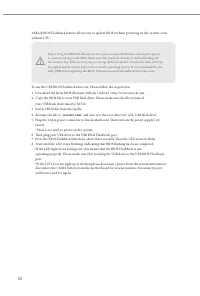
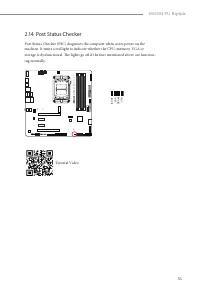
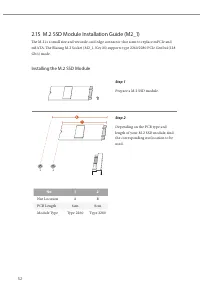
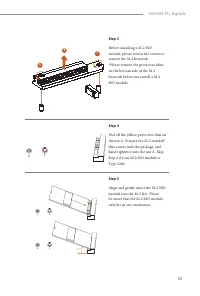
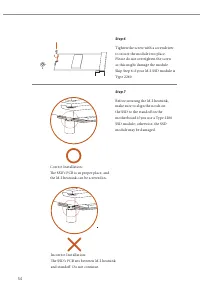
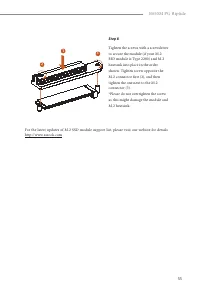
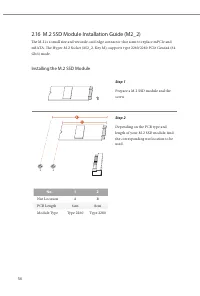
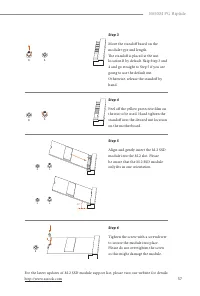
Table of Contents:
- Page 2 – Contact Information; ASRock Incorporation; Scan the QR code to view more manuals and documents.
- Page 3 – Contents; Chapter 1 Introduction
- Page 5 – Package Contents; ASRock B650M PG Riptide Motherboard (Micro ATX Form Factor)
- Page 7 – LAN; Supports Phantom Gaming LAN Software; USB; * All USB ports support ESD Protection; Storage
- Page 10 – Motherboard Layout
- Page 15 – Pre-installation Precautions; Hold components by the edges and do not touch the ICs.; Chapter 2 Installation
- Page 16 – Installing the CPU; Tutorial Video
- Page 19 – Installing the CPU Fan and Heatsink
- Page 27 – or
- Page 28 – Recommended Memory Configuration; DIMMs; Memory
- Page 30 – Connecting the Front Panel Header; System Panel Header
- Page 31 – Installing the Motherboard
- Page 32 – Installing SATA Drives; Optical Drive
- Page 34 – Installing a Graphics Card
- Page 35 – There are 4 PCI Express slots on the motherboard.; PCIe Slot Configurations; Single Graphics Card; Mode
- Page 36 – Connecting Peripheral Devices
- Page 37 – Connecting the Power Connectors
- Page 39 – CLRCMOS1
- Page 40 – Onboard Headers and Connectors
- Page 41 – SA
- Page 47 – ATXPWR1
- Page 50 – Connect your RGB LED strip to the; RGB LED; on the motherboard.
- Page 51 – the cable may be damaged.; on
- Page 53 – USB BIOS Flashback port
- Page 54 – ” and save it to the root directory of X: USB flash drive.
- Page 55 – Post Status Checker
- Page 56 – Installing the M.2 SSD Module; Nut Location
- Page 61 – if you are
- Page 63 – WARNING; THIS PRODUCT CONTAINS A BUTTOON BATTERY; AUSTRALIA ONLY; for disposal of electronic products.
"Loading the manual" means you need to wait until the file loads and becomes available for online reading. Some manuals are very large, and the time they take to appear depends on your internet speed.
Was this manual helpful?
About this manual
- Brand
- Asrock
- Model
- B650
- Document type
- User Manual
- Category
- Motherboard
- Language(s)
- English
- Pages
- 63
- File size
- 5 MB
- Format
Summary
Contact Information If you need to contact ASRock or want to know more about ASRock, you’re welcome to visit ASRock’s website at http://www.asrock.com; or you may contact your dealer for further information. For technical questions, please submit a support request form at https://event.asrock.com/ts...
Contents Chapter 1 Introduction 1 1.1 Package Contents 1 1.2 Specifications 2 1.3 Motherboard Layout 6 1.4 I/O Panel 8 1.5 Block Diagram 10 Chapter 2 Installation 11 2.1 Installing the CPU 12 2.2 Installing the CPU Fan and Heatsink 15 2.3 Installing Memory Modules (DIMM) 24 2.4 Connecting the Front ...
1 B650M PG Riptide Chapter 1 Introduction Thank you for purchasing ASRock B650M PG Riptide motherboard, a reliable motherboard produced under ASRock’s consistently stringent quality control. It delivers excellent performance with robust design conforming to ASRock’s commitment to quality and enduran...
Ask a question
Related manuals
Popular Asrock Motherboards


More Asrock Motherboards models
 Asrock B550 Pro4 User Manual
 Asrock B550M User Manual
 Asrock B550M PG User Manual
 Asrock B550M Pro4 User Manual
 Asrock B560 User Manual
 Asrock B560M User Manual
 Asrock B660 User Manual
 Asrock B660 Pro RS User Manual
 Asrock B660M User Manual
 Asrock B660M-HDV User Manual
 Asrock B660M Pro RS User Manual
 Asrock B760 User Manual
 Asrock H310 User Manual
 Asrock H310CM-DVS User Manual
 Asrock H310CM-HDV User Manual