APC 10000 - User Manual
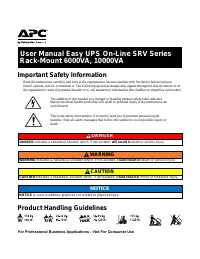
APC 10000 Uninterruptable Power Supply – User Manual, read for free online in PDF format. We hope this helps you resolve any issues you may have. If you have further questions, please contact us through the contact form.
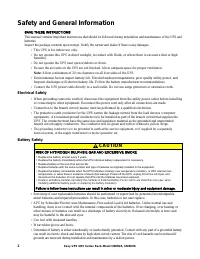
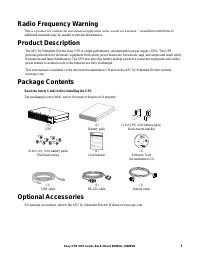
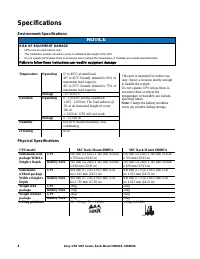
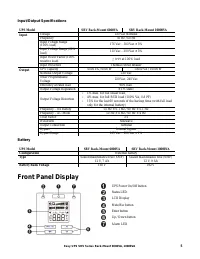
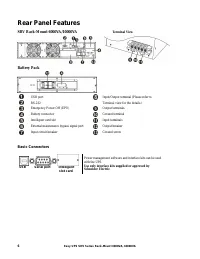
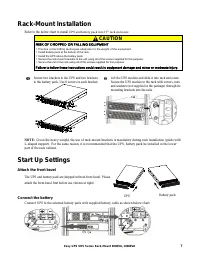
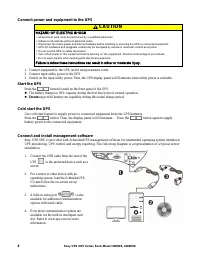
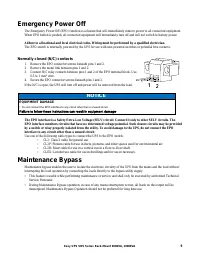
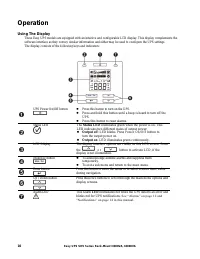
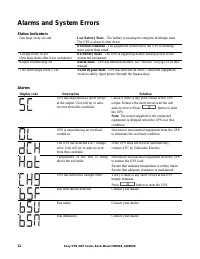
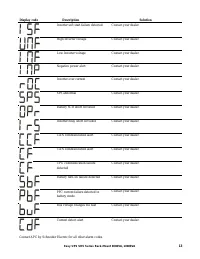
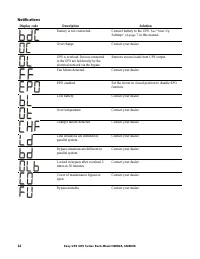
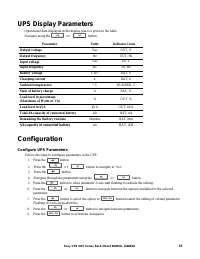
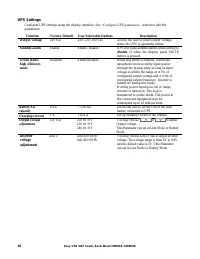
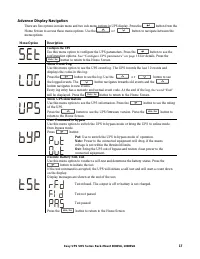
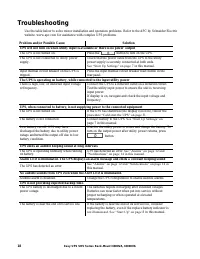
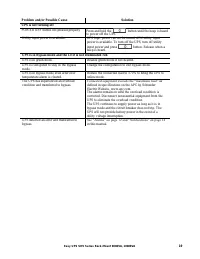
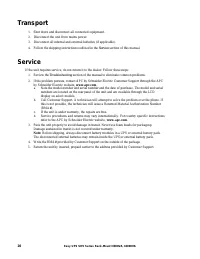
Table of Contents:
- Page 2 – Safety and General Information; Electrical Safety; Battery Safety; CAUTION
- Page 3 – Optional Accessories
- Page 4 – Specifications; Environment Specifications; NOTICE; Physical Specifications
- Page 5 – Front Panel Display
- Page 6 – Rear Panel Features; Battery Pack; Basic Connectors
- Page 7 – Rack-Mount Installation; Start Up Settings; Attach the front bezel; Connect the battery
- Page 8 – Connect power and equipment to the UPS; Start the UPS; Cold start the UPS
- Page 9 – Emergency Power Off; Maintenance Bypass
- Page 10 – Operation; Using The Display
- Page 12 – Alarms and System Errors; Status Indicators
- Page 14 – Notifications
- Page 15 – UPS Display Parameters; Ah capacity of connected battery; Configuration; Configure UPS Parameters
- Page 16 – UPS Settings
- Page 17 – Advance Display Navigation
- Page 18 – Troubleshooting
- Page 20 – Transport; Service
- Page 21 – Limited Factory Warranty
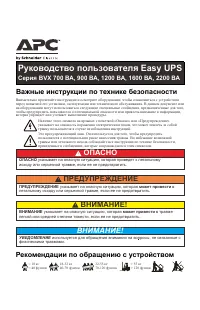
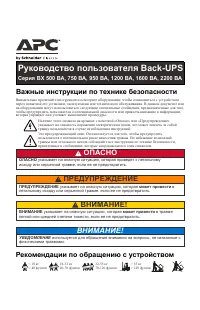
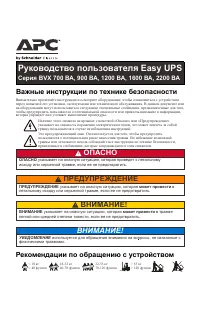
Important Safety Information
Read the instructions carefully and look at the equipment to become familiar with the device before trying to
install, operate, service or maintain it. The following special messages may appear throughout this document or on
the equipment to warn of potential hazards or to call attention to information that clarifies or simplifies a procedure.
The addition of this symbol to a Danger or Warning product safety label indicates
that an electrical hazard exists that will result in personal injury if the instructions are
not followed.
This is the safety alert symbol. It is used to alert you to potential personal injury
hazards. Obey all safety messages that follow this symbol to avoid possible injury or
death.
DANGER
DANGER
indicates a hazardous situation which, if not avoided,
will result in
death or serious injury.
WARNING
WARNING
indicates a hazardous situation which, if not avoided,
could result in
death or serious injury.
CAUTION
CAUTION
indicates a hazardous situation which, if not avoided,
could result in
minor or moderate injury.
NOTICE
NOTICE
is used to address practices not related to physical injury.
Product Handling Guidelines
User Manual Easy UPS On-Line SRV Series
Rack-Mount 6000VA, 10000VA
For Professional Business Applications – Not For Consumer Use
"Loading the manual" means you need to wait until the file loads and becomes available for online reading. Some manuals are very large, and the time they take to appear depends on your internet speed.
Was this manual helpful?
About this manual
- Brand
- APC
- Model
- 10000
- Document type
- User Manual
- Category
- Uninterruptable Power Supply
- Language(s)
- English
- Pages
- 22
- File size
- 2 MB
- Format
Summary
2 Easy UPS SRV Series Rack-Mount 6000VA, 10000VA Safety and General Information SAVE THESE INSTRUCTIONS This manual contains important instructions that should be followed during installation and maintenance of the UPS and batteries. Inspect the package contents upon receipt. Notify the carrier and ...
3 Easy UPS SRV Series Rack-Mount 6000VA, 10000VA Radio Frequency Warning This is a product for commercial and industrial application in the second environment − instal lation restrictions or additional measures may be needed to prevent disturbances. Product Description The APC by Schneider Electric ...
4 Easy UPS SRV Series Rack-Mount 6000VA, 10000VA Specifications Environment Specifications NOTICE RISK OF EQUIPMENT DAMAGE • UPS must be used indoors only. • The installation location should be sturdy to withstand the weight of the UPS. • Do not operate UPS where there is excessive dust or where the...