ZALMAN Z9 - User Manual
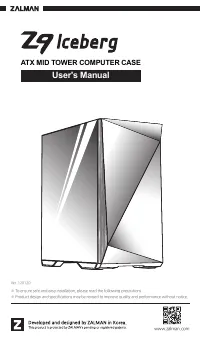
This user manual covers the Zalman Z9 Iceberg ATX mid-tower computer case, emphasizing safety, installation, and component compatibility. The document highlights essential precautions–such as proper ventilation, electrical safety, and environmental protection–to prevent damage or hazards during use. It also provides detailed specifications for physical dimensions, supported hardware capacities (e.g., motherboard, PSU), and included accessories like screws and cable management tools. While some pages include step-by-step assembly instructions, the broader scope remains focused on ensuring safe and functional setup of internal components within the case.
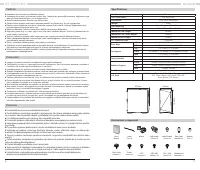
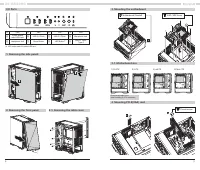
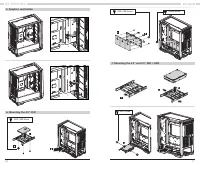

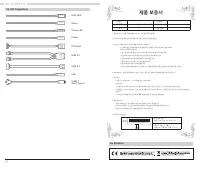

Table of Contents:
- Page 1 – Product Identification and Installation Precautions
- Page 2 – Safety Precautions for Product Handling
- Page 3 – Multilingual Safety and Installation Instructions
- Page 4 – Specifications and Included Accessories
- Page 5 – Computer Case Assembly Procedures
- Page 6 – Internal Component Mounting Instructions
- Page 7 – Mounting Internal Hardware and Cooling Systems
- Page 8 – I/O Connectors and Warranty Information
1
www.zalman.com
※ To ensure safe and easy installation, please read the following precautions.
※ Product design and specifications may be revised to improve quality and performance without notice.
Ver. 120120
User's Manual
ATX MID TOWER COMPUTER CASE
"Loading the manual" means you need to wait until the file loads and becomes available for online reading. Some manuals are very large, and the time they take to appear depends on your internet speed.
Was this manual helpful?
About this manual
- Brand
- ZALMAN
- Model
- Z9
- Document type
- User Manual
- Category
- PC Case
- Language(s)
- English
- Pages
- 9
- File size
- 6.8 MB
- Format
Summary
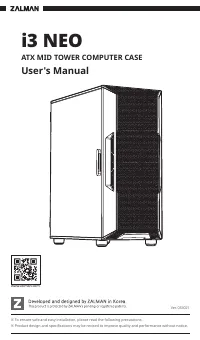
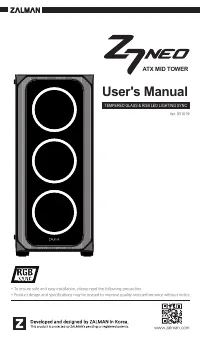
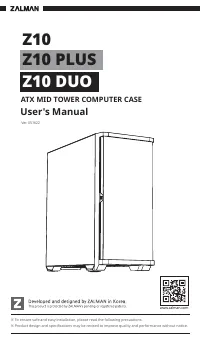
Cover information including product image, version number, installation warnings, and product development context.
Warnings regarding safe installation and use, covering handling procedures, ventilation requirements, chemical avoidance, and environmental placement.
Safety warnings and installation guidance in multiple languages concerning damage prevention, exposure to sunlight or moisture, careful handling, disposal, and hazard warnings like electrical shock and fire.