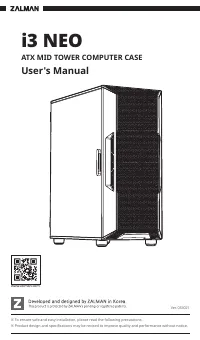
ZALMAN Z10 - User Manual
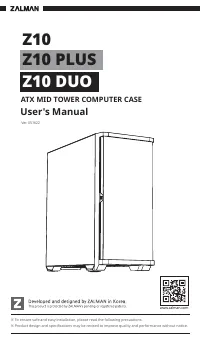
This user manual covers ZALMAN’s ATX mid-tower computer cases–specifically the Z10, Z10 Plus, and Z10 Duo models–highlighting their design, installation requirements, and safety guidelines. The document emphasizes safe handling practices, including avoiding direct sunlight or moisture, proper cable management, and compatibility checks for components like motherboards, PCI-E cards, SSDs/HDDs, and cooling systems. It also includes technical details such as dimensions, supported configurations, and included accessories while ensuring adherence to regulatory standards (CE, RoHS).
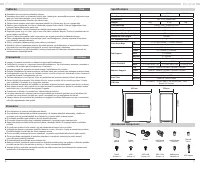
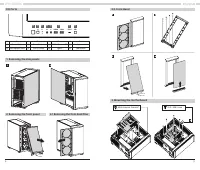
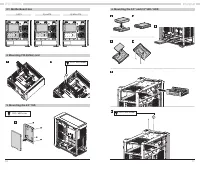
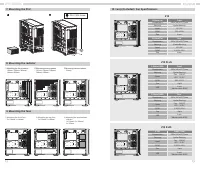
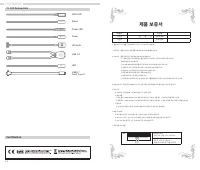

Table of Contents:
- Page 1 – Product Identification and Safety Overview
- Page 2 – General Installation Safety Guidelines
- Page 3 – Safety Warnings and Support Information
- Page 4 – Technical Specifications and Installation Precautions
- Page 5 – Case Assembly and Front Panel Access
- Page 6 – Component Mounting Procedures
- Page 7 – Cooling System Installation
- Page 8 – I/O Details and Warranty Information
1
※ To ensure safe and easy installation, please read the following precautions.
※ Product design and specifications may be revised to improve quality and performance without notice.
Ver. 051622
ATX MID TOWER COMPUTER CASE
Z10
User's Manual
www.zalman.com
Z10 PLUS
Z10 DUO
"Loading the manual" means you need to wait until the file loads and becomes available for online reading. Some manuals are very large, and the time they take to appear depends on your internet speed.
Was this manual helpful?
About this manual
- Brand
- ZALMAN
- Model
- Z10
- Document type
- User Manual
- Category
- PC Case
- Language(s)
- English
- Pages
- 9
- File size
- 6.3 MB
- Format
Summary
Identification details for the ZALMAN ATX mid-tower computer cases, including line drawings, version information, and installation safety precautions.
Safety guidelines for installing the product, emphasizing precautions against sunlight, moisture, handling procedures, and correct cable connection practices.
Warnings regarding installation safety, handling precautions, chemical exposure risks, and instructions for contacting support when issues arise.