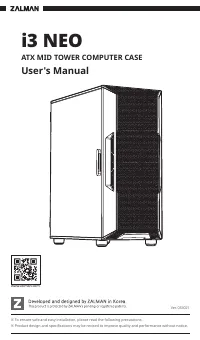
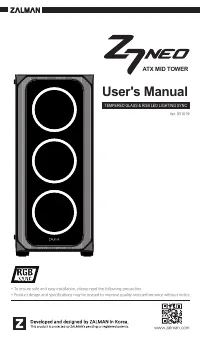
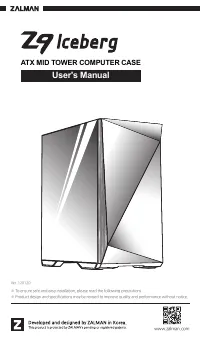
ZALMAN X3 - User Manual

This user manual covers the ZALMAN X3 mid-tower computer case, focusing on its design, installation, and safe operation. Key topics include safety precautions–such as electrical hazard avoidance and chemical exposure warnings–to prevent damage or injury during setup. The document also outlines hardware compatibility (e.g., ATX/mATX motherboards), supported accessories like fans, RGB LED controllers, and drive bays, alongside technical specifications such as dimensions and airflow ratings.
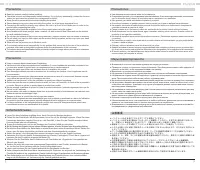
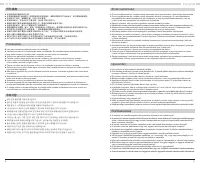
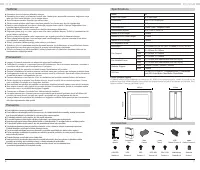
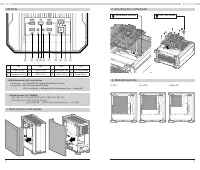
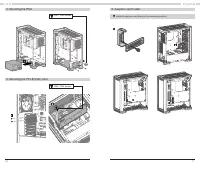
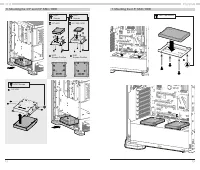
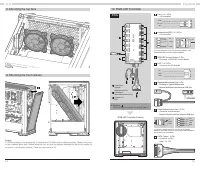
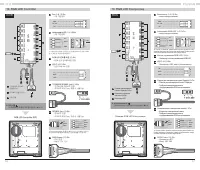
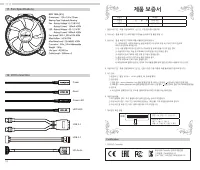

Table of Contents:
- Page 1 – Product Identification and Safety Notice
- Page 2 – General Safety Precautions
- Page 3 – Installation Guidelines in Multiple Languages
- Page 4 – Case Specifications and Included Accessories
- Page 5 – Initial PC Assembly Steps
- Page 6 – Internal Component Mounting Procedures
- Page 7 – Drive Installation Instructions
- Page 8 – Cooling and RGB Controller Setup
- Page 9 – RGB LED Controller Wiring
- Page 10 – Fan Specifications and Warranty Information
1
www.zalman.com
A T X M I D T O W E R C O M P U T E R C A S E
※ To ensure safe and easy installation, please read the following precautions.
※ Product design and specifications may be revised to improve quality and performance without notice.
User's Manual
Ver. 041220
"Loading the manual" means you need to wait until the file loads and becomes available for online reading. Some manuals are very large, and the time they take to appear depends on your internet speed.
Was this manual helpful?
About this manual
- Brand
- ZALMAN
- Model
- X3
- Document type
- User Manual
- Category
- PC Case
- Language(s)
- English
- Pages
- 11
- File size
- 14 MB
- Format
Summary
Identification details, product line information, and precautions for safe installation.
Safety warnings regarding installation and usage, including avoiding hazardous locations, electrical hazards, chemical exposure, and force restrictions.
Specific safety warnings and handling guidelines for installation and usage presented in multiple language formats.