Sven PS-160 - User Manual

Sven PS-160 Portable Speaker – User Manual, read for free online in PDF format. We hope this helps you resolve any issues you may have. If you have further questions, please contact us through the contact form.
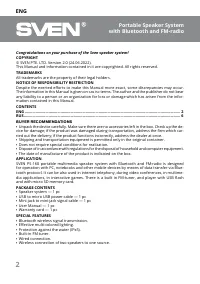
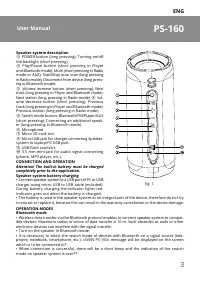
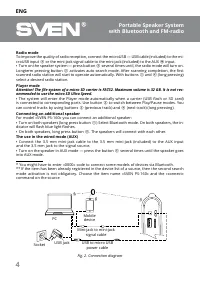
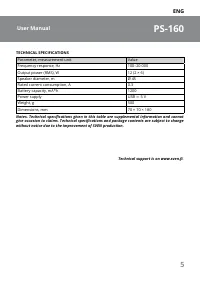
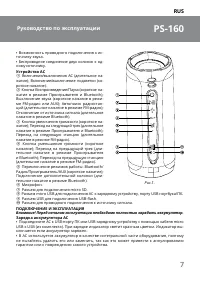
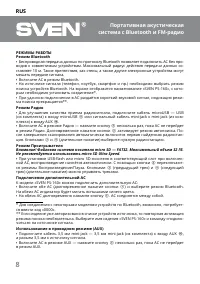
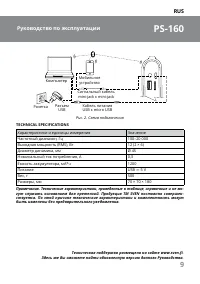

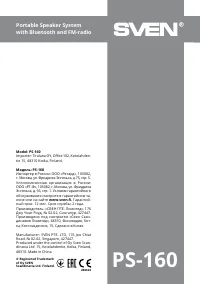
Table of Contents:
- Page 2 – Congratulations on your purchase of the Sven speaker system!; BUYER RECOMMENDATIONS
- Page 3 – Speaker system description; Next station (long pressing in Radio mode); CONNECTION AND OPERATION; Attention! The built-in battery must be charged; Speaker system battery charging
- Page 4 – Radio mode; ommended to use the micro SD Ultra Speed.; Connecting an additional speaker
- Page 5 – TECHNICAL SPECIFICATIONS; Parameter, measurement unit
- Page 6 – Благодарим Вас за покупку акустической системы ТМ SVEN!
- Page 7 – Устройство АС
- Page 8 – РЕЖИМЫ РАБОТЫ; Внимание! Файловая система носителя micro SD; Подключение дополнительной АС
- Page 9 – быть изменены без предварительного уведомления.
- Page 12 – Уполномоченная организация в России:; ® Registered Trademark
www.sven.fi
USER MANUAL
Portable Speaker System
with Bluetooth and FM-radio
PS-160
"Loading the manual" means you need to wait until the file loads and becomes available for online reading. Some manuals are very large, and the time they take to appear depends on your internet speed.
Was this manual helpful?
About this manual
- Brand
- Sven
- Model
- PS-160
- Document type
- User Manual
- Category
- Portable Speaker
- Language(s)
- English, Russian
- Pages
- 12
- File size
- 814.5 KB
- Format
Summary
ENG 2 Portable Speaker System with Bluetooth and FM-radio Congratulations on your purchase of the Sven speaker system! COPYRIGHT © SVEN PTE. LTD. Version 2.0 (24.06.2022). This Manual and information contained in it are copyrighted. All rights reserved. TRADEMARKS All trademarks are the property of ...
ENG 3 PS-160 User Manual Speaker system description a POWER button (long pressing); Turning on/off the backlight (short pressing). b Play/Pause button (short pressing in Player and Bluetooth mode); Mute (short pressing in Radio mode or AUX); Start/Stop auto scan (long pressing in Radio mode); Discon...
ENG 4 Portable Speaker System with Bluetooth and FM-radio Radio mode To improve the quality of radio reception, connect the microUSB ― USB cable (included) to the mi - croUSB input h or the mini-jack signal cable to the mini-jack (included) to the AUX j input. • Turn on the speaker system ― press bu...
Ask a question
Related manuals
More Sven Portable Speakers models


Other Sven appliances
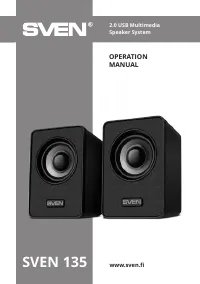 Sven 135 User Manual
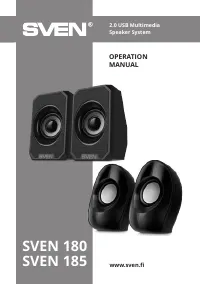 Sven 185 User Manual
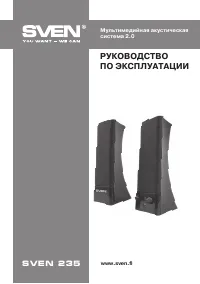 Sven 235 User Manual
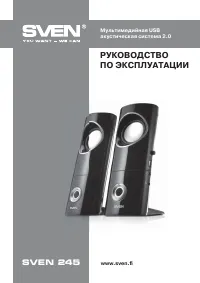 Sven 245 User Manual
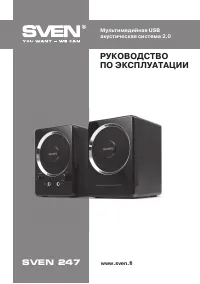 Sven 247 User Manual
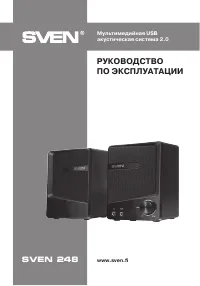 Sven 248 User Manual
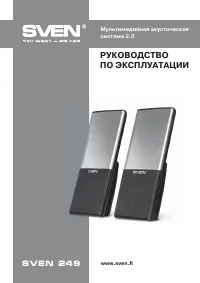 Sven 249 User Manual
 Sven 301 User Manual
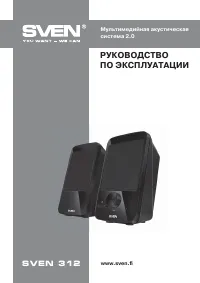 Sven 312 User Manual
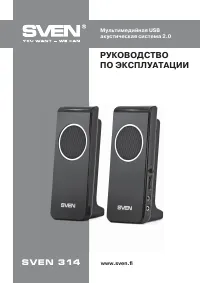 Sven 314 User Manual
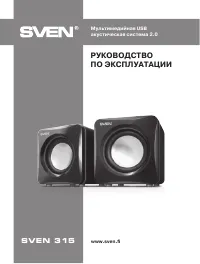 Sven 315 User Manual
 Sven 316 User Manual
 Sven 318 User Manual
 Sven 320 User Manual
- Sven 325 User Manual
 Sven 335 User Manual