JBL Soundgear - User Manual
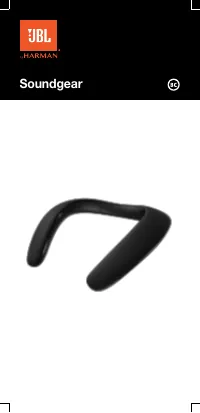
The JBL Soundgear is a wireless neckband-style headphone designed for seamless Bluetooth connectivity and dual-device management, making it ideal for music lovers and call handlers alike. This product’s instructions cover essential topics like Bluetooth pairing, handling multiple connections (up to two devices), controlling volume and audio functions via physical buttons, interpreting LED indicators for power, battery status, and connection states, and ensuring proper charging through USB. The documentation also highlights its technical specifications–such as frequency response, Bluetooth range, and battery life–across multiple languages, reflecting a focus on user-friendly operation and regional accessibility.
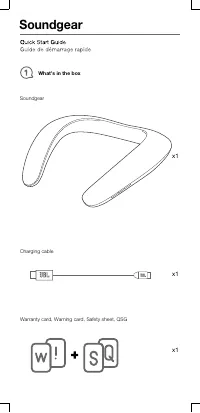
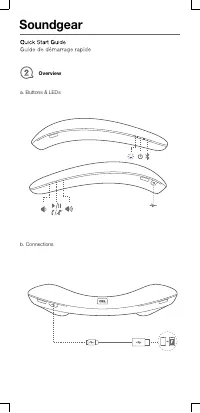
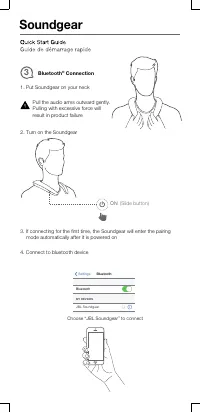
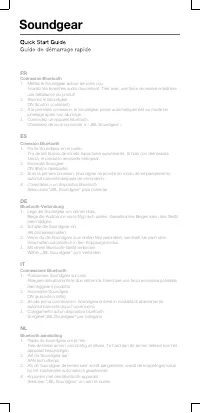
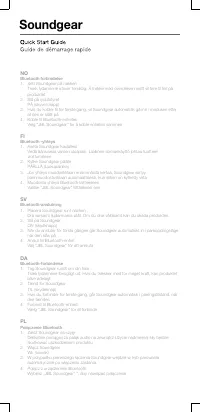
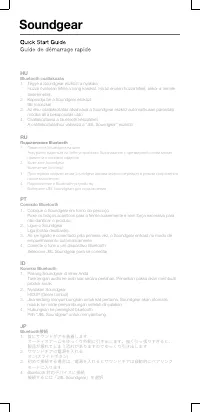
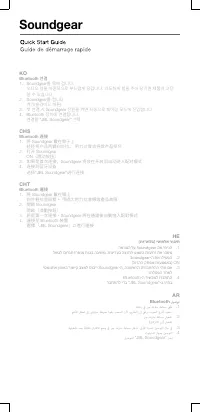
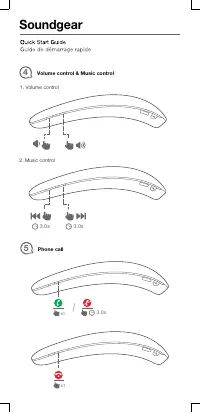

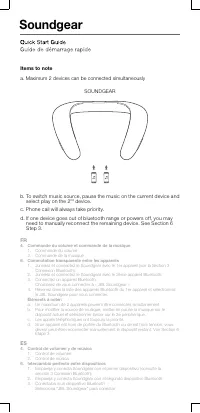
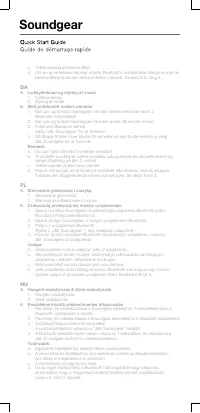
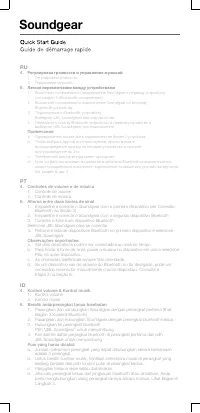
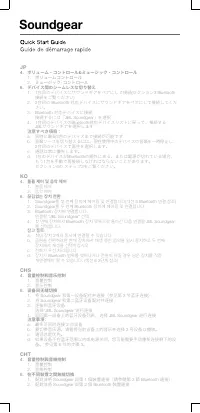
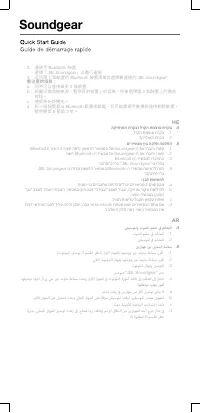
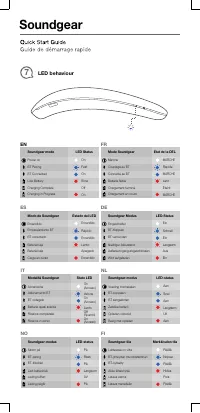
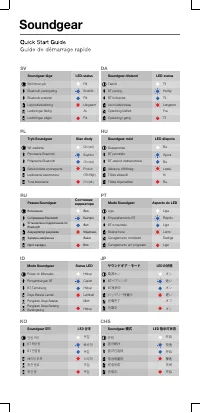
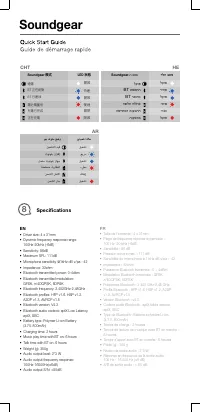
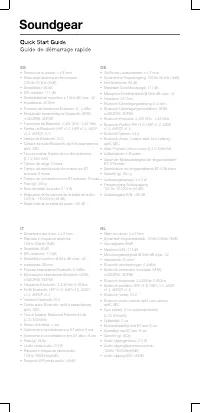
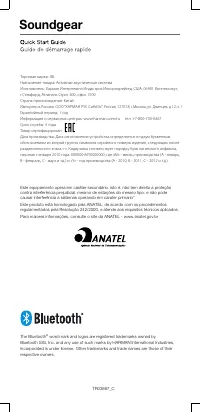
Table of Contents:
- Page 1 – Product Identification and Support Information
- Page 2 – Package Contents
- Page 3 – Physical Controls and Connections
- Page 4 – Bluetooth Pairing Procedure
- Page 5 – Multilingual Bluetooth Connection Guide
- Page 6 – Multilingual Setup and Pairing Instructions
- Page 7 – Bilingual Multilingual Setup Guide
- Page 8 – Regional Bluetooth Setup Instructions
- Page 9 – Volume and Call Controls
- Page 10 – Switching Between Bluetooth Connections
- Page 11 – Managing Multiple Device Connections
- Page 12 – Multilingual Multi-Device Management
- Page 13 – Audio Setup Instructions
- Page 14 – Multilingual Pairing and Audio Connection Flow
- Page 15 – Multilingual Setup and Usage Guide
- Page 16 – Multilingual Operational Guidance
- Page 17 – Bilingual Connection Guide and Safety Warnings
- Page 18 – LED Indicator Behavior Reference
- Page 19 – Multilingual LED Status Mapping
- Page 20 – Technical Specifications
- Page 21 – Audio Performance and Bluetooth Specifications
- Page 22 – Multilingual Physical and Power Specifications
- Page 23 – Multilingual Technical Specifications
- Page 24 – Bilingual Model Specification Sheet
- Page 25 – CHT Device Specifications and Interface
- Page 26 – Active Audio System Information
Soundgear
"Loading the manual" means you need to wait until the file loads and becomes available for online reading. Some manuals are very large, and the time they take to appear depends on your internet speed.
Was this manual helpful?
About this manual
- Brand
- JBL
- Model
- Soundgear
- Document type
- User Manual
- Category
- Sound System
- Language(s)
- German, English, Spanish, French, Italian, Dutch, Polish, Russian, Swedish
- Pages
- 26
- File size
- 1 MB
- Format
Summary
Identification details for the JBL Soundgear product, including branding and logo.
List of items included in the package, such as the device, charging cable, warranty, warning, safety sheet, and Quick Start Guide.
Location and function of physical controls and indicators on the top surface, and details of the USB connection port on the bottom for charging or audio output.
Ask a question
Related manuals
Popular JBL Sound Systems

More JBL Sound Systems models
 JBL PartyBox 710 User Manual
 JBL PARTYBOX 1000 User Manual
 JBL Pulse User Manual
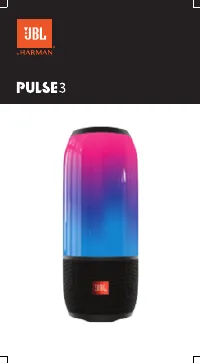 JBL Pulse 3 User Manual
 JBL Radial Micro Manual
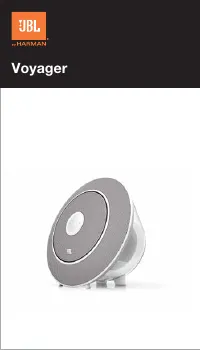 JBL Voyager User Manual
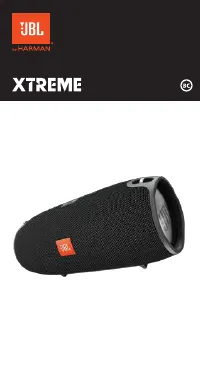 JBL Xtreme User Manual
 JBL Xtreme Special Edition User Manual
 JBL Authentics L8 User Manual
 JBL Authentics L16 User Manual
 JBL Charge 3 Special Edition User Manual
 JBL Clip+ User Manual
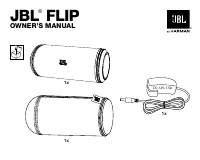 JBL Flip User Manual