JBL Everest Elite 700 - User Manual
JBL Everest Elite 700 Headphones – User Manual, read for free online in PDF format. We hope this helps you resolve any issues you may have. If you have further questions, please contact us through the contact form.
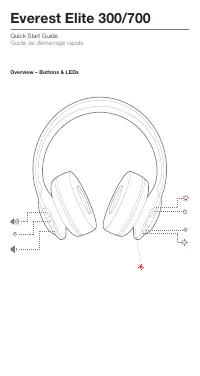
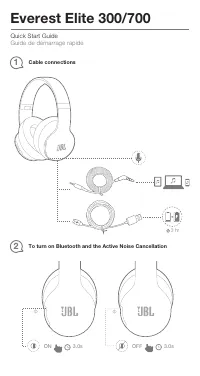
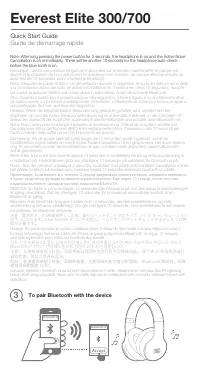
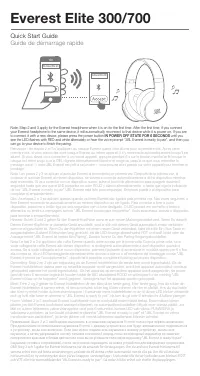
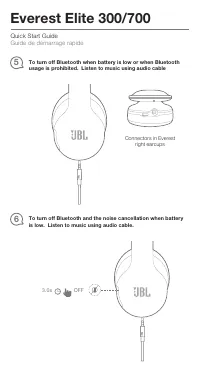
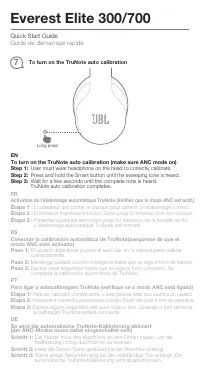
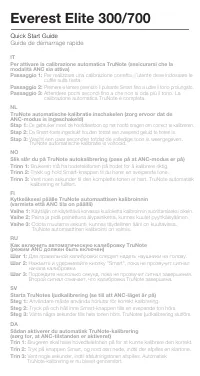
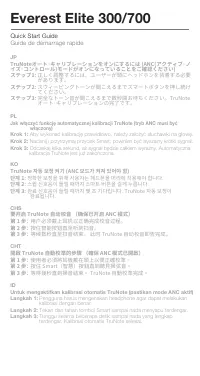
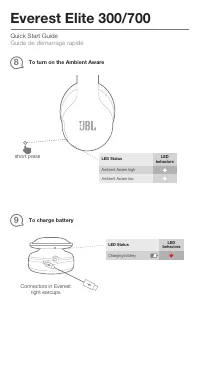
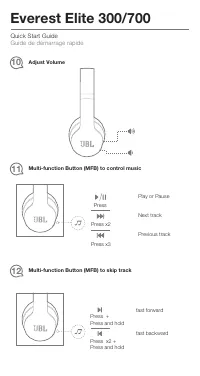
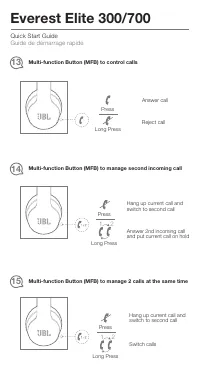
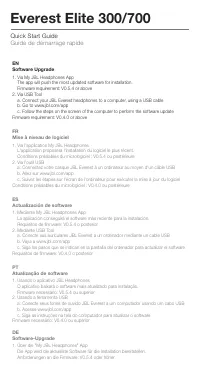
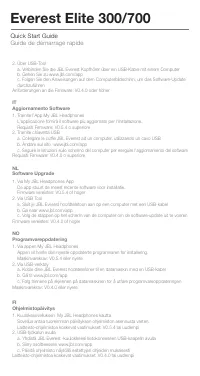
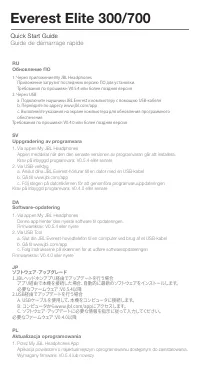
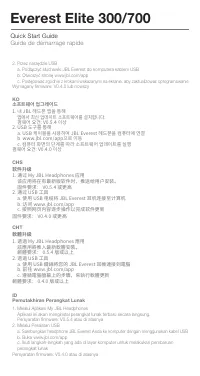
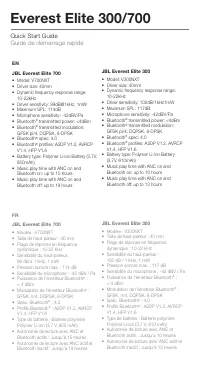
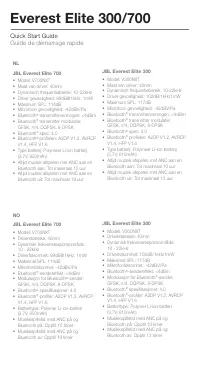
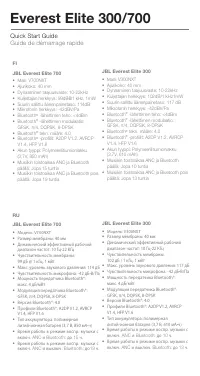
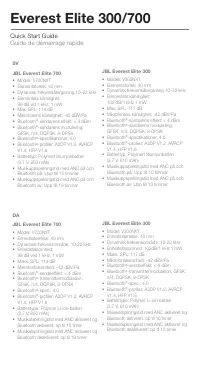
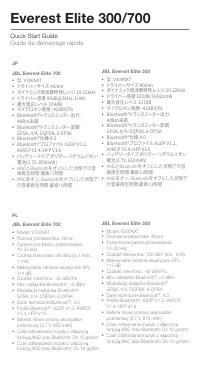
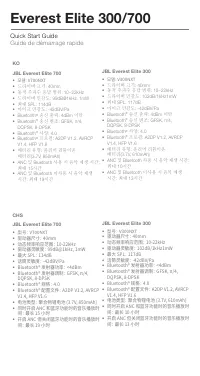
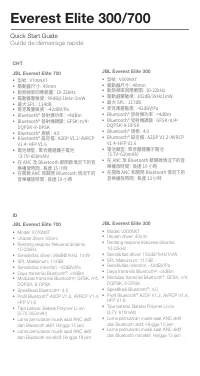
Table of Contents:
- Page 2 – Overview – Buttons & LEDs
- Page 3 – Cable connections; ON
- Page 4 – To pair Bluetooth with the device; Quick Start Guide
- Page 6 – To download My JBL Headphones App
- Page 7 – Connectors in Everest
- Page 8 – To turn on the TruNote auto calibration; User must wear headphone on the head to correctly calibrate.; modo ANC esté activado); Long press
- Page 10 – JP; があります。; ステップ2: スウィーピングトーンが聞こえるまでスマートボタンを押し続け; てください。; ステップ3: 完全なトーン音が聞こえるまで数秒間お待ちください。TruNote; オート・キャリブレーションの完了です。; CHS; 使用者必須將耳機戴在頭上以便正確校準。; 단계 3: 완료 신호음이 들릴 때까지 몇 초 기다립니다. TruNote 자동 보정이
- Page 11 – To charge battery; To turn on the Ambient Aware; short press
- Page 12 – Adjust Volume
- Page 13 – Multi-function Button (MFB) to manage 2 calls at the same time
- Page 14 – Software Upgrade; durchzuführen
- Page 15 – Aggiornamento Software
- Page 16 – Обновление ПО; Через приложение My JBL Headphones; Uppgradering av programvara; JBLヘッドホンアプリ経由でアップデートを行う場合; Aktualizacja oprogramowania
- Page 17 – Pemutakhiran Perangkat Lunak; 앱에서�최신�업데이트�소프트웨어를�설치합니다.
- Page 24 – ść
- Page 27 – The Bluetooth
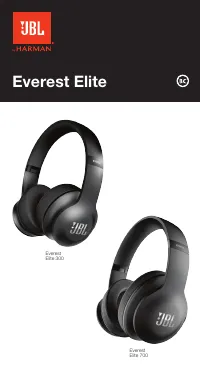
Everest Elite
Everest
Elite 300
Everest
Elite 700
"Loading the manual" means you need to wait until the file loads and becomes available for online reading. Some manuals are very large, and the time they take to appear depends on your internet speed.
Was this manual helpful?
About this manual
- Brand
- JBL
- Model
- Everest Elite 700
- Document type
- User Manual
- Category
- Headphones
- Language(s)
- English, French
- Pages
- 27
- File size
- 2.3 MB
- Format
Summary
Quick Start Guide Guide de démarrage rapide Everest Elite 300/700 Overview – Buttons & LEDs M S
Quick Start Guide Guide de démarrage rapide Everest Elite 300/700 3 hr Cable connections 1 To turn on Bluetooth and the Active Noise Cancellation 2 ON OFF 3.0s 3.0s
To pair Bluetooth with the device 3 JBL Everest Elite 700 JBL Everest Elite 700 Note: After long pressing the power button for 3 seconds, the headphone is on and the Active Noise Cancellation is on immediately. There will be another 10 seconds for the headphone auto-check before the blue-tooth is on...
Ask a question
Related manuals
Popular JBL Headphones



More JBL Headphones models
 JBL Endurance Dive Blue User Manual
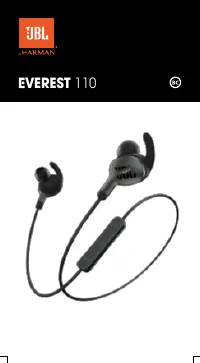 JBL Everest 110 User Manual
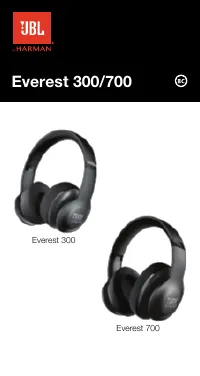 JBL Everest 300 User Manual
- JBL Everest 700 User Manual
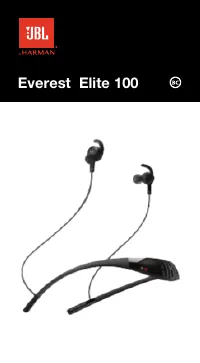 JBL Everest Elite 100 User Manual
- JBL Everest Elite 300 User Manual
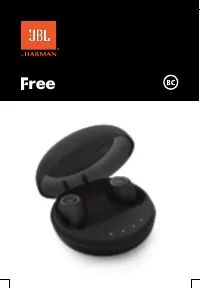 JBL Free User Manual
 JBL Free II User Manual
 JBL Inspire 500 User Manual
 JBL Inspire 700 User Manual
 JBL J56BT User Manual
 JBL JBLE45BTWHT User Manual