Hyundai H-CD7016 - User Manual
Hyundai H-CD7016 Portable Audio Player – User Manual, read for free online in PDF format. We hope this helps you resolve any issues you may have. If you have further questions, please contact us through the contact form.
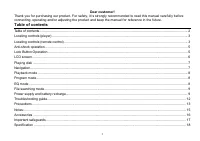
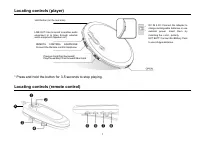
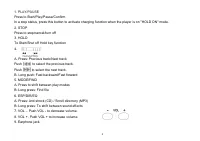
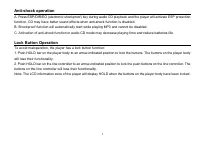
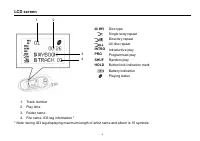
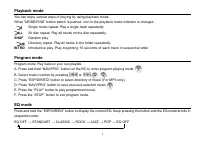
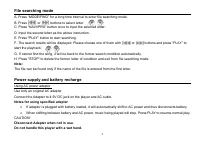
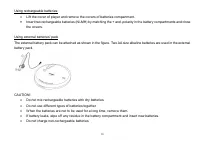

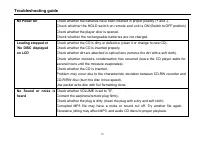
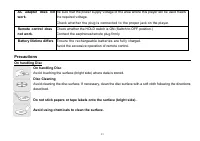
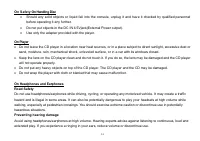

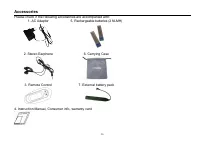
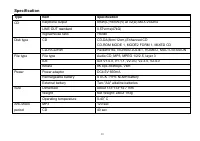
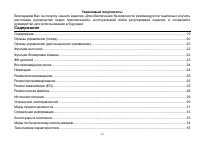
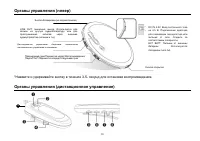
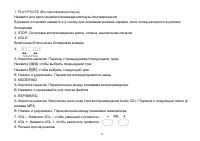
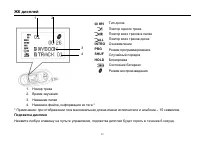
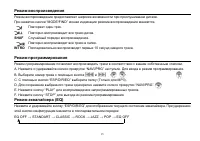
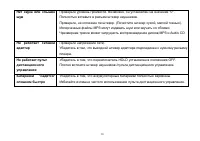
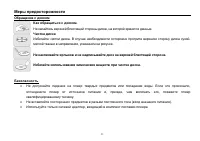
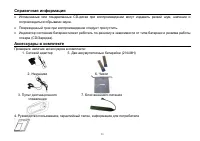
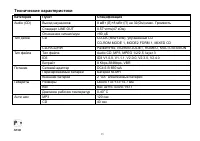
Table of Contents:
- Page 2 – Table of contents
- Page 5 – Lock Button Operation
- Page 6 – LCD screen; INTRO
- Page 7 – LCD backlight; Playing disk
- Page 8 – Playback mode; Single music repeat. Play a single track repeatedly; SHUF; Random; Program mode; or; EQ mode
- Page 9 – File searching mode; Power supply and battery recharge; Notes for using specified adapter
- Page 12 – Troubleshooting guide; No Power On
- Page 13 – Precautions; Avoid touching the surface (bright side) where data is stored.
- Page 14 – On Safety On Handling Disc; Use only the adapter provided with the player.; On Player
- Page 15 – Consideration for others
- Page 16 – Accessories; Please check if the following accessories are accompanied with:
- Page 17 – Important safeguards; CAUTION
- Page 18 – Specification; Type
- Page 25 – PLAY
- Page 29 – HOLD
H- CD7016
POPTABLE CD PLAYER
CD
Instruction
manual
"Loading the manual" means you need to wait until the file loads and becomes available for online reading. Some manuals are very large, and the time they take to appear depends on your internet speed.
Summary
2 Dear customer! Thank you for purchasing our product. For safety, it is strongly recommended to read this manual carefully beforeconnecting, operating and/or adjusting the product and keep the manual for reference in the future. Table of contents Table of contents .....................................
5 Anti-shock operation A. Press ESP/DIR/EQ (electronic shockproof) key during audio CD playback and the player will activate ESP protectionfunction. CD may have better sound effects when anti-shock function is disabled.B. Shockproof function will automatically start while playing MP3 and cannot be d...
6 LCD screen Disc type Single song repeat Directory repeat All disc repeat INTRO Introductive play PRG Programmed play SHUF Random play HOLD Button lock indication mark Battery indication Playing status 1. Track number2. Play time3. Folder name4. File name, ID3 tag information * * Note: during ID3 t...