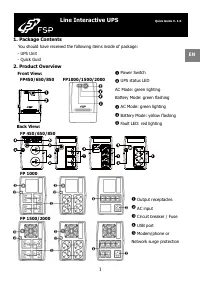
FSP iFP 800 - User Manual
FSP iFP 800 Uninterruptable Power Supply – User Manual, read for free online in PDF format. We hope this helps you resolve any issues you may have. If you have further questions, please contact us through the contact form.
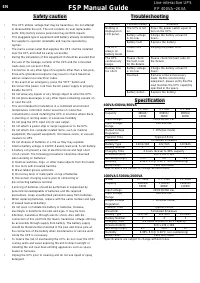
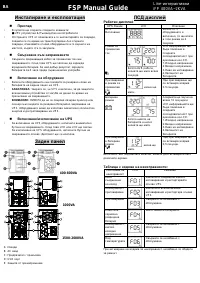
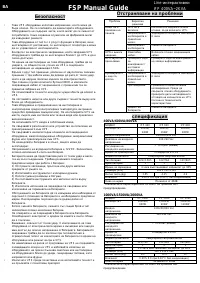
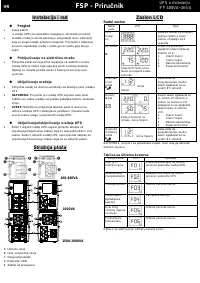
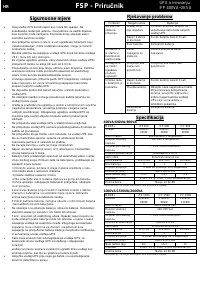
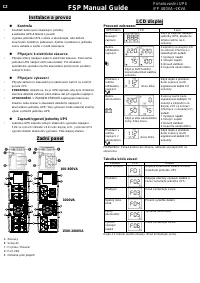
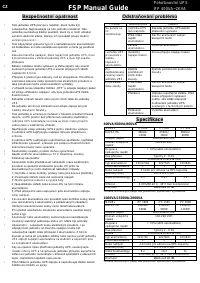
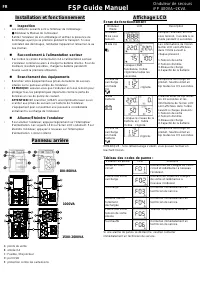
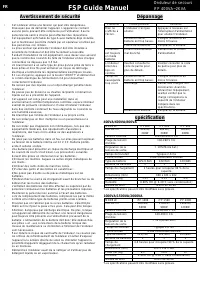
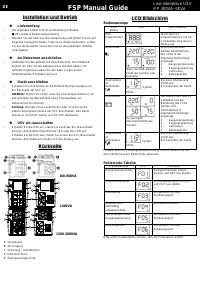
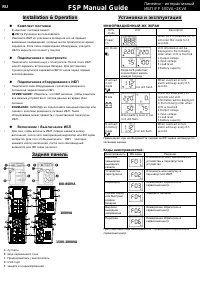
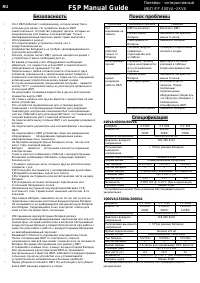
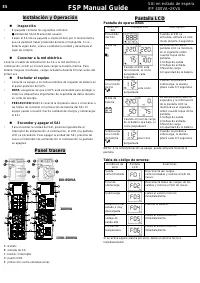
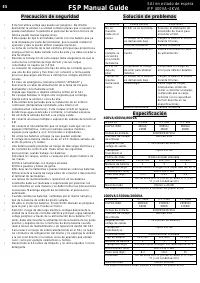
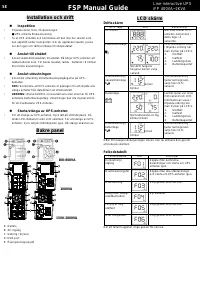
Table of Contents:
- Page 2 – FSP Manual Guide; EN
- Page 3 – интерактивни; BA
- Page 4 – Безопасност; Отстраняване на проблеми
- Page 5 – UPS u mirovanju; Priručnik; Instalacija i rad
- Page 6 – Sigurnosne mjere; Rješavanje problema; HR
- Page 7 – Instalace a provoz; Zadní panel; CZ
- Page 9 – Installation et fonctionnement; Panneau arriè re; FSP Guide Manuel; FR
- Page 11 – Installation und Betrieb; Rü ckseite; DE
- Page 13 – Telepíté s é s ü zemelteté s; Há tsó panel; HU
- Page 15 – Diegimas ir valdymas; Galinis skydas; FSP Vartotojo instrukcija; LT
- Page 17 – Instalacja i działanie; Tylny panel; FSP Instrukcja Obsługi; PO
- Page 19 – PT
- Page 21 – Instalare și operare; Panoul din spate; RO
- Page 23 – Installation & Operation; Задняя панель; RU
- Page 25 – ES
- Page 27 – Installation och drift; Bakre panel; SE
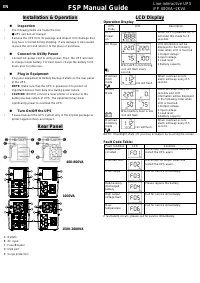
Installation & Operation
Inspection
•
The following item s are inside the box:
●
UPS unit & User m anual
•
Rem ove the UPS from its package and inspect it for dam age that
m ay have occurred during shipping. If any dam age is discovered,
re-pack the unit and retu rn it to the place of purchase.
Connect to Utility Power
•
Connect AC power cord to utility power. Then, the UPS will start
to charge inside battery. For best result, charge the battery for 6
hours prior to initial use.
Plug in Equipment
•
Plug your equipm ent to Battery Backup Outlets on the rear panel
of the UPS.
•
NOTE:
Make sure that the UPS is powered on to protect all
im portant devices from data loss during power failure.
•
C AUTION:
NEVER connect a laser printer or scanner to the
battery backup outlets of U PS. The equipm ent m ay draw
significantly power to overload the UPS.
Turn On/Off the UPS
•
Please transport the UPS system only in the original package t o
protect against shock and im pact.
Rear Panel
400-800VA
1000VA
1500-2000VA
A:
Outlets
B:
AC input
C:
Fuse/Breaker
D:
USB port
E:
Surge protection
LCD Display
Operation Display
UPS
m ode
LCD
Description
UPS
Power
on
W hen UPS is powered on, it
will enter this m ode for 4
seconds.
AC Mode
W hen AVR is functioning,
icon will flash every
second.
LCD inform ation will be
displayed in the following
order when LCD is touched.
1.Output voltage
2.Input voltage
3.Load level
4.Battery capacity
Overload
in AC
m ode
icon will flash.
W hen overload occurs,
alarm will beep every 0.5
second.
Battery
Mode
W hen battery level is low,
icon will flash.
Alarm will beep every 10
seconds and LCD
inform ation will be displayed
in the following order when
LCD is touched.
1.Output voltage
2.Input voltage
3.Load level
4.Battery capacity
Overload
in battery
m ode
icon will flash.
W hen overload occurs,
alarm will beep every 0.5
second.
NOTE: If backlight shuts off, you m ay activate it by to uching the screen.
Fault Code Table:
Fault condition
LCD
Solutions
Output short
circuited
Disconnect short -circuited loads and
restart the UPS again.
Overload fault
Disconnect all output loads and
restart the UPS ag ain.
Overcharge
Call for service imm ediately.
Bad/severely
discharged
battery
Please replace the battery.
High output
voltage fault
Call for service imm ediately.
Over-
tem perature
Call for service imm ediately.
If fault alarm occurs, please call for service imm ediately.
Line-interactive UPS
iFP 400VA~2KVA
FSP Manual Guide
EN
"Loading the manual" means you need to wait until the file loads and becomes available for online reading. Some manuals are very large, and the time they take to appear depends on your internet speed.
Summary
Safety caution • This UPS utilizes voltage that may be hazardous. Do not attem pt to disassem ble the unit. The unit contains no user replaceable parts. Only factory service personnel m ay perform repairs. • This pluggable type A equipm ent with battery already installed by the supplier is operator ...
Инсталиране и експлоатация Преглед • В кутията ще откриете следните елементи: ● UPS устройство & Ръководство на потребителя • Отстранете UPS от опаковката и го инспектирайте за повреди, появили се по време на транспортиране Ако откриете повреди, опаковайте отново оборудването и го върнете на м...
Безопасност • Това UPS оборудване използва напрежение, което може да бъде опасно. Не се опитвайте да демонтирате оборудването. Оборудването не съдържа части, к оито могат да се сменят от потребителя. Само сервизни служители на фабриката могат да извършват ремонти. • Това оборудване от тип A с с plug...