FSP FP 1000 - Manuals
FSP FP 1000 Uninterruptable Power Supply – User Manual in PDF format online.
Manuals:
User Manual FSP FP 1000
Summary
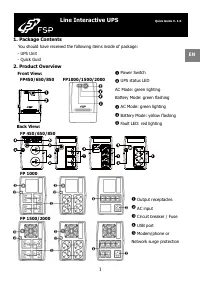
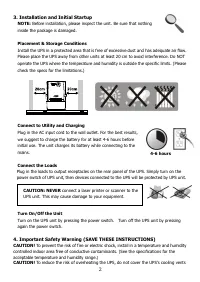
2 4-6 hours CAUTION: NEVER connect a laser printer or scanner to the UPS unit. This may cause damage to your equipment. 3. Installation and Initial Startup NOTE: Before installation, please inspect the unit. Be sure that nothing inside the package is damaged. Placement & Storage Conditions Insta...
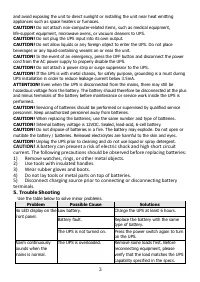
3 and avoid exposing the unit to direct sunlight or installing the unit near heat emitting appliances such as space heaters or furnaces. CAUTION! Do not attach non-computer-related items, such as medical equipment, life-support equipment, microwave ovens, or vacuum cleaners to UPS. CAUTION! Do not p...
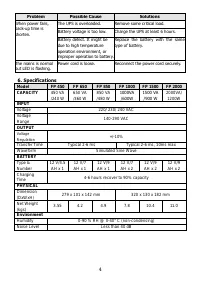
4 Problem Possible Cause Solutions When power fails, back-up time is shorten. The UPS is overloaded. Remove some critical load. Battery voltage is too low. Charge the UPS at least 6 hours. Battery defect. It might be due to high temperature operation environment, or improper operation to battery. Re...