DIGITUS DN-170095 - User Manual
DIGITUS DN-170095 Uninterruptable Power Supply – User Manual, read for free online in PDF format. We hope this helps you resolve any issues you may have. If you have further questions, please contact us through the contact form.
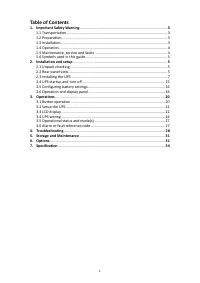
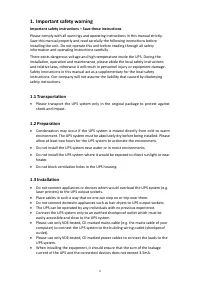
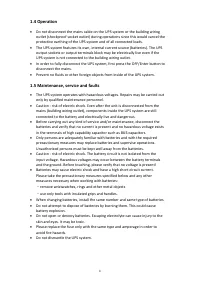
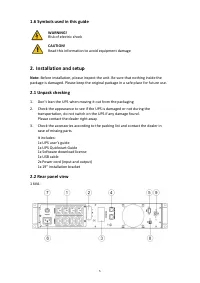
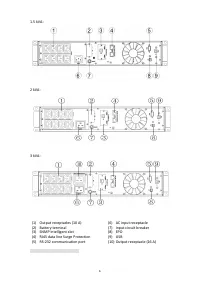
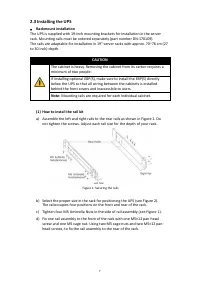
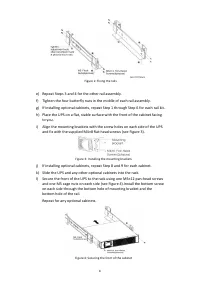
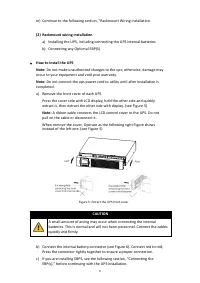
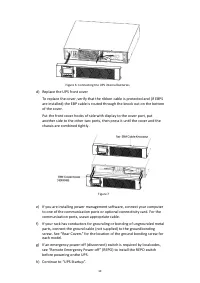
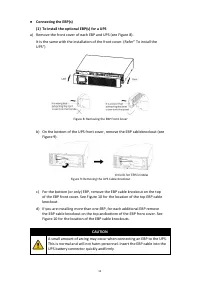
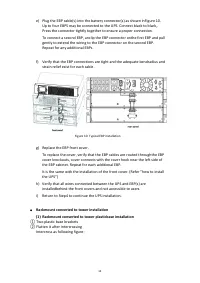
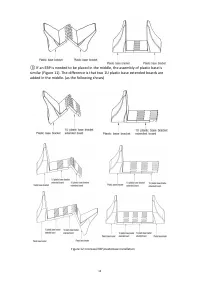
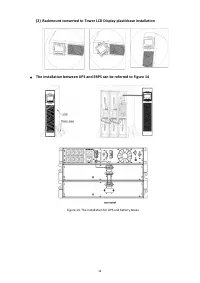
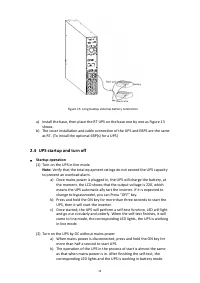
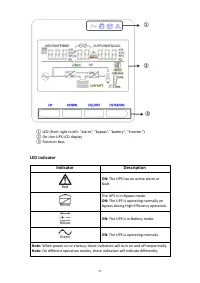
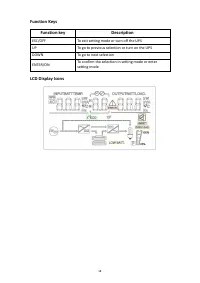
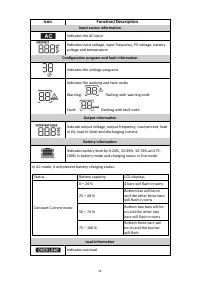
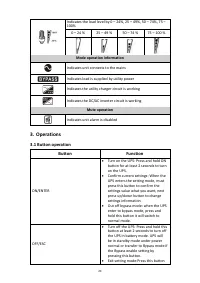
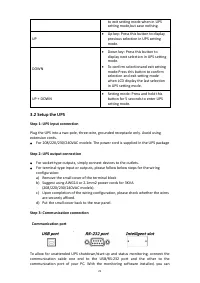
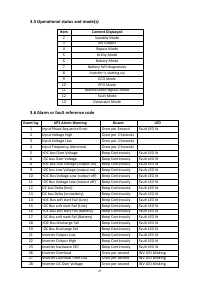
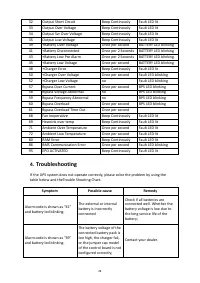
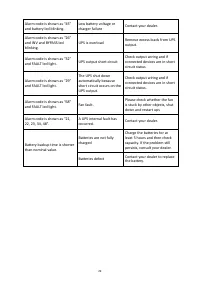
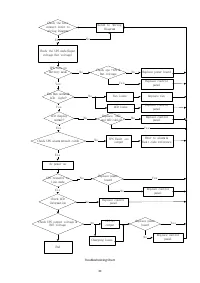
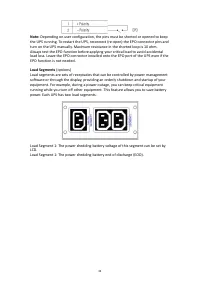
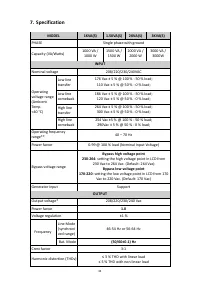
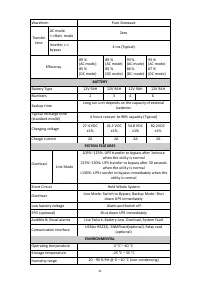
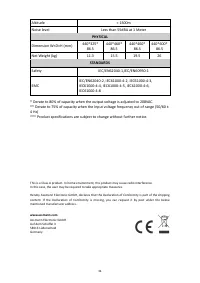
Table of Contents:
- Page 2 – Table of Contents
- Page 3 – Important safety warning; Important safety instructions – Save these instructions
- Page 5 – Symbols used in this guide; Installation and setup
- Page 7 – Installing the UPS; Rackmount installation
- Page 8 – Repeat Steps 3 and 4 for the other rail assembly.; Slide the UPS and any other optional cabinets into the rack.
- Page 9 – Rackmount wiring installation; Do not make unauthorized changes to the ups otherwise, damage may; CAUTION; A small amount of arcing may occur when connecting the internal
- Page 11 – To install the optional EBP(s) for a UPS; For the bottom (or only) EBP, remove the EBP cable knockout on the top; A small amount of arcing may occur when connecting an EBP to the UPS.
- Page 12 – Rackmount converted to tower plasticbase installation
- Page 14 – The installation between UPS and EBPS can be referred to Figure 14
- Page 15 – UPS startup and turn off; Startup operation
- Page 16 – Turn off operation; Configuring battery settings; Set the UPS for the number of EBPs installed; Operation and display panel
- Page 17 – Function keys; LED indicator
- Page 19 – Input source information
- Page 20 – Operations; Button operation
- Page 27 – Alarm or fault reference code
- Page 28 – Troubleshooting; Symptom
- Page 33 – EPO function is not needed.; Load Segments
- Page 34 – Specification; MODEL
- Page 36 – PHYSICAL; Safety
ONLINE UPS SYSTEM
DN-170093 Rev.2
・
DN-170094 Rev.2
DN-170095 Rev.2
・
DN-170096 Rev.2
Manual
All rights reserved.
The information in this document is subject to change without notice.
Publish statement
Thank you for purchasing this series UPS.
This series UPS is an intelligent, single phase in single phase out, high frequency
online UPS designed by our R&D team who is with years of designing experiences on
UPS. With excellent electrical performance, perfect intelligent monitoring and
network functions, smart appearance, complying with EMC and safety standards,
The UPS meets the world’s advanced level.
Read this manual carefully before installation
This manual provides technical support to the operator of the equipment.
"Loading the manual" means you need to wait until the file loads and becomes available for online reading. Some manuals are very large, and the time they take to appear depends on your internet speed.
Summary
2 Table of Contents 1. Important Safety Warning ....................................................................................... 3 1.1 Transportation .................................................................................................... 3 1.2 Preparation............................
3 1. Important safety warning Important safety instructions – Save these instructions Please comply with all warnings and operating instructions in this manual strictly. Save this manual properly and read carefully the following instructions before installing the unit. Do not operate this unit befor...
5 1.6 Symbols used in this guide WARNING! Risk of electric shock CAUTION! Read this information to avoid equipment damage 2. Installation and setup Note: Before installation, please inspect the unit. Be sure that nothing inside the package is damaged. Please keep the original package in a safe place...