De Dietrich DTI 1358 DG - User Manual
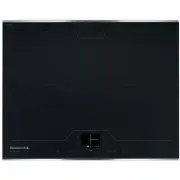
De Dietrich DTI 1358 DG Hob – User Manual, read for free online in PDF format. We hope this helps you resolve any issues you may have. If you have further questions, please contact us through the contact form.

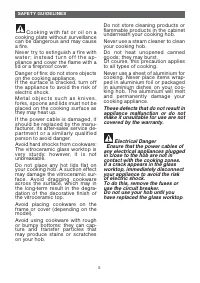
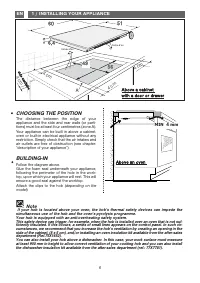
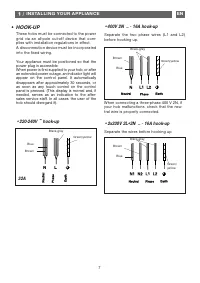
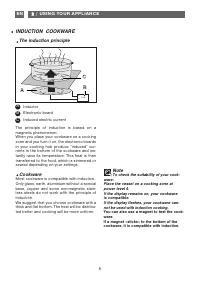
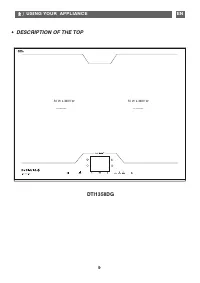
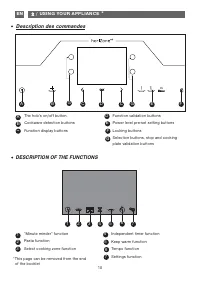
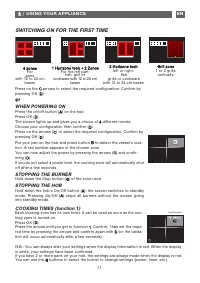
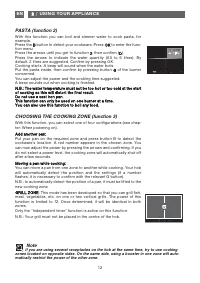
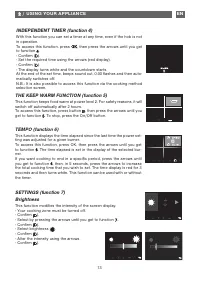
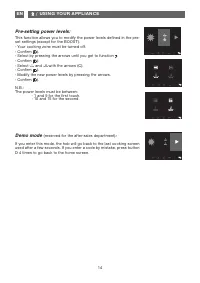
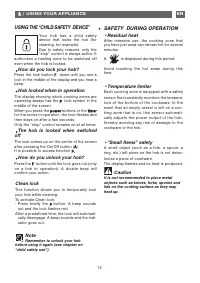
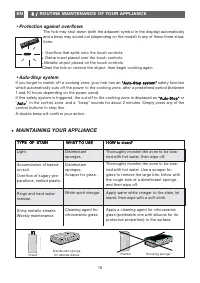
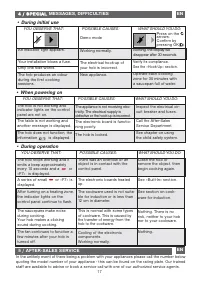
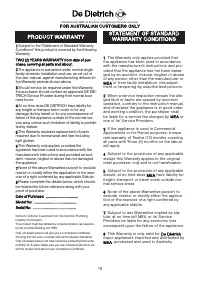
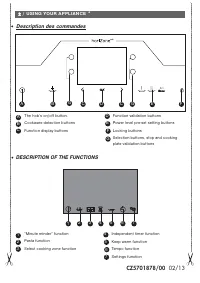
Table of Contents:
- Page 2 – Dear valued customer,
- Page 3 – CARE FOR THE ENVIRONMENT
- Page 4 – SAFET Y GUIDELINES; Residual heat
- Page 6 – / INSTALLING YOUR APPLIANCE; CHOOSING THE POSITION; model; Above an oven; MIN 4 mm; Note; simultaneous use of the hob and the oven’s pyrolysis programme.
- Page 7 – / INSTALLING YOUR APPLIANCE; Separate the wires before hooking up.
- Page 8 – / USING YOUR APPLIANCE; To check the suitability of your cook-; INDUCTION COOKWARE; The induction principle; Inductor
- Page 9 – / USING YOUR APPLIANCE; DESCRIPTION OF THE TOP
- Page 10 – DESCRIPTION OF THE FUNCTIONS; Description des commandes
- Page 11 – or; WHEN POWERING ON; Horizone tech; SWITCHING ON FOR THE FIRST TIME
- Page 13 – Brightness
- Page 14 – and; Demo mode
- Page 15 – SAFETY DURING OPERATION; is displayed during this period.; USING THE “CHILD SAFETY DEVICE”; out and the lock flashes red.; Remember to unlock your hob
- Page 16 – / ROUTINE MAINTENANCE OF YOUR APPLIANCE; MAINTAINING YOUR APPLIANCE; TYPE OF STAIN; •Protection against overflows
- Page 18 – PRODUCT WARRANTY; FOR AUSTRALIAN CUSTOMERS ONLY; STATEMENT OF STANDARD
"Loading the manual" means you need to wait until the file loads and becomes available for online reading. Some manuals are very large, and the time they take to appear depends on your internet speed.
Was this manual helpful?
Helpful for 3 of 3 readers
About this manual
- Brand
- De Dietrich
- Model
- DTI 1358 DG
- Document type
- User Manual
- Category
- Hob
- Language(s)
- English
- Pages
- 19
- File size
- 633.9 KB
- Format
Summary
2 We are constantly improving our products; for this reason we reserve the right to make allmodifications to their technical, functional or aesthetic characteristics, originating from tech-nical developments. Warning This product is not foreseen for sale in the USA Before installing and using your a...
TABLE OF CONTENTS • Safety guidelines 04 • Care for the environment _____________________________________________ 03 • Safety guidelines ____________________________________________________ 04 1 / INSTALLING YOUR APPLIANCE • Choice of location ___________________________________________________ 06 •...
4 SAFET Y GUIDELINES This appliance may be used b y c h i l d r e n a b o v e t h e a g e o f 8years old and people with reducedsensorial or mental ability, or peo-ple without suf ficient experiencea n d k n o w l e d g e , o n l y i f t h ey a r et r a i n e d t o u s e i t s a f e l y w i t h a n ...
Ask a question
Related manuals
More De Dietrich Hobs models
 De Dietrich DPE7929XF User Manual
 De Dietrich DPI7360X User Manual
 De Dietrich DPI7540B User Manual
 De Dietrich DPI7572G User Manual
 De Dietrich DPI7572X User Manual
 De Dietrich DPI7602BM User Manual
 De Dietrich DPI7670X User Manual
 De Dietrich DPI7670XU User Manual
 De Dietrich DPI7684X User Manual
 De Dietrich DPI7768X User Manual
 De Dietrich DPI7884W User Manual
 De Dietrich DTG 701 X User Manual
 De Dietrich DTG 1008 X User Manual
 De Dietrich DTI 1113 X User Manual
 De Dietrich DTI 1167 XE User Manual


