Siemens SL45i - Manuals
Siemens SL45i Smartphone – User Manual in PDF format online.
Manuals:
User Manual Siemens SL45i
Summary
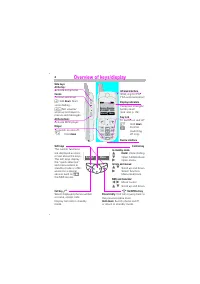
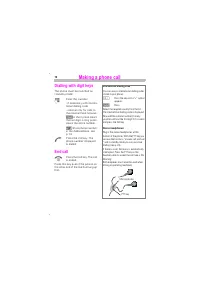
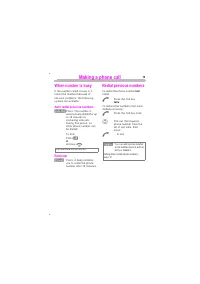
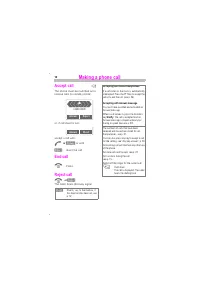
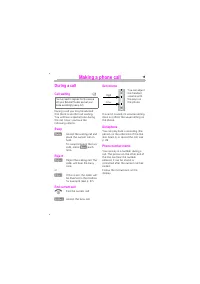
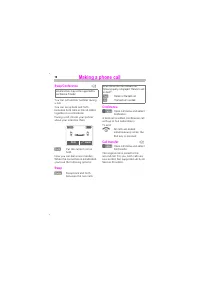
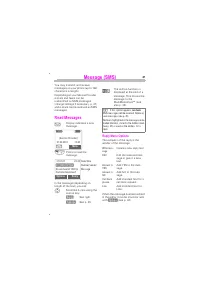
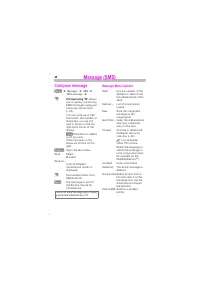
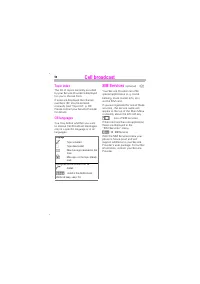
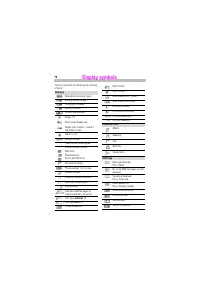
$% % (IrDA, e.g. for PC/PDA communication) Reception strength/battery level (see also p. 76). & To switch on and off: Hold . Confirm (switching off only). '% () Activate dictaphone. (context-sensitive) Hold : Start voice dialling. :Set volume/ scroll up and down in menus and messages. (*) Activa...
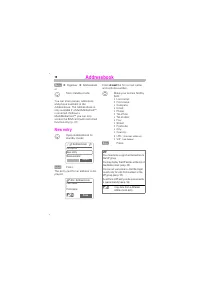
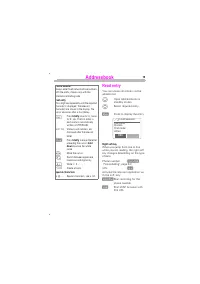
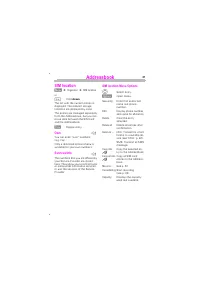
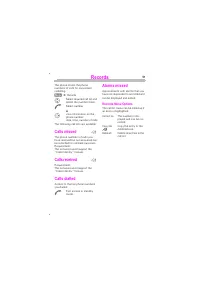
+( &' Î Î $! or Hold down The list with the current entries is displayed. The relevant storage locations are displayed by icons. The entries are managed separately from the Addressbook, but you can move data between the SIM card and the Addressbook. # Display entry. ! You can enter “ own “ numbe...
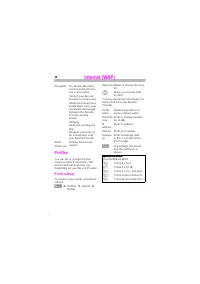
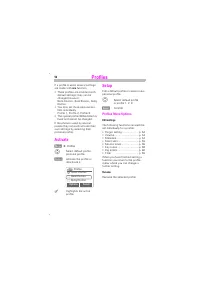
-.&$/ # (' To activate a profile, call the profile list. Î %-0 Î $ Î % Select the required profile and confirm. Indicates the profile is active. &) 1 Define new profile. + Open the entry for changes. Delete the selected en-try. Delete all profiles. % 4 ' Your Internet browser is licensed by:
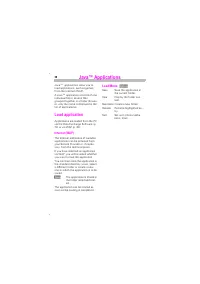
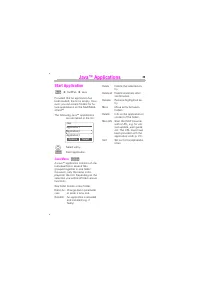
0!& Java TM applications allow you to load applications, such as games, from the Internet (WAP). A Java TM application consists of one individual file or several files grouped together in a folder (howev-er, only the name is displayed in the list of applications). - Applications are loaded from ...
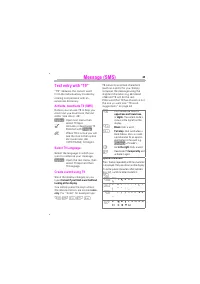
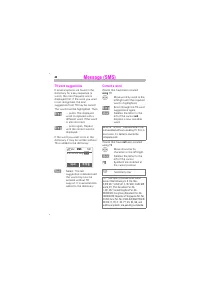
-/ 0!123 “T9” deduces the correct word from the individual key strokes by making comparisons with an extensive dictionary. #5#.6*)+ Before you can use T9 to help you enter text you must be in the text editor (see also p. 42): Open text menu then select ;$ . Activate or deactivate ; % with () . % Whe...
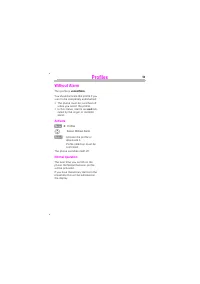
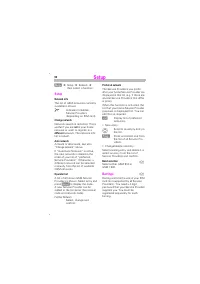
$ ' ( This profile is * % . You should activate this profile if you want to be completely undisturbed: • The phone must be switched off when you select the profile. • In this status, alarms are not indi- cated by the ringer or trembler alarm. # Î % Select 4(* . Activate the profile or deactivate it....
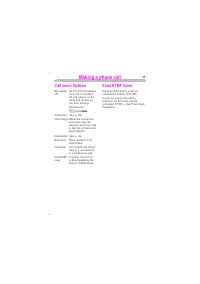
* You can set the conditions for which calls are diverted to your mailbox or other numbers. Î ' +C*) The most common condition for forwarding is: ! This and other conditions (see box) are set in the same way: Î ' Î Î Enter the phone number to which a call will be diverted (if not done already), and ...
* ##( If you want to check the current divert status, first select the condition then . After a short pause the current situation is transmitted by the network and displayed. Condition set. % Not set. Displayed if status is unknown (on a new SIM card for example). All set diversions are deleted. Not...
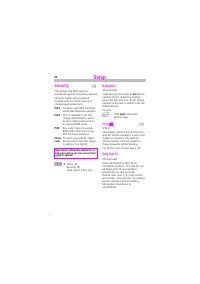
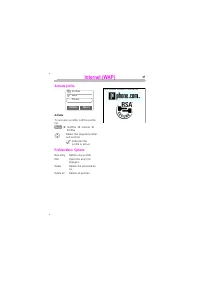
88 Î Î 1 Î then select a function: %0 ## A dial-in access must be defined to use WAP and load Java™ applica-tions. A maximum of 5 dial-in ac-cesses can be defined. Normally these settings are already made by the Service Provider, and they might only need to select one dial-in access. 1 If no Dial-in...
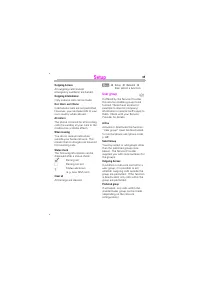
8 4 The left soft key and keys 2 to 9 (speed dialling numbers) can each be assigned an important phone number or a function. The phone number can then be dialled or the function can be activated at the touch of a button. • Phone number See right • SIM location ......................... p. 21• Concea...
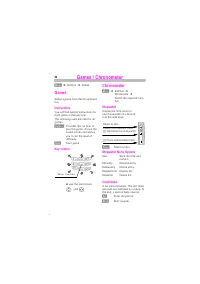
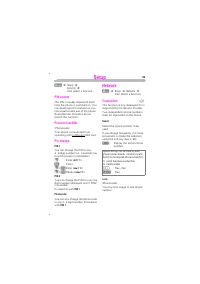
( 561 0$) You are offered different functions depending on whether you have selected a file or a folder. ! Highlight entry. Delete all highlighted entries. Delete all entries after a confirmation. 1% Create and name new folder. * Rename highlighted entry. '$( Select IrDA transmis-sion route. Set sor...
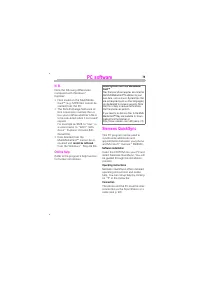
$ %"0/! The Data Exchange Software creates another drive in Windows® Explorer. It provides an easy way of using your PC to control the many storage options of the MultiMediaCard™ in the phone. ! Insert the CD ROM into your PC and select Data Exchange Software. You will be guided through the inst...
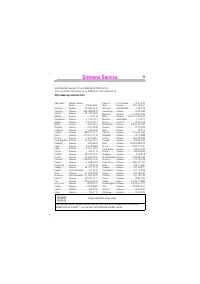
, Abu Dhabi ......... Siemens Service Center ..................... 0 26 42 38 00 Australia............ Siemens ................ 18 00 62 24 14Argentina .......... Siemens ............. 0 80 08 88 98 78Austria* ............ Siemens ................ 05 17 07 50 04Bahrain.............. Siemens ...........
( , %// Siemens Information and Communi-cation mobile hereby declares that the mobile phone described in this user guide complies with all the es-sential requirements and all other appropriate regulations of European Directive 1999/5/EC (R&TTE). The corresponding declaration of conformity (DoC) ...
8 1 illumination ............................. 60setup ....................................... 60symbols .................................. 76 Divert .......................................... 57Download ................................... 38DTMF Code store ....................................... 22...
Soft keys ...................................... 4SOS ............................................ 11Special characters ...................... 43Speech/fax .................................. 72Speed dialling number ................ 69Standby mode ............................ 10Standby time ............
Siemens Smartphones Manuals
-
Siemens A31
User Manual
-
Siemens A57
User Manual
-
Siemens A65
User Manual
-
Siemens AF51
User Manual
-
Siemens AL21
User Manual
-
Siemens AP75
User Manual
-
Siemens AX72
User Manual
-
Siemens AX75
User Manual
-
Siemens C45
User Manual
-
Siemens C62
User Manual
-
Siemens C72
User Manual
-
Siemens C75
User Manual
-
Siemens CF110
User Manual
-
Siemens CF62
User Manual
-
Siemens CF75
User Manual
-
Siemens CFX65
User Manual
-
Siemens CX65
User Manual
-
Siemens CX75
User Manual
-
Siemens M50
User Manual
-
Siemens M65
User Manual