SEAGATE STKM4000400 - Manuals
SEAGATE STKM4000400 RAM & Storage – User Manual in PDF format online.
Manuals:
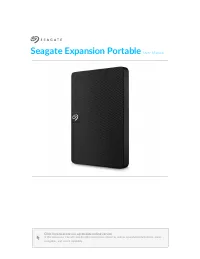
User Manual SEAGATE STKM4000400



Summary
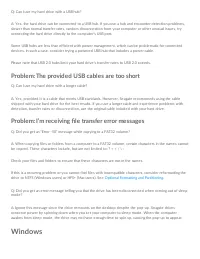
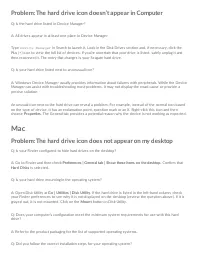
Welcome Box content Se agate Expansion PortableUSB 3.0 cable (USB micro-B to USB-A)Quick start guide Minimum system requirements Ports You can conne ct your Se agate de vice to a compute r with a USB-A port. This de vice supports conne ctions to compute r ports that are USB 3.0 and highe r. Opera ng...
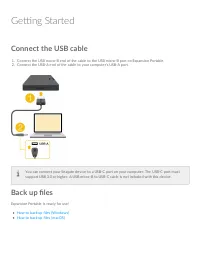
Ge ng Started Connect the USB cable 1. Conne ct the USB micro-B e nd of the cable to the USB micro-B port on Expansion Portable .2. Conne ct the USB-A e nd of the cable to your compute r’s USB-A port. Back up files Expansion Portable is re ady for use ! How to back up file s (Windows)How to back up f...
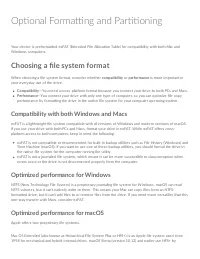
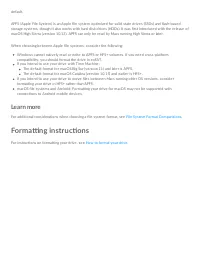
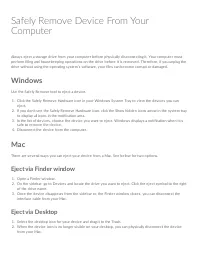
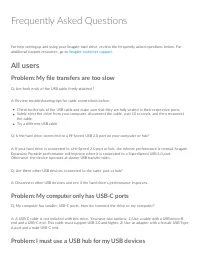
Op onal Forma ng and Par oning Your de vice is pre formatte d e xFAT (Exte nde d File Allocation Table ) for compatibility with both Mac andWindows compute rs. Choosing a file system format Whe n choosing a file syste m format, conside r whe the r compatibility or performance is more important inyour...
SEAGATE RAM & Storage Manuals
-
 SEAGATE ST12000NE0008
User Manual
SEAGATE ST12000NE0008
User Manual
-
 SEAGATE ST16000NM002G
User Manual
SEAGATE ST16000NM002G
User Manual
-
 SEAGATE ST2000VX015
User Manual
SEAGATE ST2000VX015
User Manual
-
 SEAGATE ST6000VN001
User Manual
SEAGATE ST6000VN001
User Manual
-
 SEAGATE ST8000VN004
User Manual
SEAGATE ST8000VN004
User Manual
-
 SEAGATE ST8000VX004
User Manual
SEAGATE ST8000VX004
User Manual
-
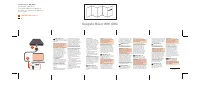 SEAGATE STJL2000400
User Manual
SEAGATE STJL2000400
User Manual
-
SEAGATE STJL4000400
User Manual
-
SEAGATE STKM1000400
User Manual
-
SEAGATE STKM2000400
User Manual