SEAGATE STKM1000400 - User Manual
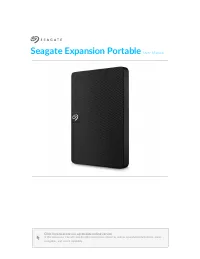
SEAGATE STKM1000400 RAM & Storage – User Manual, read for free online in PDF format. We hope this helps you resolve any issues you may have. If you have further questions, please contact us through the contact form.
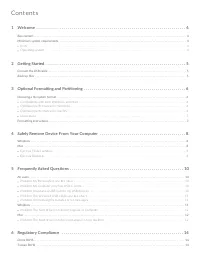

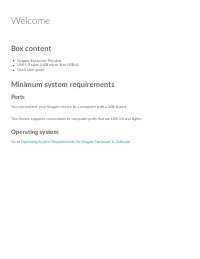
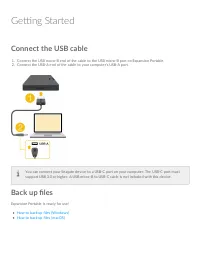
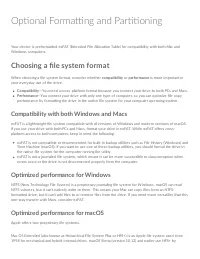
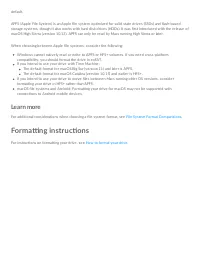
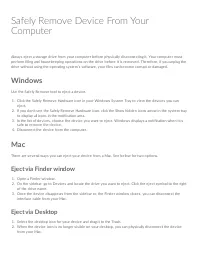

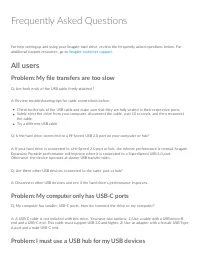
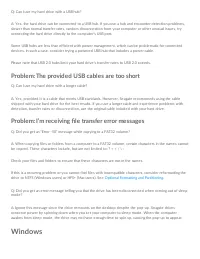
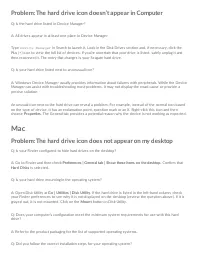

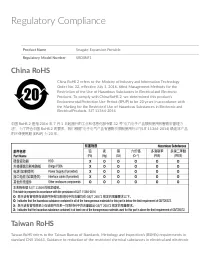
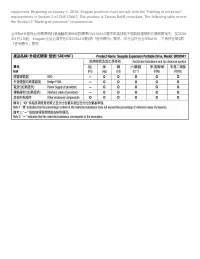
Table of Contents:
- Page 4 – Welcome; Box content; Ports; Opera ng system
- Page 5 – Ge ng Started; Connect the USB cable
- Page 6 – Op onal Forma ng and Par oning; Choosing a file system format; Compa bility with both Windows and Macs
- Page 7 – Learn more; Forma ng instruc ons
- Page 8 – Windows; Eject via Finder window
- Page 10 – Frequently Asked Ques ons; All users; Problem: My file transfers are too slow; Problem: My computer only has USB-C ports
- Page 11 – Problem: The provided USB cables are too short; Problem: I’m receiving file transfer error messages
- Page 12 – Problem: The hard drive icon doesn’t appear in Computer; Mac; Problem: The hard drive icon does not appear on my desktop
- Page 14 – Regulatory Compliance; China RoHS; Taiwan RoHS
"Loading the manual" means you need to wait until the file loads and becomes available for online reading. Some manuals are very large, and the time they take to appear depends on your internet speed.
Was this manual helpful?
About this manual
- Brand
- SEAGATE
- Model
- STKM1000400
- Document type
- User Manual
- Category
- RAM & Storage
- Language(s)
- English
- Pages
- 15
- File size
- 578.1 KB
- Format
Summary
Welcome Box content Se agate Expansion PortableUSB 3.0 cable (USB micro-B to USB-A)Quick start guide Minimum system requirements Ports You can conne ct your Se agate de vice to a compute r with a USB-A port. This de vice supports conne ctions to compute r ports that are USB 3.0 and highe r. Opera ng...
Ge ng Started Connect the USB cable 1. Conne ct the USB micro-B e nd of the cable to the USB micro-B port on Expansion Portable .2. Conne ct the USB-A e nd of the cable to your compute r’s USB-A port. Back up files Expansion Portable is re ady for use ! How to back up file s (Windows)How to back up f...
Op onal Forma ng and Par oning Your de vice is pre formatte d e xFAT (Exte nde d File Allocation Table ) for compatibility with both Mac andWindows compute rs. Choosing a file system format Whe n choosing a file syste m format, conside r whe the r compatibility or performance is more important inyour...
Ask a question
Related manuals
More SEAGATE RAM & Storage models
 SEAGATE ST2000VX015 User Manual
 SEAGATE ST6000VN001 User Manual
 SEAGATE ST8000VN004 User Manual
 SEAGATE ST8000VX004 User Manual
 SEAGATE ST12000NE0008 User Manual
 SEAGATE ST16000NM002G User Manual
 SEAGATE STJL2000400 User Manual
- SEAGATE STJL4000400 User Manual
- SEAGATE STKM2000400 User Manual
- SEAGATE STKM4000400 User Manual


