LG LGV510 - Manuals
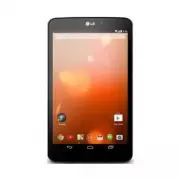
User Manual LG LGV510


Summary
ENGLISH For online help and support, visit support.google.com/playedition NOTE: • Some of the contents in this guide may differ from your device depending on the software of the device. All information in this document is subject to change without notice. • Always use genuine LG accessories. Failure...
2 Overview FRONT BACK TOP BOTTOM Charger/USB Port Microphone Back-Facing Camera Lens Speakers Earphone Jack microSD Card Slot Ambient Light Sensor Power/Lock Key Volume Keys Front-Facing Camera Lens
3 The memory card slot is located at the top of the tablet. a Place your fingernail in the cutout and pull the memory card tray out. b Insert the memory card into the slot with the contacts facing down. Carefully push the tray gently into the tablet. NOTE: The tablet supports a micro SD card with ca...
LG Tablets Manuals
-
 LG G Pad 8 Black
User Manual
LG G Pad 8 Black
User Manual
-
 LG LGAK495
User Manual
LG LGAK495
User Manual
-
 LG LGAK815
User Manual
LG LGAK815
User Manual
-
 LG LGLK430
User Manual
LG LGLK430
User Manual
-
 LG LGLK460
User Manual
LG LGLK460
User Manual
-
 LG LGUK495
User Manual
LG LGUK495
User Manual
-
 LG LGUK932
User Manual
LG LGUK932
User Manual
-
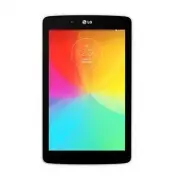 LG LGV400
User Manual
LG LGV400
User Manual
-
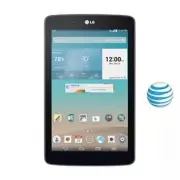 LG LGV410
User Manual
LG LGV410
User Manual
-
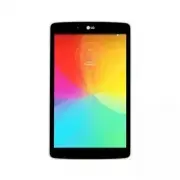 LG LGV480
User Manual
LG LGV480
User Manual
-
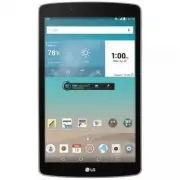 LG LGV495
User Manual
LG LGV495
User Manual
-
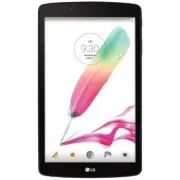 LG LGV496TK
User Manual
LG LGV496TK
User Manual
-
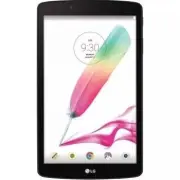 LG LGV498
User Manual
LG LGV498
User Manual
-
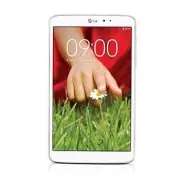 LG LGV500
User Manual
LG LGV500
User Manual
-
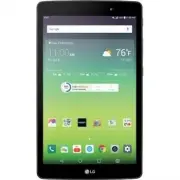 LG LGV520
User Manual
LG LGV520
User Manual
-
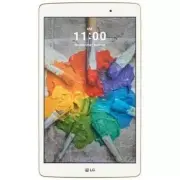 LG LGV521WG
User Manual
LG LGV521WG
User Manual
-
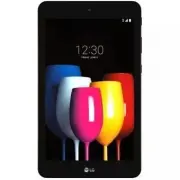 LG LGV530KB
User Manual
LG LGV530KB
User Manual
-
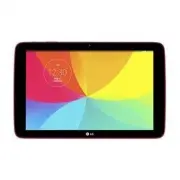 LG LGV700
User Manual
LG LGV700
User Manual
-
 LG LGV909
User Manual
LG LGV909
User Manual
-
 LG LGV909DW
User Manual
LG LGV909DW
User Manual