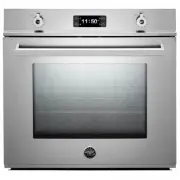
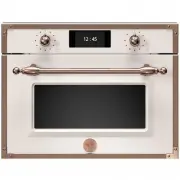
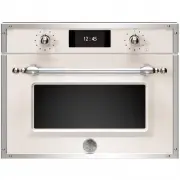
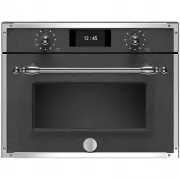
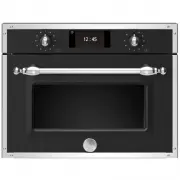
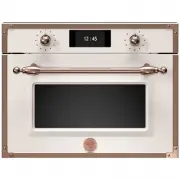
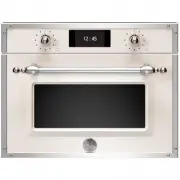
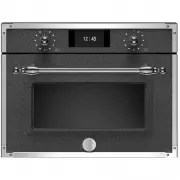
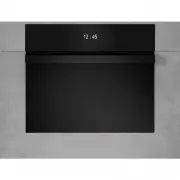
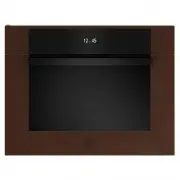
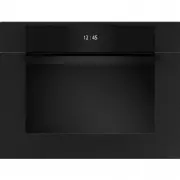
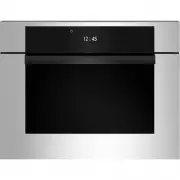
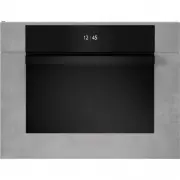
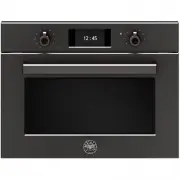
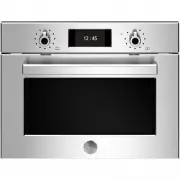
Page 2 - From the desk of the President; fl
2 / From the desk of the President From the desk of the President Dear new owner of a Bertazzoni, I want to thank youDear new owner of a Bertazzoni appliance. I want to thank you for choosing one of our beautiful products for your home. My family started manufacturing kitchen appliances in Italy in ...
Page 3 - TABLE OF CONTENTS; Before
3 / Table of contents TABLE OF CONTENTS WARNINGS ___________________________________________________________________ OVEN AND KNOBS-DISPLAY LAYOUT ______________________________________________ Before fi rst use ________________________________________________________________ ELECTRIC OVEN _________...
Page 4 - WARNINGS; re, electric shock, personal injury or damage; To Prevent Fire or Smoke Damage
4 / Warnings WARNINGS Warning and Important Safety Instructions ap-pearing in this manual are not meant to cover all possible conditions and situations that may occur. Common sense, caution, and care must be exer-cised when installing, maintaining, or operating the appliance. Read and follow all ins...
Page 5 - Cooking Safety; Recommended Utensils
5 / Warnings Cooking Safety • During use the appliance becomes hot. Care should be taken to avoid touching heating elements inside the oven. • WARNING: Accesible parts may become very hot during use. Young children should be kept away. • Once the unit has been installed as outlined in the Installati...
Page 6 - APPLIANCE WARNINGS; WARNING
6 / Warnings Oven Heating Elements • NEVER touch oven bake and broil elements areas or interior surfaces of oven. • Bake and broil elements may be hot even though they are dark in color. Areas near elements and interior surfaces of an oven may become hot enough to cause burns. • During and after use...
Page 7 - BEFORE FIRST USE; • Remove; USING THE OVEN; FUNCTION KNOB
7 /Usingthe oven BEFORE FIRST USE • Remove any fi lm and other packaging residue from the inside and outside of the oven. • Remove and wash all accessories.• Run the oven for 30 min. at 500°F without placing any food inside (during this operation it is normal for manufacturing residue to pro-duce so...
Page 8 - ELECTRIC OVEN FUNCTIONS; NOTE; In many cooking modes, partial power from
8 / Electric oven ELECTRIC OVEN FUNCTIONS Attention! When using the oven for the fi rst time it should be operated for 15-30 minutes at a temperature of about 500°F/260°C without cooking anything insi-de in order to eliminate any moisture and odours from the internal insulation. SHELF POSITIONS Shel...
Page 10 - • Turn and mix dishes so that hey heat through; SAVING ENERGY; ns
10 / Electric oven CONDENSATION It is normal for a certain amount of moisture to eva-porate from the food during any cooking process. The amount depends on the moisture content of the food. The moisture will condense on any sur-face cooler than the inside of the oven, such as the control panel. To r...
Page 12 - TOUCHSCREEN DISPLAY; Setting the time; symbol; Timed Cooking; symbol will be displayed when the; USING DISPLAY
12 TOUCHSCREEN DISPLAY Setting the time When the oven is fi rst switched on, or after a black-out, the display will fl ash. The oven cannot be turned on in this condition.• To set the current time and/or enable the oven, press and hold the “M” button for at least 2 seconds. The display will stop fl ...
Page 13 - Cancelling a Cooking Program; symbol is; Checking the Status of the Functions
13 Disabling the Buzzer To manually stop the buzzer, press any button. Re-enabling the Oven At the end of automatic or semi-automatic cooking, the A symbol will fl ash on the display. The oven is disabled in this condition. To re-enable the oven, press and hold the M button until the symbol turns on...
Page 14 - Cleaning; Regular; Before Self Cleaning the Oven; Remove racks; Door Lock
14 WARNING: Children should not be left alone or unattended in an area where appliances are in use.• During the Self-Clean cycle, exterior surfaces may become hotter than usual. Parts of the ap-pliance may become potentially harmful to chil-dren, and to persons who lack adult knowledge of appliances...
Page 17 - DO; Cleaning glass surfaces; KEEPING YOUR BERTAZZONI CLEAN
17 Burn hazard Make sure the heating elements are turned o ff and allowed to cool completely before any clea-ning and/or maintenance operation. Things to avoid: • Do not use a steam cleaner to clean the range: the steam could reach electrical components and cause a short circuit. • Do not spray liqui...
Page 18 - SIMPLE MAINTENANCE; REPLACING OVEN LIGHTS
18 SIMPLE MAINTENANCE These simple tasks can be performed by the owner. For any other maintainance task, we re-commend employing a trained service technician. Please call our toll free line to identify service te-chnicians in your area: ENGLISH 866 905 0010 if located in the US, BC, B, Sk and MB FRA...
Page 19 - TROUBLESHOOTING
19 TROUBLESHOOTING Here are answer to common problems you may experience. You are also welcome to call our toll free Customer Service line to trouble-shoot any issue with your Bertazzoni: ENGLISH 866 905 0010 if located in the US, BC, B, Sk and MB FRANCAIS 800 561 7265 if located in ON, QC, PE, NU, ...
Page 20 - erences; How to obtain service; xed to the back cover of; What is not covered; ed trained technicians; c legal rights; TWO YEAR LIMITED WARRANTY
20 The warranties provided by Bertazzoni Spa in this statement apply exclusively to Bertazzoni applian-ces and accessories sold as new products to the original owner by a Bertazzoni authorized distribu-tor, retailer, dealer or service center and installed in the United States and Canada. The warrant...