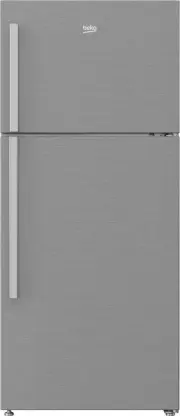
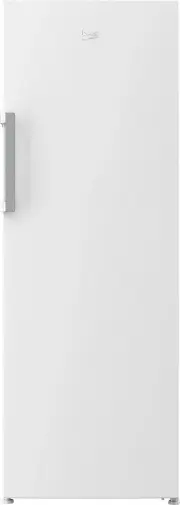
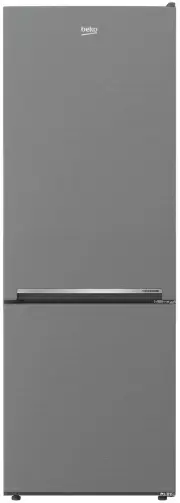
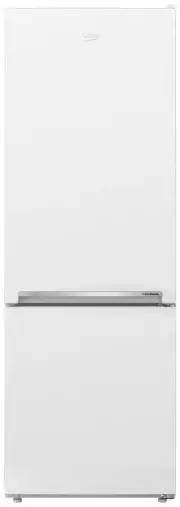
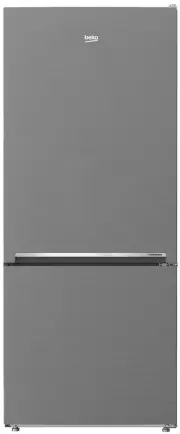
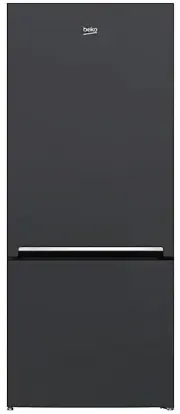
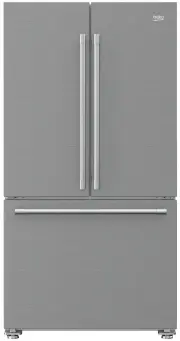
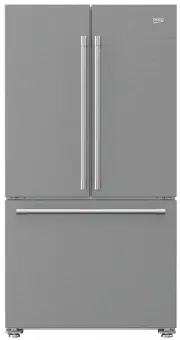
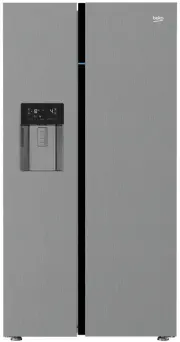
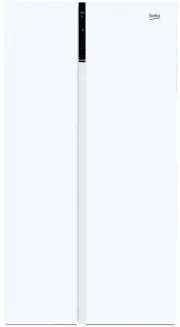
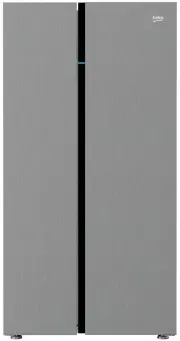
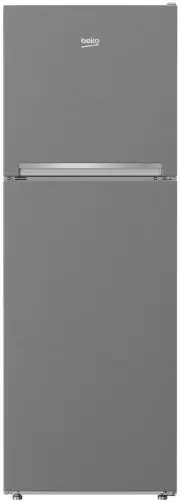
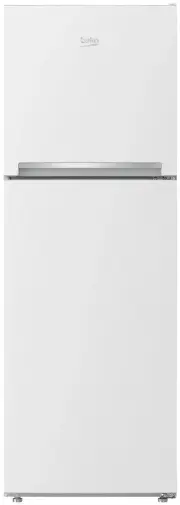
Page 4 - The refrigerator
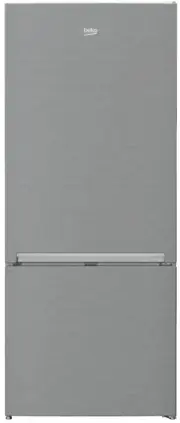
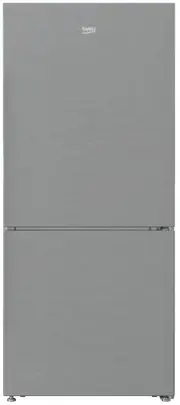
EN 3 1 The refrigerator 1. Freezer compartment shelf 2. Auto Icematic 3. Ice storage container 4. Auto Icematic water tank 5. Temperature setting indicator 6. Adjustable glass shelves 7. Odor filter 8. Illumination lens 9. Bottle shelf 10. Snack compartment 11. Crisper cover 12. Crisper C Figures th...
Page 9 - For products with a
EN 8 A possible problem in power cable may cause fire. • The plug's tip should be cleaned regularly with a dry cloth; otherwise, it may cause fire. • Refrigerator may move if adjustable legs are not properly secured on the floor. Properly securing adjustable legs on the floor can prevent the refrige...
Page 10 - Child safety; Compliance with WEEE
EN 9 knowledge of how to measure the water mains pressure, please seek a professional support.Use drinking water only. • Use only potable water. Child safety • If the door has a lock, the key should be kept away from reach of children. • Children must be supervised to prevent them from tampering wit...
Page 12 - Installation; Extension cables and multi plugs
EN 11 3 Installation B In case the information which are given in the user manual are not taken into account, manufacturer will not assume any liability for this. Points to be paid attention to when the relocation of the refrigerator 1. Your refrigerator should be unplugged.Before transportation of ...
Page 14 - Preparation
EN 13 4 Preparation • Your refrigerator should be installed at least 30 cm away from heat sources such as hobs, ovens, central heater and stoves and at least 5 cm away from electrical ovens and should not be located under direct sunlight. • The ambient temperature of the room where you install your ...
Page 15 - Using your refrigerator; Indicator Panel
EN 14 5 Using your refrigerator Indicator Panel Indicator panels may vary depending on your product’s model. Indicator panel aids in using your refrigerator with its audio and visual functions. 1 7 3 4 5 *6 2 1. Freezer Compartment Temperature Indicator 2. Error Status Indicator 3. Fridge Compartmen...
Page 17 - Indicator panel
EN 16 Indicator panel Indicator panels may vary according to the product model.Audio – visual functions on the indicator panel helps you in using your product. 4 5 7 6 8 9 1 2 3 1. Freezer compartment indicator 2. Error status indicator 3. Temperature indicator 4. Vacation function button 5. Tempera...
Page 18 - Vacation
EN 17 1. Freezer compartment indicator Fridge compartment light is illuminated while the freezer compartment temperature is set. 2. Error status indicator If your refrigerator does not perform enough cooling or in case of a sensor fault, this indicator is activated. When this indicator is activated,...
Page 21 - Door Open Warning; (This feature may vary depending
EN 20 8. Ice Off indicator Icematic will not run when the indicator of this function is active. See Item 1 to enable the Icematic. 9. Economy Mode Indicator Indicates that the refrigerator is running in energy-efficient mode. Freezer Compartment temperature This indicator will be active if the funct...
Page 22 - Freezing fresh food
EN 21 Freezing fresh food • Wrap or cover the food before placing them in the refrigerator. • Hot food must cool down to the room temperature before putting them in the refrigerator. • The foodstuff that you want to freeze must be fresh and in good quality. • Foodstuff must be divided into portions ...
Page 23 - Placing the food
EN 22 Recommendations for preservation of frozen food • Prepacked commercially frozen food should be stored in accordance with the frozen food manufacturer's instructions for a frozen food storage compartment. • To ensure that the high quality achieved by the frozen food manufacturer and the food re...
Page 26 - Water dispenser
EN 25 Water dispenser (OPTIONAL) Water dispenser is a very useful feature to obtain chilled water without opening the door of your fridge. Since you do not have to open the door of your fridge frequently, you also save on electricitiy. Using the water dispenser Push in the lever of the water dispens...
Page 27 - Water tray
EN 26 Cleaning the water tank Remove the water tank,and detach the top cover mechanism from the water tank. Clean the water tank with warm clean water, reinstall the top cover. When installing the water tank, make sure that hooks it fits securely into the hangers on the door. Make sure that parts re...
Page 28 - Rotary storage container
EN 27 3 1 2 4 Rotary storage container (in some models) Sliding body shelf can be moved to left or right in order to allow you place long bottles, jars or boxes to a lower shelf (Fig. 1) You can reach the food that you have placed into the shelf by grabbing and turning it from its right edge (Fig.2)...
Page 29 - Auto Icematic; Blue light
EN 28 Auto Icematic (in some models) Auto Icematic system allows you to obtain ice from the refrigerator easily. Remove the water tank in the fridge compartment, fill it wilt water and install it back to obtain ice from the Icematic. First ice cubes will be ready in approximately 2 hours in the Icem...
Page 31 - Humidity Controlled Crisper
EN 30 Movable Body shelf: *optional Manually movable body shelf is an option enabling the usage of interior shelf volume of the refrigerator in a flexible way. When you want to store an item which is taller than the distance between two shelves, slide the manually movable body shelf holding it from ...
Page 32 - Maintenance and cleaning; Protection of plastic
EN 31 6 Maintenance and cleaning A Never use gasoline, benzene or similar substances for cleaning purposes. B We recommend that you unplug the appliance before cleaning. B Never use any sharp abrasive instrument, soap, household cleaner, detergent and wax polish for cleaning. C Use lukewarm water to...
Page 33 - Troubleshooting
EN 32 7 Troubleshooting Please review this list before calling the service. It will save your time and money. This list includes frequent complaints that are not arising from defective workmanship or material usage. Some of the features described here may not exist in your product. The refrigerator ...
Page 37 - Beko Customer Care; Toll Free Toll Free
EN 36 8 Beko Customer Care Before you call Beko for service or assistance...Refer to your User Guide and check the following: 1. Your Appl iance is correctly installed. 2. Your Appliance is connected to power. 3. You are familiar with its normal mode of operation 4. You have read the ‘Recommended so...