AVerMedia AX310 - User Manual
AVerMedia AX310 Gamepad – User Manual, read for free online in PDF format. We hope this helps you resolve any issues you may have. If you have further questions, please contact us through the contact form.
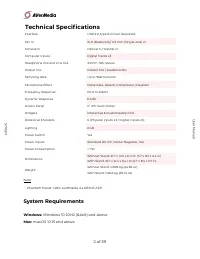
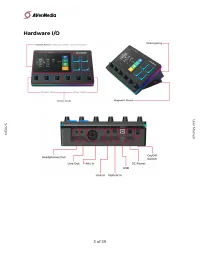
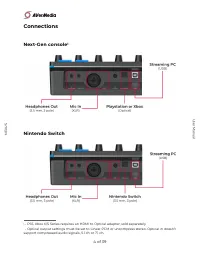
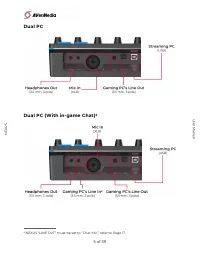
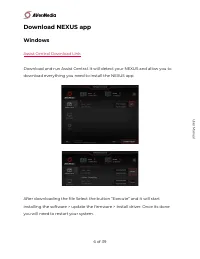
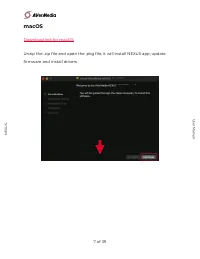
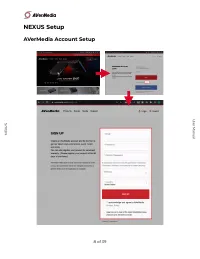
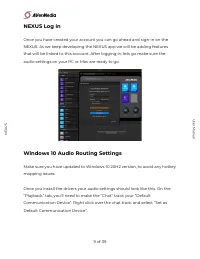
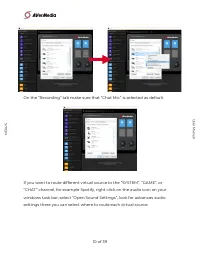
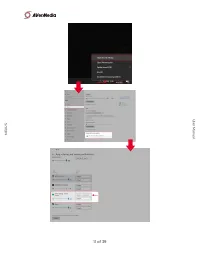
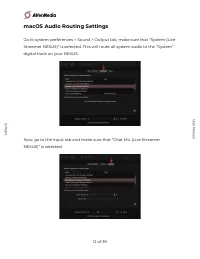
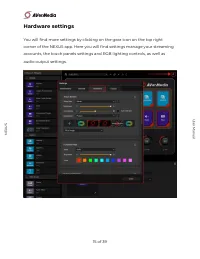
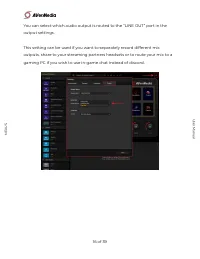
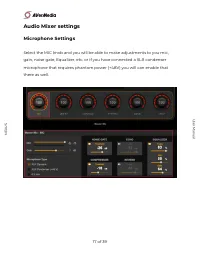
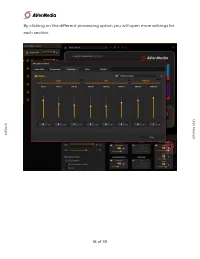
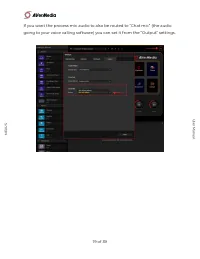
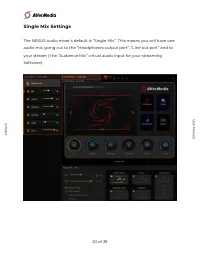
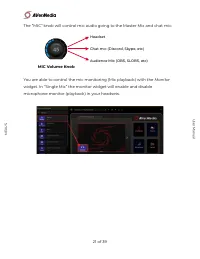
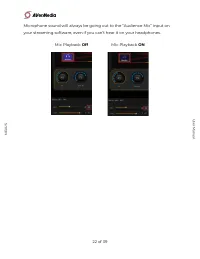
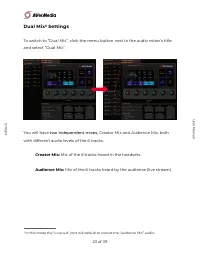
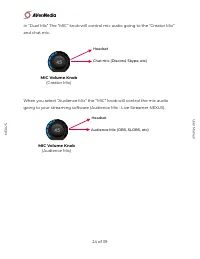
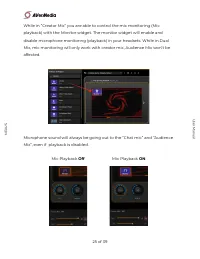
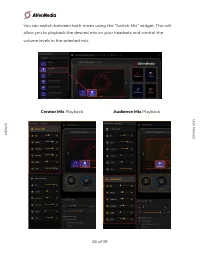
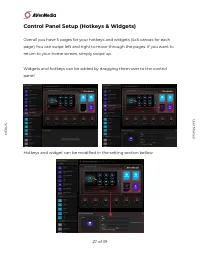
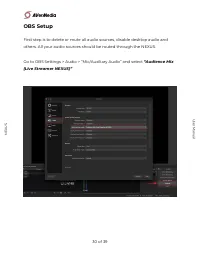
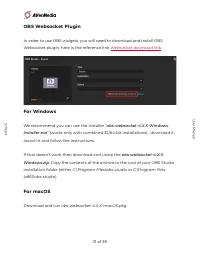
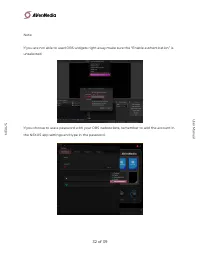
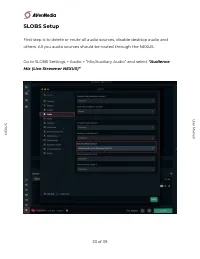
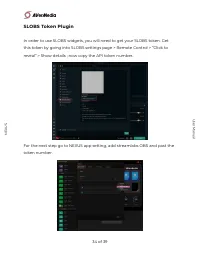
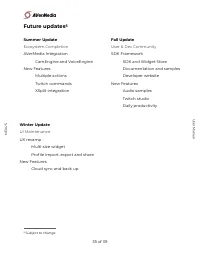
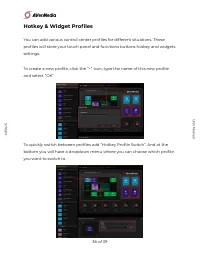
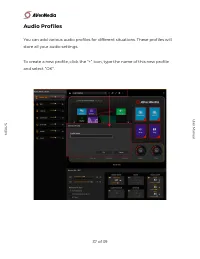
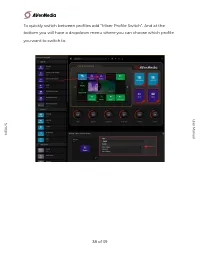

Table of Contents:
- Page 2 – Technical Specifications; System Requirements; of
- Page 4 – Connections; Nintendo Switch
- Page 5 – Dual PC
- Page 6 – Download NEXUS app; Windows; Assist Central Download Link
- Page 7 – macOS; Download link for macOS
- Page 8 – NEXUS Setup; AVerMedia Account Setup
- Page 9 – NEXUS Log in; audio settings on your PC or Mac are ready to go.; Windows 10 Audio Routing Settings; “Playback” tab, you’ll need to make the “Chat” track your “Default
- Page 12 – macOS Audio Routing Settings; digital track on your NEXUS.
- Page 15 – Hardware settings; audio output settings.
- Page 17 – Audio Mixer settings; Microphone Settings
- Page 20 – Single Mix Settings
- Page 21 – MIC Volume Knob
- Page 22 – Off; Mic Playback; ON
- Page 23 – Dual Mix Settings; two independent mixes,
- Page 26 – Creator; Audience; Playback
- Page 30 – OBS Setup; others. All your audio sources should be routed through the NEXUS.
- Page 31 – OBS Websocket Plugin; Websocket download link; For Windows
- Page 33 – SLOBS Setup; others. All you audio sources should be routed through the NEXUS.
- Page 34 – SLOBS Token Plugin
- Page 35 – Future updates; Summer Update; Ecosystem Completion; Fall Update; User & Dev Community; Winter Update; UI Maintenance
- Page 36 – Hotkey & Widget Profiles; you want to switch to.
- Page 37 – Audio Profiles; store all your audio settings.
LIVE STREAMER
NEXUS
User Manual
Windows 10 Audio Routing Settings
Control Panel Setup (Hotkeys & Widgets)
of
1
39
User Manual
NE
X
US
"Loading the manual" means you need to wait until the file loads and becomes available for online reading. Some manuals are very large, and the time they take to appear depends on your internet speed.
Was this manual helpful?
About this manual
- Brand
- AVerMedia
- Model
- AX310
- Document type
- User Manual
- Category
- Gamepad
- Language(s)
- English
- Pages
- 39
- File size
- 9.7 MB
- Format
Summary
Technical Specifications Note: - Phantom Power +48V, switchable via NEXUS APP System Requirements Windows: Windows 10 20H2 (64bit) and above Mac: macOS 10.15 and above Interface USB 2.0, type B (Driver Required) Mic In XLR (Balanced) / 6.3 mm (Single-end) x1 Console In Optical In (Toslink) x1 Comp...
Connections Next-Gen console 1 Nintendo Switch - PS5, Xbox X/S Series requires an HDMI to Optical adapter, sold separately. 1 - Optical output settings must be set to Linear PCM or uncompress stereo. Optical in doesn’t support compressed audio signals, 5.1 ch or 7.1 ch. of 4 39 NE X US User Manual
Dual PC Dual PC (With in-game Chat) 2 NEXUS “LINE OUT” must be set to “Chat Mic”, refer to Page 17. 2 of 5 39 NE X US User Manual