QNap TS-130 - User Manual
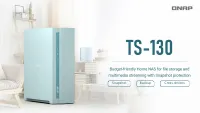
QNap TS-130 RAM & Storage – User Manual, read for free online in PDF format. We hope this helps you resolve any issues you may have. If you have further questions, please contact us through the contact form.
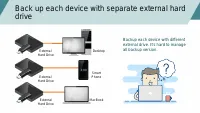
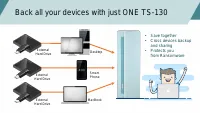
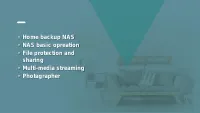
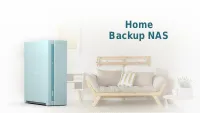
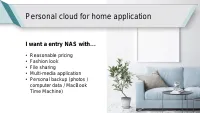
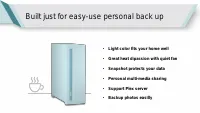

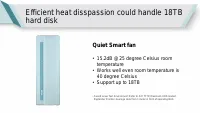
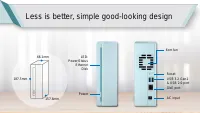

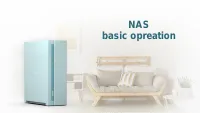
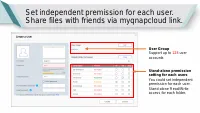
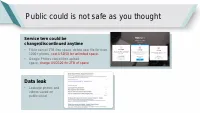
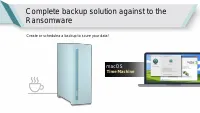
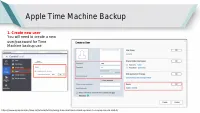
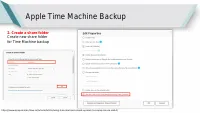
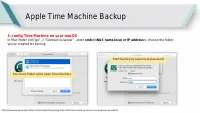
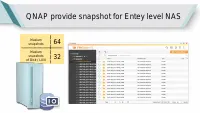
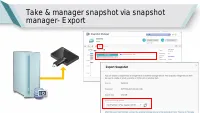
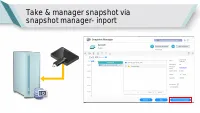
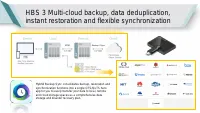
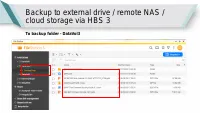
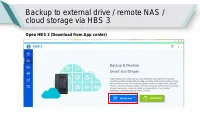
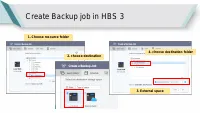
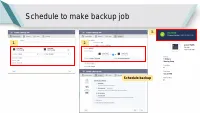
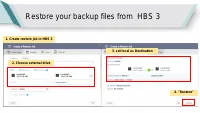
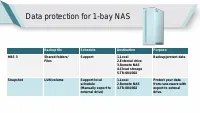
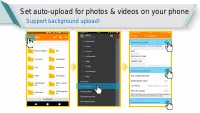
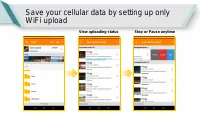
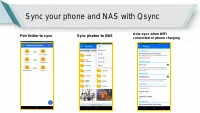
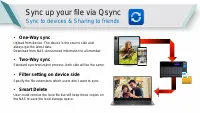
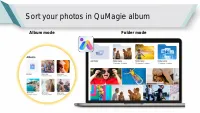
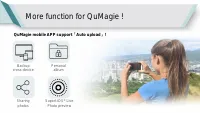
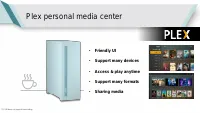
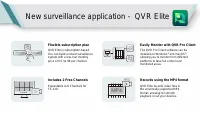
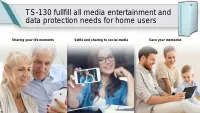
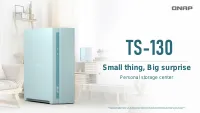
Table of Contents:
- Page 3 – Back all your devices with just ONE TS-130
- Page 6 – Personal cloud for home application; I want a entry NAS with
- Page 7 – Built just for easy-use personal back up
- Page 8 – This Blue just fits your home well !
- Page 10 – Quiet Smart fan; temperature
- Page 11 – Less is better, simple good-looking design
- Page 14 – Unboxing
- Page 20 – File protection
- Page 21 – Public could is not safe as you thought; Data leak
- Page 22 – macOS
- Page 23 – Apple Time Machine Backup
- Page 26 – QNAP provide snapshot for Entey level NAS
- Page 30 – Guide
- Page 33 – Create Backup job in HBS 3
- Page 34 – Schedule to make backup job
- Page 35 – Restore your backup files from HBS 3
- Page 36 – Data protection for 1-bay NAS
- Page 38 – Set auto-upload for photos & videos on your phone; Support background upload!
- Page 40 – Sync your phone and NAS with Qsync
- Page 41 – Sync up your file via Qsync; Sync to devices & Sharing to friends
- Page 43 – Sort your photos in QuMagie album
- Page 44 – More function for QuMagie !
- Page 45 – Plex personal media center
- Page 46 – New surveillance application - QVR Elite
- Page 48 – Small thing, Big surprise; Personal storage center
Snapshot
Backup
Cross-drvices
"Loading the manual" means you need to wait until the file loads and becomes available for online reading. Some manuals are very large, and the time they take to appear depends on your internet speed.
Was this manual helpful?
About this manual
- Brand
- QNap
- Model
- TS-130
- Document type
- User Manual
- Category
- RAM & Storage
- Language(s)
- English
- Pages
- 48
- File size
- 6.1 MB
- Format
Summary
Back all your devices with just ONE TS-130 External Hard Drive External Hard Drive External Hard Drive • Save together• Cross devices backup and sharing • Protects you from Ransomware Desktop Smart Phone MacBook
Personal cloud for home application • Reasonable pricing• Fashion look• File sharing• Multi-media application• Personal backup (photos / computer data / MacBook Time Machine) I want a entry NAS with …
• Light color fits your home well Built just for easy-use personal back up • Great heat dipassion with quiet fan • Snapshot protects your data • Personal multi-media sharing • Support Plex server • Backup photos easilly
Ask a question
Related manuals
Other QNap appliances
 QNap HS-264-8G (2.5GbE, HDMI, Gen2) User Manual
 QNap TS-231K User Manual
 QNap TS-251D-2G User Manual
 QNap TS-253D-4G User Manual
 QNap TS-328 User Manual
 QNap TS-364-4G (2.5GbE, HDMI) User Manual
 QNap TS-431K User Manual
- QNap TS-453D-4G User Manual
 QNap TS-462-2G (2.5GbE, HDMI, Gen2) User Manual
- QNap TS-462-4G User Manual
- QNap TS-653D-4G User Manual
 QNap TS-873AeU-4G User Manual