Prestigio GeoVision 450 BT - User Manual
Prestigio GeoVision 450 BT GPS Unit – User Manual, read for free online in PDF format. We hope this helps you resolve any issues you may have. If you have further questions, please contact us through the contact form.
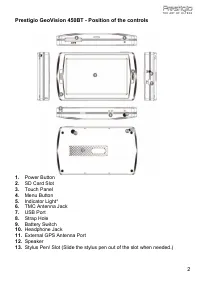
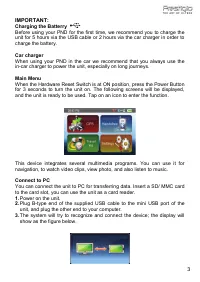
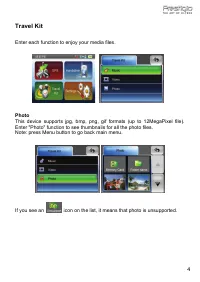
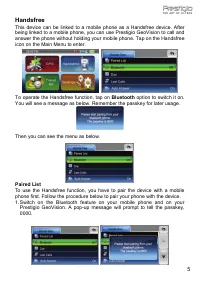
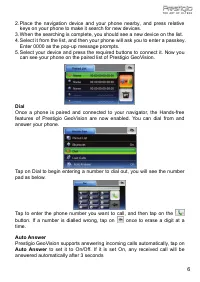
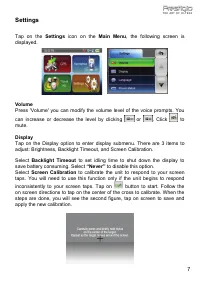
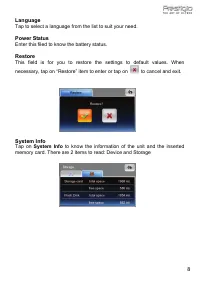
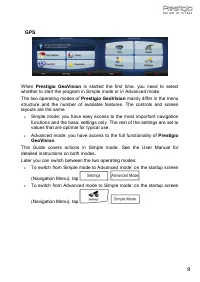
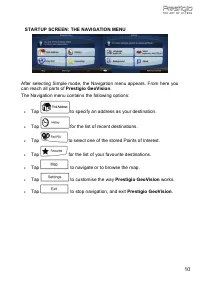
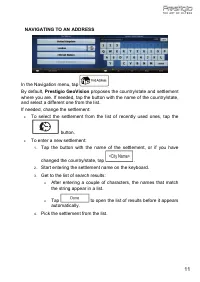
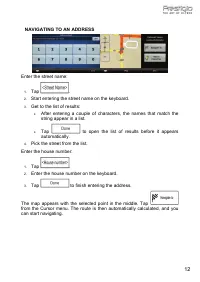
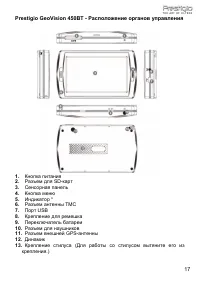
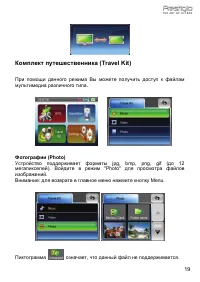
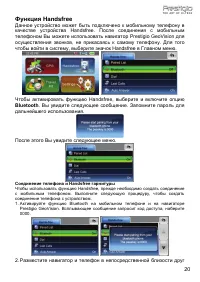
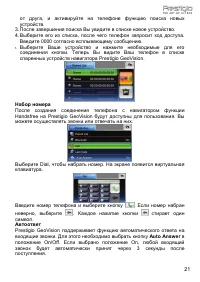
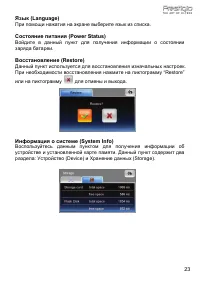
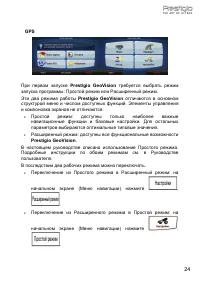
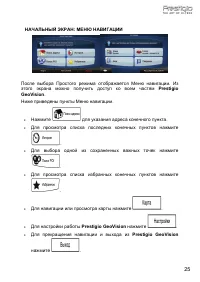
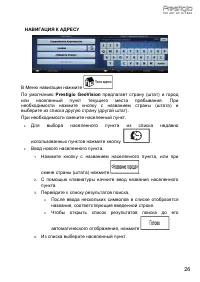
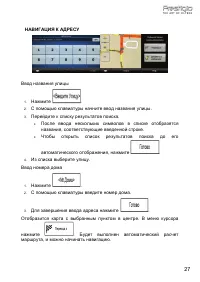
Table of Contents:
- Page 2 – Prestigio GeoVision 450BT - Position of the controls
- Page 4 – Travel Kit; Enter each function to enjoy your media files; Photo; If you see an
- Page 5 – Handsfree; To operate the Handsfree function, tap on; Bluetooth; option to switch it on.; Paired List
- Page 7 – Settings
- Page 8 – necessary, tap on “Restore” item to enter or tap on; Tap on; System Info; to know the information of the unit and the inserted
- Page 9 – GPS; Prestigio GeoVision
- Page 12 – NAVIGATING TO AN ADDRESS
- Page 16 – PRESTIGIO GEOVISION 450BT
- Page 17 – Prestigio GeoVision 450BT -; TMC
- Page 21 – Auto Answer
- Page 23 – “Restore”
ENGLISH
PRESTIGIO GEOVISION 450BT
USER MANUAL
1
"Loading the manual" means you need to wait until the file loads and becomes available for online reading. Some manuals are very large, and the time they take to appear depends on your internet speed.
Summary
Prestigio GeoVision 450BT - Position of the controls 1. Power Button 2. SD Card Slot 3. Touch Panel 4. Menu Button 5. Indicator Light* 6. TMC Antenna Jack 7. USB Port 8. Strap Hole 9. Battery Switch 10. Headphone Jack 11. External GPS Antenna Port 12. Speaker 13. Stylus Pen/ Slot (Slide the stylus p...
Travel Kit Enter each function to enjoy your media files . Photo This device supports jpg, bmp, png, gif formats (up to 12MegaPixel file). Enter "Photo" function to see thumbnails for all the photo files. Note: press Menu button to go back main menu. If you see an icon on the list, it means ...
Handsfree This device can be linked to a mobile phone as a Handsfree device. After being linked to a mobile phone, you can use Prestigio GeoVision to call and answer the phone without holding your mobile phone. Tap on the Handsfree icon on the Main Menu to enter. To operate the Handsfree function, t...