Navitel XR2600 PRO - User Manual
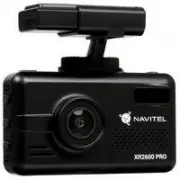
The NAVITEL XR2600 PRO is a multifunctional dashcam with built-in radar detector, GPS, and video recording capabilities, designed for vehicle safety and evidence preservation. This device covers key areas like installation and setup, including microSD card insertion, power connections, and antenna placement while emphasizing safety precautions such as avoiding physical damage or electromagnetic interference. Its operational controls include intuitive button functions–such as power, recording, radar detection modes, and playback–to manage video, audio, and sensor inputs seamlessly. The system also integrates advanced features like cyclic recording, motion detection, and automatic crash sensing, alongside a digital speedometer and camera for real-time vehicle monitoring. Additionally, the manual highlights radar detector sensitivity settings across different environments (highway, city) to detect various radar frequencies and lasers, ensuring compliance with traffic laws while providing alerts on-screen.
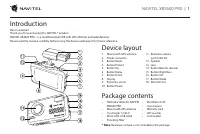
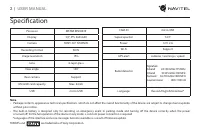
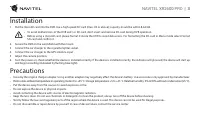
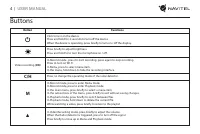
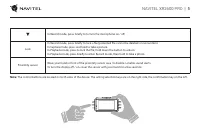
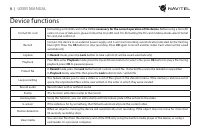
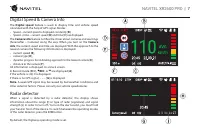
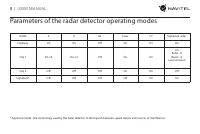
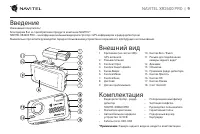
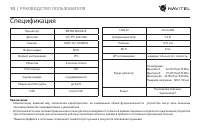
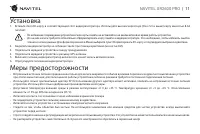
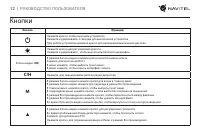
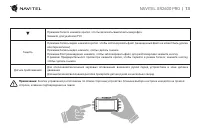
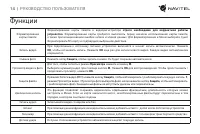
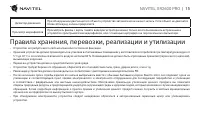
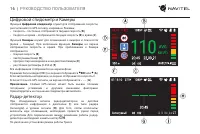
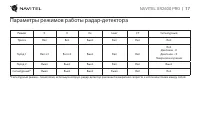
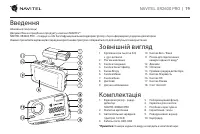
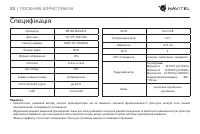
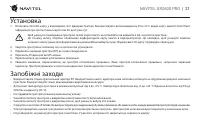
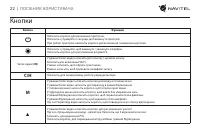
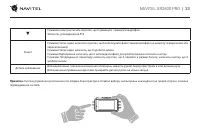
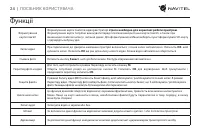
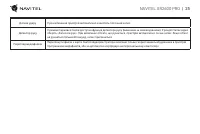
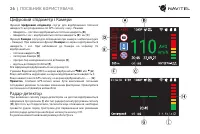
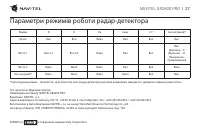

Table of Contents:
- Page 1 – Product Identification and Support Information
- Page 2 – Device Overview and Package Contents
- Page 3 – Device Technical Specifications
- Page 4 – Installation Procedures and Precautions
- Page 5 – Device Control Functions
- Page 6 – Control Button and Sensor Operation
- Page 7 – Video and File Management Features
- Page 8 – Speed and Radar Display Information
- Page 9 – Radar Detector Operating Modes
- Page 10 – Video Recorder External Components
- Page 11 – Comprehensive Hardware Specifications
- Page 12 – Installation and Environmental Safety
- Page 13 – Operational Control Functions
- Page 14 – Button Interaction and Sensor Usage
- Page 15 – Video Recording and Media Functions
- Page 16 – Storage, Transport, and Disposal Guidelines
- Page 17 – Speedometer and Radar Feature Operation
- Page 18 – Radar Detector Mode Parameters
- Page 19 – Service and Manufacturer Information
- Page 20 – Video Recorder External Components Diagram
- Page 21 – Advanced Technical Specifications
- Page 22 – Installation Safety Warnings
- Page 23 – Advanced Feature Controls
- Page 24 – Recording and Data Link Functions
- Page 25 – Media Manipulation Instructions
- Page 26 – Sensor-Based Recording Features
- Page 27 – Speed, Camera, and Radar Alerts
- Page 28 – Radar Detector Operational Modes and Legal Information
"Loading the manual" means you need to wait until the file loads and becomes available for online reading. Some manuals are very large, and the time they take to appear depends on your internet speed.
Was this manual helpful?
Helpful for 3 of 3 readers
About this manual
- Brand
- Navitel
- Model
- XR2600 PRO
- Document type
- User Manual
- Category
- Dashcam
- Language(s)
- English, Russian
- Pages
- 29
- File size
- 1 MB
- Format
Summary
Identification details, model reference, support resources, and registration information.
Introduction to the multifunctional DVR with GPS and radar detector, and listing of device layout parts and included package contents.
Detailed technical specifications for the device, including processor, display, camera, storage, connectivity, and radar detector details.
Ask a question
Related manuals
Popular Navitel Dashcams
More Navitel Dashcams models
 Navitel R800 User Manual
 Navitel R900 User Manual
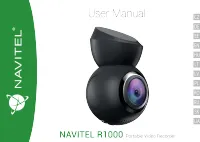 Navitel R1000 User Manual
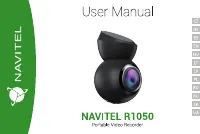 Navitel R1050 User Manual
 Navitel RC3 PRO User Manual
 Navitel RS2 DUO User Manual
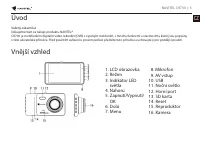 Navitel CR700 User Manual
 Navitel DMR450 GPS User Manual
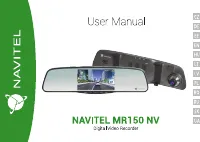 Navitel MR150 NV User Manual
 Navitel MR450 GPS User Manual
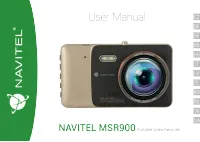 Navitel MSR900 User Manual
 Navitel R33 User Manual
 Navitel R66 2K User Manual
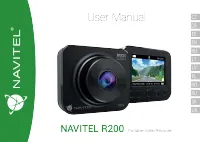 Navitel R200 User Manual
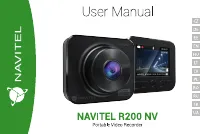 Navitel R200 NV User Manual
 Navitel R250 User Manual
 Navitel R250 Dual User Manual
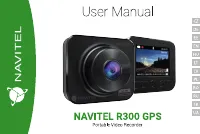 Navitel R300 GPS User Manual