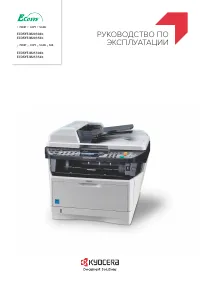
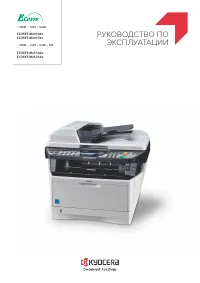
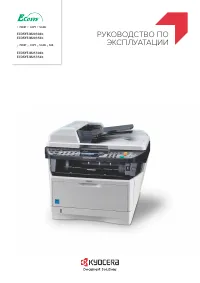
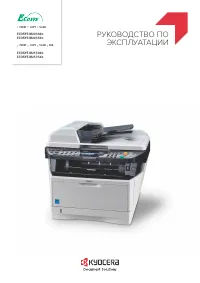
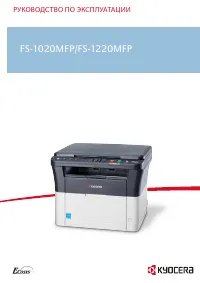
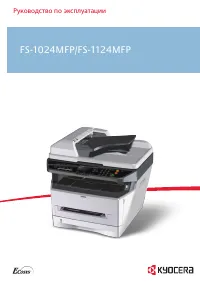
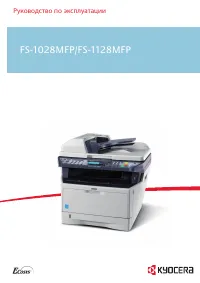
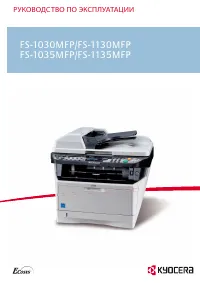
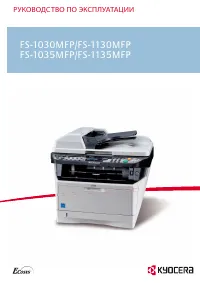
Kyocera FS-6030MFP - Manual

Kyocera FS-6030MFP Multifunction Printer – Manual, read for free online in PDF format. We hope this helps you resolve any issues you may have. If you have further questions, please contact us through the contact form.

F S - 6 0 2 5 M F P / F S - 6 0 3 0 M F P
Monochrome Multifunctionals
F
S
-6
0
2
5
M
F
P
/
f
s
-6
0
3
0
m
fp
-
M
o
n
o
c
h
r
o
m
e
M
u
lt
if
u
n
c
ti
o
n
a
ls
savings
reliability
environment
®
these new multifunctional devices offer all the benefits of a professional
document management solution for workgroups and small offices.
Featuring advanced functionality, easy to operate touchscreen, and
a range of paper-handling options, all in a well-designed compact
package. Cost-efficient and eco-friendly offices will appreciate KyoCera’s
unique eCosys
™
technology which increases operating life, reduces
environmental impact, cuts printing costs and ensures reliability.
Up to 30 a4 pages per minute
time to first copy: 9.2 seconds or less
Professional print, copy, scan and fax functionality
Paper capacity up to 1,600 sheets and a range of paper-handling
options
easy to install and operate
easy to use wizard-style navigation
low noise emissions match desktop printers
Compact, 360° all-round stylish design to match any office
eCosys
™
long-life components provide unprecedented efficiency
and reliability
exceptionally low printing costs in its class
c o M Pa c t, h i g h ly e F F i c i e n t
M u lt i F u n c t i o n a l P r i n t e r S
"Loading the manual" means you need to wait until the file loads and becomes available for online reading. Some manuals are very large, and the time they take to appear depends on your internet speed.