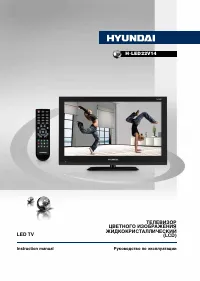
Hyundai H-LCD3200 - User Manual
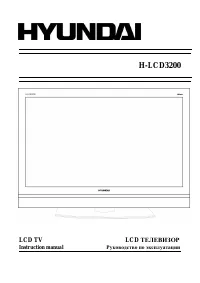
Hyundai H-LCD3200 TV – User Manual, read for free online in PDF format. We hope this helps you resolve any issues you may have. If you have further questions, please contact us through the contact form.
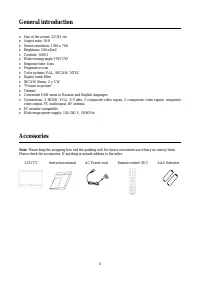
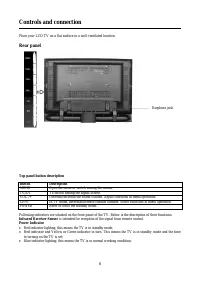
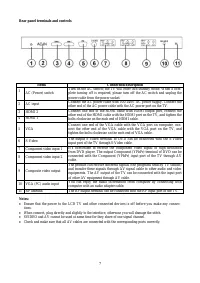

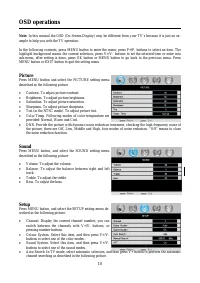
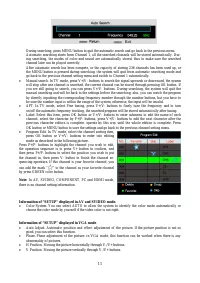
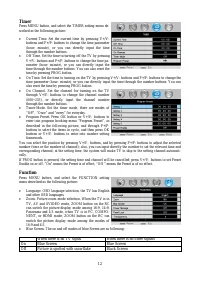
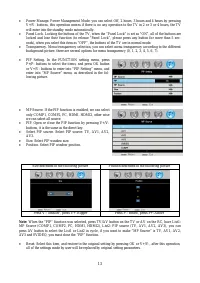
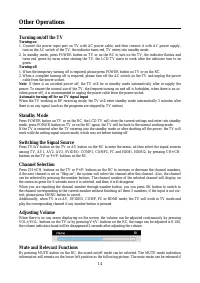
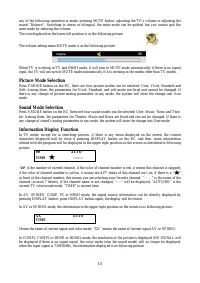
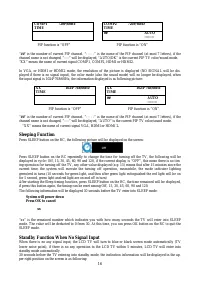
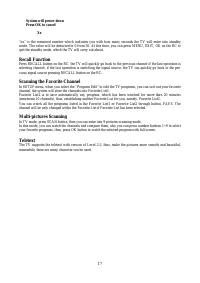
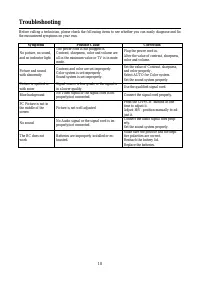
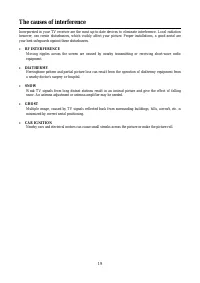
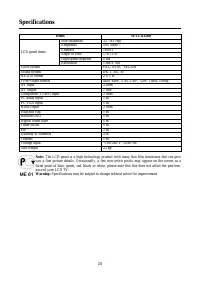
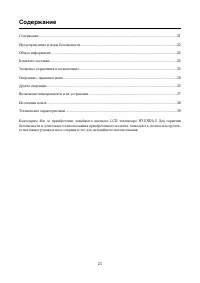
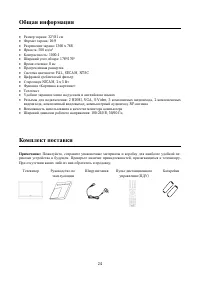
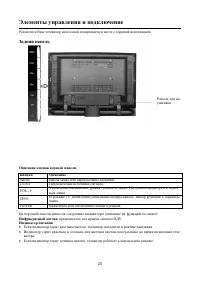
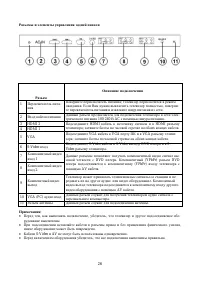
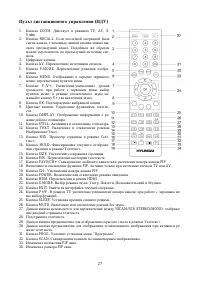
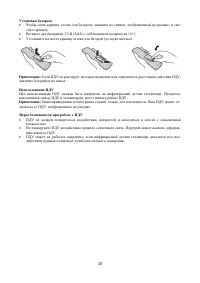
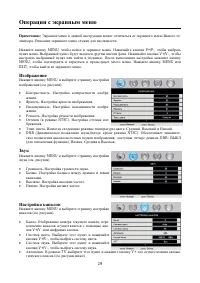
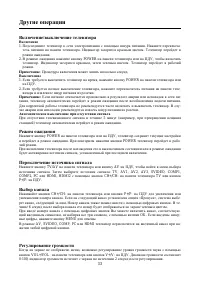
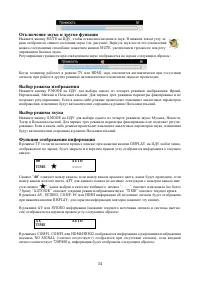
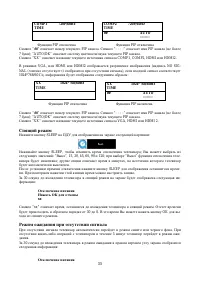
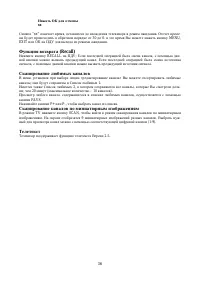
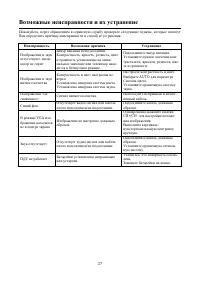
Table of Contents:
- Page 2 – Table of contents
- Page 3 – Important safety precautions
- Page 6 – Controls and connection; Rear panel
- Page 10 – OSD operations; Picture
- Page 14 – Other Operations
- Page 15 – Picture Mode Selection
- Page 16 – Sleeping Function; Standby Function When No Signal Input
- Page 17 – Recall Function
- Page 18 – Troubleshooting
- Page 19 – The causes of interference
- Page 20 – Specifications
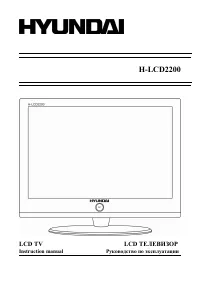
H-LCD3200
LCD
TV
LCD
Instruction manual
"Loading the manual" means you need to wait until the file loads and becomes available for online reading. Some manuals are very large, and the time they take to appear depends on your internet speed.
Summary
2 Table of contents Table of contents ......................................................................................................................................... 2 Important safety precautions ................................................................................................
3 Important safety precautions Warning Please unplug the power cord from the AC outlet and contact our service personnel to repair under the fol-lowing conditions: Any obvious abnormality appears in the product, such as smoky, peculiar smell or strange sound.When a liquid has been spilled or other o...
6 Controls and connection Place your LCD TV on a flat surface in a well-ventilated location. Rear panel Earphone jack Top panel button description Button Description MENU Open the menu or switch among the menus. TV/AV To switch among the signal source. VOL-/+ Decrease/increase the sound volume. Adju...