Huawei AX2 WS7001 - User Manual
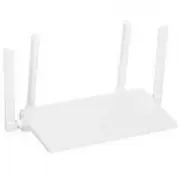
Huawei AX2 WS7001 Router – User Manual, read for free online in PDF format. We hope this helps you resolve any issues you may have. If you have further questions, please contact us through the contact form.
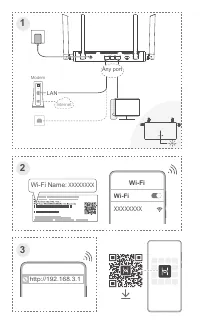
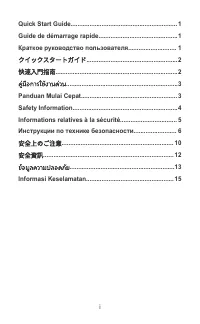
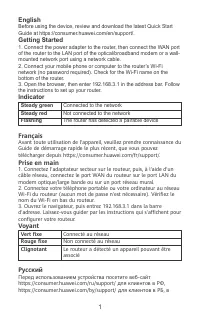
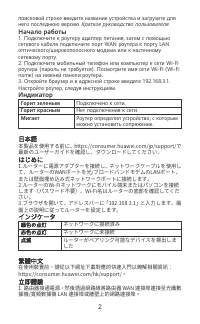
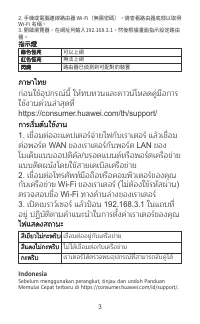
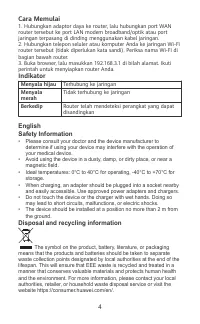
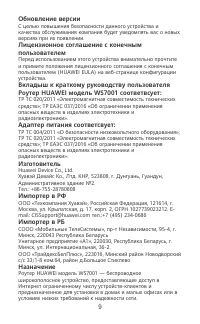

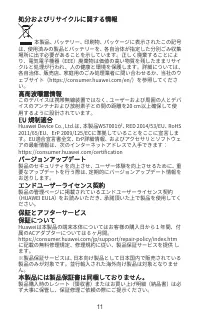
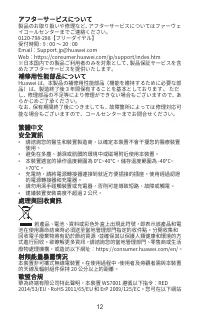
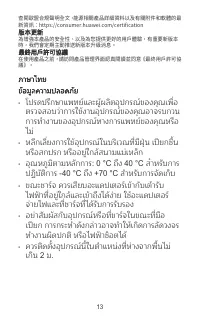
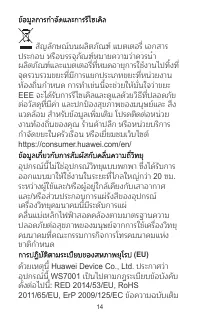
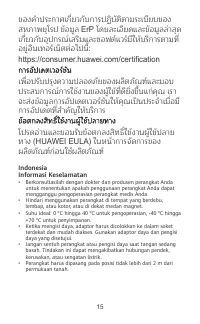
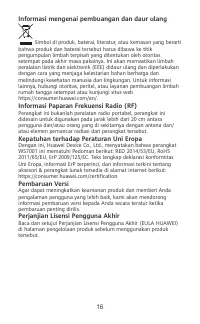

Table of Contents:
- Page 2 – LAN; XXXXXXXX; Any port
- Page 4 – Steady green; Connected to the network; Steady red; Not connected to the network; Flashing; The router has detected a pairable device; Français; Vert fixe; Русский
- Page 5 – Горит зеленым; 日本語; 在使用裝置前,請從以下網址下載對應的快速入門以瞭解相關資訊:; 立即體驗; 路由器接通電源,然後透過網路線將路由器 WAN 連接埠連接至光纖數
- Page 6 – 指示燈; ภาษาไทย; WAN; ไฟแสดงสถานะ; เราเตอร์ได้ตรวจพบอุปกรณ์ที่สามารถจับคู่ได้; Indonesia; Sebelum menggunakan perangkat, tinjau dan unduh Panduan
- Page 7 – merah; Disposal and recycling information
- Page 13 – Комплектация; Эксплуатационные документы.; Питание; Сделано в Китае
- Page 16 – 查閱歐盟合規聲明全文、能源相關產品詳細資料以及有關附件和軟體的最; 版本更新; 為增強本產品的安全性、以及為您提供更好的用戶體驗,有重要新版本; 最終用戶許可協議; 在使用產品之前,請訪問產品管理界面認真閱讀並同意《最終用戶許可協
- Page 17 – ข้อมูลการกําจัดและการรีไซเคิล; EEE; ข้อมูลเกี่ยวกับการสัมผัสกับคลื่นความถี่วิทยุ
- Page 18 – ErP; การอัปเดตเวอร์ชัน
Quick Start Guide
Guide de démarrage rapide
Краткое руководство пользователя
クイックスタートガイド
快速入門指南
คู่มือการใช้งานด่วน
Panduan Mulai Cepat
WS7001
96727467_01
"Loading the manual" means you need to wait until the file loads and becomes available for online reading. Some manuals are very large, and the time they take to appear depends on your internet speed.
Was this manual helpful?
About this manual
- Brand
- Huawei
- Model
- AX2 WS7001
- Document type
- User Manual
- Category
- Router
- Language(s)
- English, French, Russian
- Pages
- 20
- File size
- 3.6 MB
- Format
Summary
3 XXXXXXXX Wi-Fi Wi-Fi http://192.168.3.1 1 2 3 Modem Internet LAN XXXXXXXX Wi-Fi Name: 1000M WAN/LAN 1 2 3 WPS/RESET POWER Any port
English Before using the device, review and download the latest Quick StartGuide at https://consumer.huawei.com/en/support/. Getting Started 1. Connect the power adapter to the router, then connect the WAN portof the router to the LAN port of the optical/broadband modem or a wall-mounted network por...
поисковой строке введите название устройства и загрузите для него последнюю версию Краткое руководство пользователя. Начало работы 1. Подключите к роутеру адаптер питания, затем с помощью сетевого кабеля подключите порт WAN роутера к порту LAN оптического/широкополосного модема или к настенному сете...
Ask a question
Related manuals
More Huawei Routers models


Other Huawei appliances
 Huawei 31010EJH Manual
 Huawei Ascend D2 User Manual
- Huawei Ascend Y Manual
 Huawei B160 Manual
 Huawei B260 Manual
 Huawei B681 Manual
 Huawei B970 Manual
 Huawei Band 6 User Manual
 Huawei CD23 User Manual
 Huawei E156G Manual
 Huawei E180 Manual
 Huawei E960 Manual
 Huawei E1762 Manual
 Huawei ETS3023 Manual
 Huawei ETS5623 Manual
 Huawei ETS8121 Manual
 Huawei F610 Manual
 Huawei F685 Manual