Comica Traxshot - User Manual
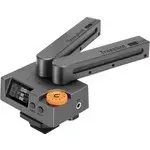
Comica Traxshot Microphone – User Manual, read for free online in PDF format. We hope this helps you resolve any issues you may have. If you have further questions, please contact us through the contact form.
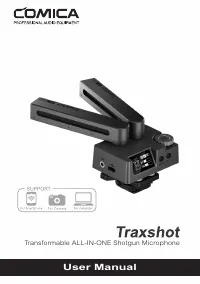

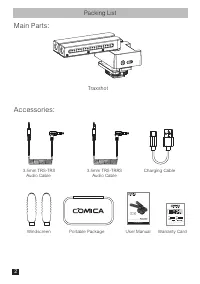
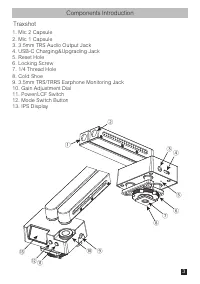
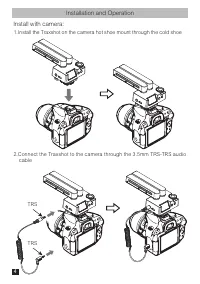
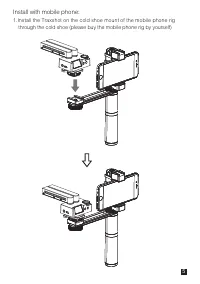
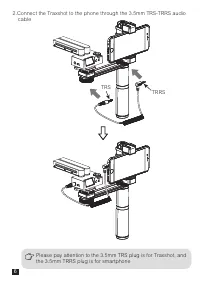
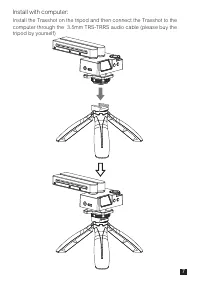
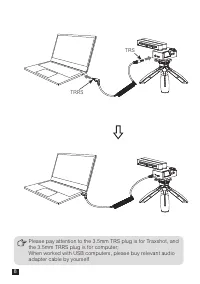
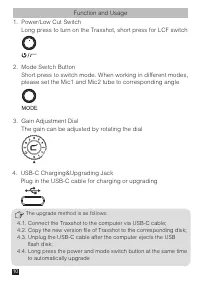
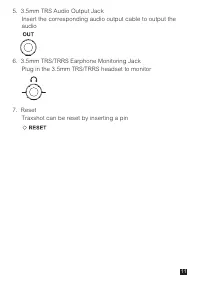
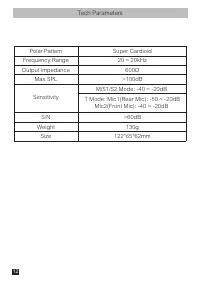
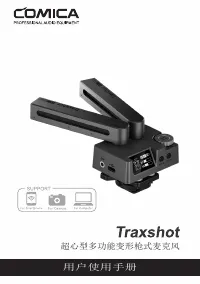

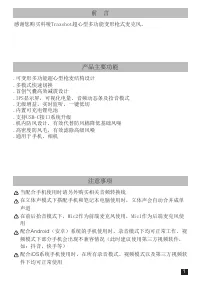
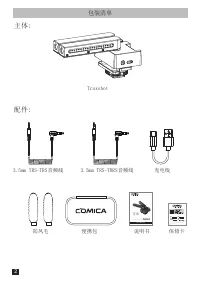
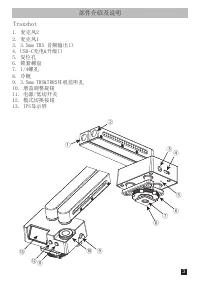
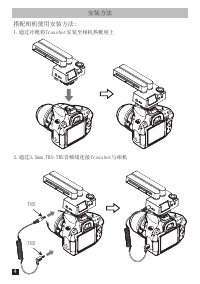
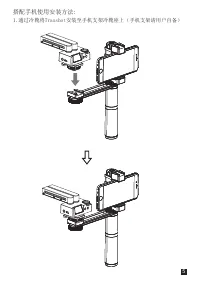
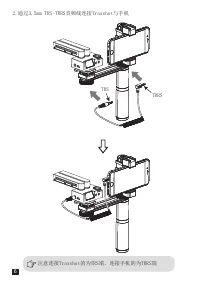
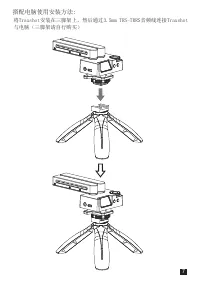
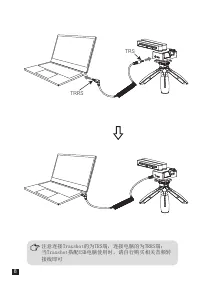
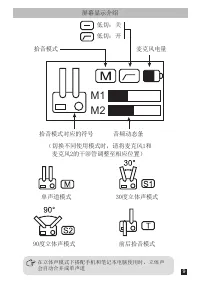
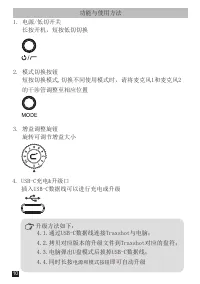
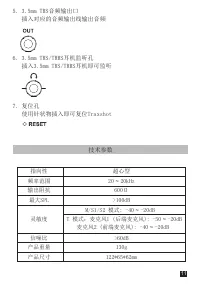
Table of Contents:
- Page 4 – Packing List; Traxshot
- Page 5 – Components Introduction; 211; Gain Adjustment Dial
- Page 6 – Installation and Operation; Connect the Traxshot to the camera through the 3.5mm TRS-TRS audio
- Page 7 – Install with mobile phone:; through the cold shoe (please buy the mobile phone rig by yourself)
- Page 9 – Install with computer:; computer through the 3.5mm TRS-TRRS audio cable (please buy the
- Page 12 – Function and Usage; Long press the power and mode switch button at the same time
- Page 14 – Tech Parameters
- Page 15 – 超心型多功能变形枪式麦克风; 用户使用手册
- Page 17 – 感谢您购买科唛Traxshot超心型多功能变形枪式麦克风。; 注意事项; Android
- Page 18 – 包装清单
- Page 19 – 部件介绍及说明
- Page 20 – 安装方法; 通过冷靴将Traxshot安装至相机热靴座上
- Page 21 – 通过冷靴将Traxshot安装至手机支架冷靴座上(手机支架请用户自备)
- Page 26 – 功能与使用方法; 电源和模式按钮
- Page 27 – 技术参数
Transformable ALL-IN-ONE Shotgun Microphone
User Manual
"Loading the manual" means you need to wait until the file loads and becomes available for online reading. Some manuals are very large, and the time they take to appear depends on your internet speed.
Was this manual helpful?
About this manual
- Brand
- Comica
- Model
- Traxshot
- Document type
- User Manual
- Category
- Microphone
- Language(s)
- English
- Pages
- 28
- File size
- 8.7 MB
- Format
Summary
Packing List Traxshot Charging Cable Windscreen 3.5mm TRS-TRS Audio Cable 3.5mm TRS-TRRS Audio Cable User Manual Portable Package Warranty Card Main Parts: Accessories: Transformable ALL-IN-ONE Shotgun Microphone User Manual 2
Components Introduction ① ⑬ ⑫⑪ ② ④ ⑤ ⑨ ⑩ ⑥ ⑦ ⑧ ③ Traxshot 1. Mic 2 Capsule 2. Mic 1 Capsule 3. 3.5mm TRS Audio Output Jack 4. USB-C Charging&Upgrading Jack 5. Reset Hole 6. Locking Screw 7. 1/4 Thread Hole 8. Cold Shoe 9. 3.5mm TRS/TRRS Earphone Monitoring Jack 10. Gain Adjustment Dial 11. Power...
Installation and Operation Install with camera: 1.Install the Traxshot on the camera hot shoe mount through the cold shoe 2.Connect the Traxshot to the camera through the 3.5mm TRS-TRS audio cable TRS TRS 4


