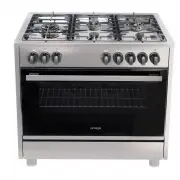
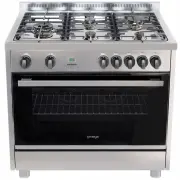
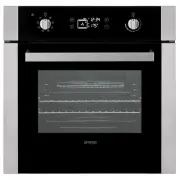
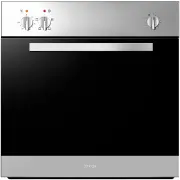
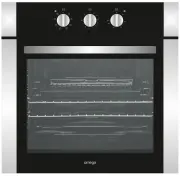
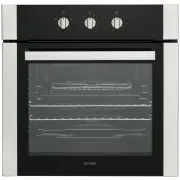
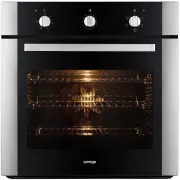
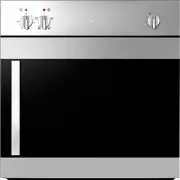
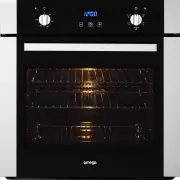
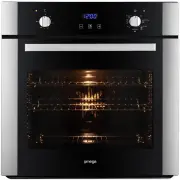
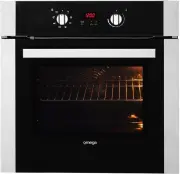
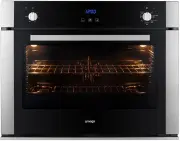
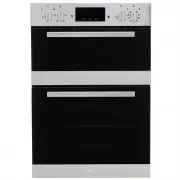
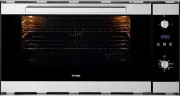
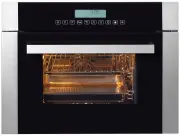
Page 3 - We thank you and congratulate you on your choice.; Troubleshooting...............................................................................15
3 DEAR CUSTOMER, We thank you and congratulate you on your choice. This new carefully designed product, manufactured with the highest quality materials, has been carefully tested to satisfy all your cooking demands. We would therefore request you to read and follow these easy instructions, which wil...
Page 4 - This oven does not contain any asbestos-based components.
4 SAFETY INSTRUCTIONS Important - When you receive the appliance, unpack it or have it unpacked immediately. Give it an overall inspection. Make note of any concerns or reservations on the delivery slip and make sure to keep a copy of this form. Keep this user guide with your appliance. If the appli...
Page 5 - PACKAGING; indicate that used appliances must not be mixed with other waste.
5 SAFETY INSTRUCTIONS Cont. Maintenance and cleaning - Do not use a steam cleaner. - For any cleaning operation inside the oven cavity, the oven must be switched off. - Before unclipping the glass, allow the appliance to cool. - Before removing the back, ensure that the appliance is powered down. Af...
Page 6 - INSTALLATION OF YOUR OVEN; Leave a gap of at least 20 cm; WARNING; Min 20cm; Option 2
6 INSTALLATION OF YOUR OVEN To install the oven into the kitchen a cut out should be made in accordance with the dimensions shown in below. The apparatus is to be fastened to the top by means of the two screws provided in the kit through the holes made on the oven uprights. The cabinet in which the ...
Page 7 - ELECTRICAL INSTALLATION; The oven is only for domestic use.; Electricals Specification
7 ELECTRICAL INSTALLATION WARNING This apparatus must be earthed. The oven is only for domestic use. The feed voltage and the absorbed power are as indicated on the data plate attached to the left-hand side upright, which can be seen when the oven door is open. Connecting must be carried out by qual...
Page 8 - INSTRUCTIONS FOR USE; MODE; Electronic Control; Control Panel Description
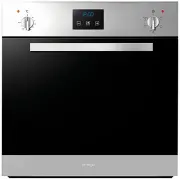
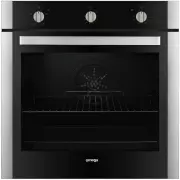
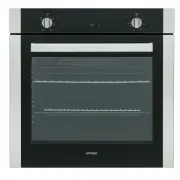
8 INSTRUCTIONS FOR USE Cooking Functions Each type of oven is provided for various cooking systems. A system can be selected by bringing the pointer of knob to the relating symbol. ( OO651XR, OO652XR ) MODE PRESET ( ⁰ C) TMIN ( ⁰ C) TMAX ( ⁰ C) HEATING ELEMENTS NAME 5 F U N C T I O N ZERO - - - LIGH...
Page 9 - central button for about 3 seconds. When; Minute counter
9 Programming time functions At every power-up, the control shows the time of day blinking set at 12:00 as the initial value. The time increases every minute. The only possible action is the “Clock Regulation”, all other oven operations are inhibited. In general, turn the Temp/Time selector left or ...
Page 10 - Alarm Timer; On
10 The end of cooking time Fig. 4 The end of cooking time can also be set. This works as part of a programmed time. Press the central button for 3 seconds. Press the central button twice consecutively and wait for “End” to appear (fig. 4). Press “+” and “-” to set the required end of cooking time. T...
Page 11 - Setting an automatic oven function; dur
11 Setting an automatic oven function After having selected a function as described before, the control can be programmed in order to set timed cooking activities. The time program remains active even if the function is changed .The following possibilities are available: 1. Timed cooking setting the...
Page 12 - To; remove the oven door; Place the door in a convenient location.; replace the oven door
12 Oven door removal WARNING Make sure that: • The oven is cool and power to the oven has been turned off before removing the door. Failure to do so could result in electrical shock or burns. • The oven door is heavy and fragile. Use both hands to remove the oven door. The door front is Glass. Handl...
Page 13 - Replacement of the oven light
13 Replacement of the oven light WARNING Make sure that: • The oven and lights are cool and power to the oven has been turned off before replacing the light bulb(s). Failure to do so could result in electrical shock or burns. • The lenses must be in place when using the oven. • The lenses serve to p...
Page 14 - TROUBLESHOOTING; The household fuse has blown or household power supply is off.
14 TROUBLESHOOTING If the oven does not operate: • The oven may be unplugged from the power source or switched off at the power source. • The household fuse has blown or household power supply is off. • The Timer (if available) may not set correctly. If the oven does not heat: • The heat may not be ...