LG GP08LU30 - Manuals
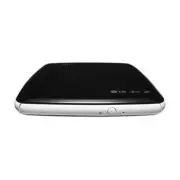
User Manual LG GP08LU30


Summary
1. Disc Tray 2. Drive activity indicator The LED is used to indicate the operation ofdrive. 3. Eject Button 4. Emergency Eject Hole 1. USB Connector (mini) This connector is used to connect to the USB 2.0 cable. Location and function of controls Removing the USB converter cable (For Windows) The dri...
Features • Universal Serial Bus (USB) 2.0 interface for high-speed data transfer.• Buffer Under Run error protection technology• Emergency eject support• Combination of CD-R/RW, DVD-R/RW, DVD+R/RW, DVD+R DL, DVD-R DL and DVD-RAM drive functions into one drive. • Supports region playback control Phas...
Safety Instructions Ce produit a été fabriqué conformément aux prescriptions EMC DIRECTIVE2004/108/EC et 2006/95/EC. Questo prodotto risponde alle direttive EMC 2004/108/EC e 2006/95/EC, relative alla compatibilità elettromagnetica. Este producto ha sido fabricado cumpliendo los requisitos sobre int...
LG Drives Manuals
-
 LG 177722-672
User Manual
LG 177722-672
User Manual
-
LG 191843-632
User Manual
-
LG 191843-680
User Manual
-
 LG 26K5382
User Manual
LG 26K5382
User Manual
-
LG 5185-1737
User Manual
-
LG 97P3694
User Manual
-
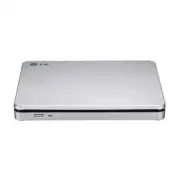 LG AP70NS50
User Manual
LG AP70NS50
User Manual
-
 LG BE06LU10
User Manual
LG BE06LU10
User Manual
-
LG BE06LU10
Manual
-
 LG BE06LU11
User Manual
LG BE06LU11
User Manual
-
LG BE06LU11
Manual
-
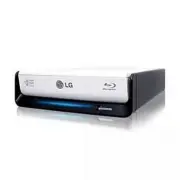 LG BE08LU20
User Manual
LG BE08LU20
User Manual
-
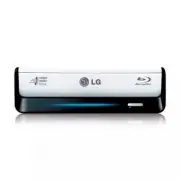 LG BE12LU38
User Manual
LG BE12LU38
User Manual
-
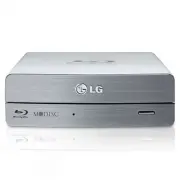 LG BE14NU40
User Manual
LG BE14NU40
User Manual
-
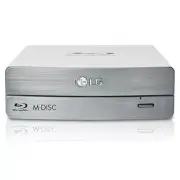 LG BE16NU50
User Manual
LG BE16NU50
User Manual
-
 LG BH08LS20
User Manual
LG BH08LS20
User Manual
-
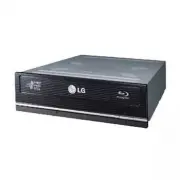 LG BH10LS30
User Manual
LG BH10LS30
User Manual
-
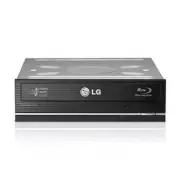 LG BH12LS30
User Manual
LG BH12LS30
User Manual
-
 LG BH12LS35
User Manual
LG BH12LS35
User Manual
-
 LG BH12LS38
User Manual
LG BH12LS38
User Manual